
PikaShow Official Website
How to tell a genuine source from look-alike domains before downloading.

apkpikashow is a search term, not a verified brand. Learn why a domain containing the PikaShow name proves nothing, and how to check a site and its APK before installing.
Written by pikashowsapp.org Editorial TeamPublished Updated 8 min read
"apkpikashow" is simply the words APK and PikaShow typed together, and a website that uses it in its name is not automatically official. Nobody has published a verifiable record linking any domain to the app's developer, so you have to judge each site on evidence you can check yourself.
We have not verified who owns any particular apkpikashow or apkpik domain, and this article does not accuse any site of anything. What it gives you is a practical way to test a site before you download from it, and a set of file details to compare against once you have.
The developer of PikaShow cannot be verified from the APK file itself. Treat any site that calls itself "official" as a claim to be tested, not a fact.
It is a search habit. People looking for the Android installer type "apk pikashow" and drop the space, or they remember a domain they once saw and type it from memory. Search engines then return a mix of download pages, blogs and look-alike sites.
When someone searches for an apkpikashow download, they usually want one of these:
Only the last two need real proof, and neither can be settled by the spelling of a web address.
Anyone can register an unclaimed domain containing a popular app name. Registrars do not check whether the buyer has any connection to the brand, and the same goes for the logo, colours and screenshots on the page.
That is why the question "is apkpikashow official?" cannot be answered by looking at the address bar. Words such as "official", "original" or "latest" in a heading are marketing, not evidence. Even a polished site with a working download button tells you only that someone built a website.
Our guide to the PikaShow official website covers the wider question of whether a verified developer site exists at all. The short version: no domain has been clearly established as the developer's own, so every site deserves the same checks.
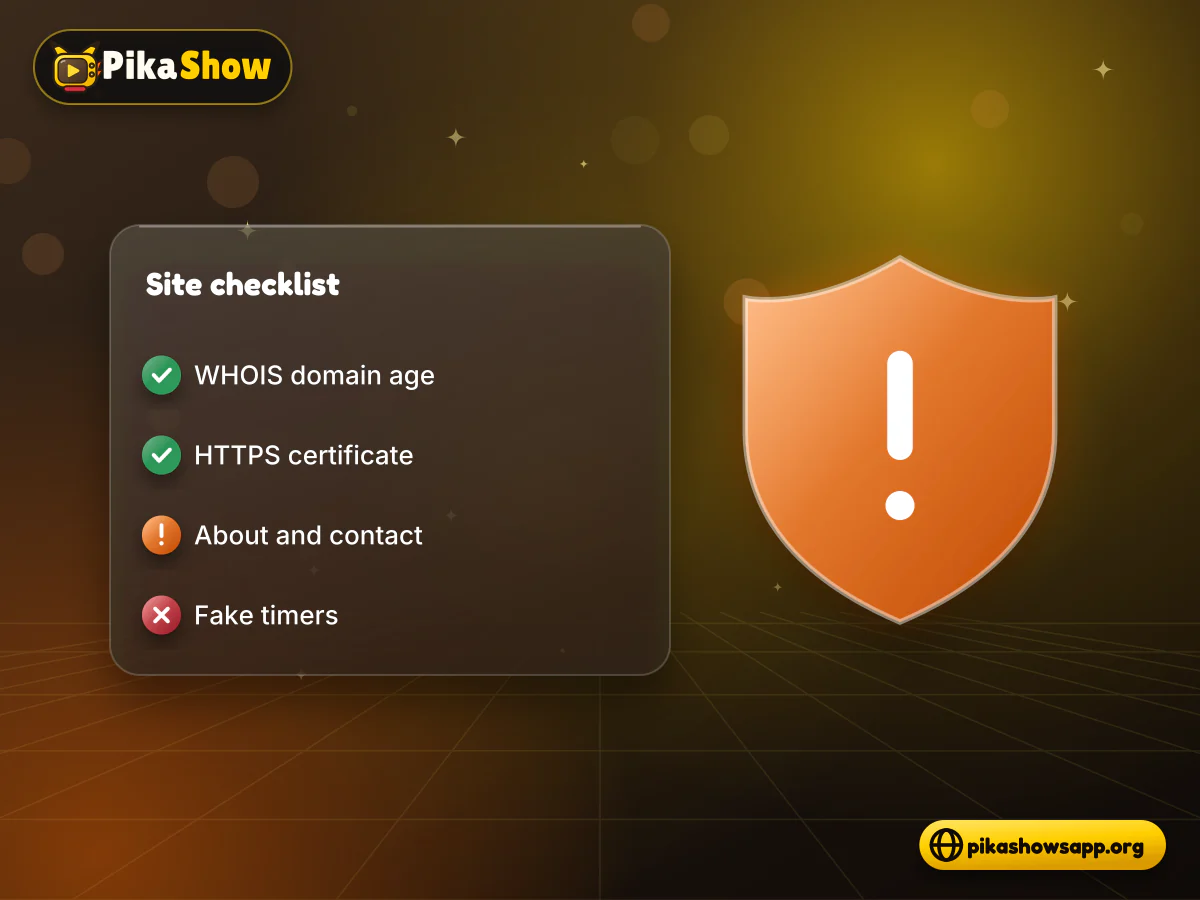
Work through these checks before you tap any download button. None of them proves ownership on its own, but together they separate careful sites from careless or deceptive ones.
A WHOIS or RDAP lookup shows when a domain was registered and when it expires. A site claiming years of history on a domain registered last month is a warning. Hidden owner details are common for privacy reasons, so redaction alone is not a red flag.
Tap the padlock or site-settings icon and open the certificate. Check that it was issued for the exact domain you are on. Remember that HTTPS only means the connection is encrypted; free certificates are easy to get and say nothing about who runs the site.
A trustworthy page explains who writes it, how to reach them, and whether it is affiliated with the app. Missing contact details, no privacy policy and no non-affiliation statement all lower confidence.
Star ratings with huge vote counts, "10 seconds left" timers and flashing "virus-free" badges are pressure tactics. A download page has no reason to rush you.
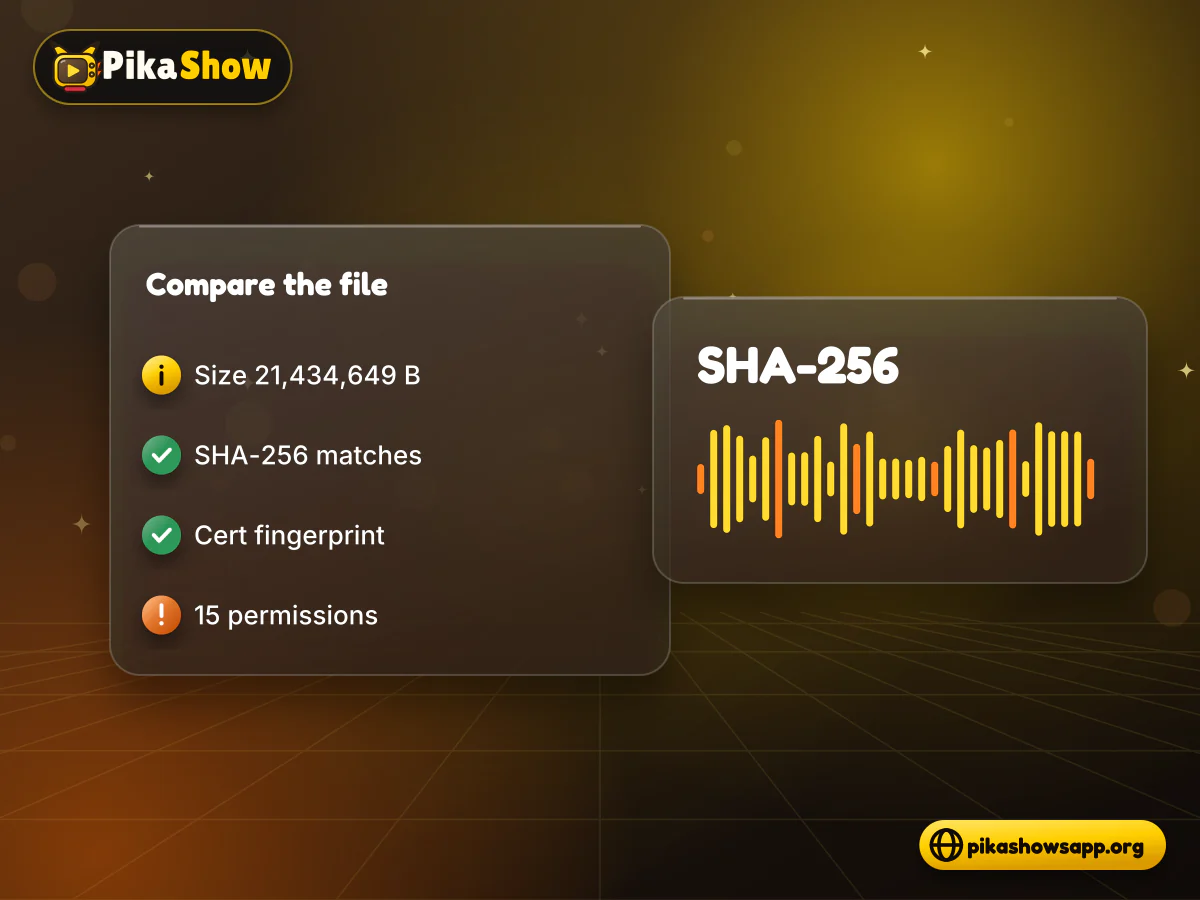
A careful site lists the exact file size, a SHA-256 checksum, the package name, the signing certificate fingerprint and the permissions it requests. If a page gives none of these, you have nothing to compare your download against.
Shortened and misspelt versions of a popular name attract typosquatting: registering near-identical domains to catch people who mistype. "apkpik" is one example of a shortened form people search for, and there are many close variants.
Spellings and patterns to be careful with:
A typo domain is not proof of bad intent, but it does mean you may have landed somewhere other than the site you meant to visit. Type addresses carefully and compare them letter by letter with the one you expected.
If you see several of these together, close the tab.
| What you see | Why it matters |
|---|---|
| Claims to be the developer's official site | No developer identity can be verified from the file |
| No file size, checksum or certificate listed | You cannot tell whether the file was altered |
| Download button opens several ad pages | Redirect chains can lead to unrelated installers |
| Asks you to install a "downloader" app first | The extra app may not be what it claims |
| Offers a premium or ad-free build | Modified files are signed by unknown people |
| Requests a login, phone number or payment | No app login was found in the readable code we checked |
| File name ends in .exe, .zip or .apk.apk | An Android APK should end in a single .apk |
Do not enter personal details
Never give a password, OTP, card number or identity document to a site or app you reached through an apkpikashow search. A download page has no legitimate need for them.
Once a file is on your device, the site's reputation matters less than the file itself. These are the values we recorded for the file we examined on 16 September 2026.
| Detail | Value we recorded |
|---|---|
| File name and version | PikaShow-v10.8.2.apk, versionName 10.8.2 (versionCode 83) |
| Size | 21,434,649 bytes (about 20.44 MB) |
| SHA-256 | 372dc5af73e2299ed4a65c0567a3a2ecb3ce6c7ce850d06f4d3c29faf3a4e0a6 |
| Package name | com.offshore.pikachu |
| Signing certificate | CN=Android Debug, O=Android, C=US |
| Certificate SHA-256 | F6:14:BF:F7:BC:30:2B:71:25:C5:85:FD:FA:48:D5:DA:9E:24:B5:2F:40:83:99:3F:91:72:F6:7D:3D:C8:BE:6C |
| Permissions | 15, including microphone and advertising-ID access |
On Windows, run certutil -hashfile PikaShow-v10.8.2.apk SHA256. On macOS use shasum -a 256, and on Linux sha256sum. To read the certificate, use apksigner verify --print-certs or keytool -printcert -jarfile on the APK.
A match tells you the file is identical to the one we checked, nothing more. The same file also circulates as pikashow_latest_v94.apk, because "v94" is a label used by download sites rather than the internal version name.
Do not open the file straight away. A few minutes of checking can save you a lot of trouble later.
If you have already installed an app from an unverified source and it behaves oddly, uninstall it, run a Google Play Protect scan and change any passwords you typed while it was installed.
Not one that can be confirmed. The APK we examined is signed with a generic Android debug certificate rather than a publisher certificate, and the developer is not identifiable from the file. That makes any "PikaShow official site" claim hard to prove, whatever the domain.
PikaShow has also faced copyright proceedings in India, where the Delhi High Court issued blocking and restraining directions against the app and related domains. A site's name has no bearing on that. Our summary of the PikaShow legal status in India covers the background, and our PikaShow safety checks cover the file itself.
We cannot confirm that any apkpikashow domain belongs to the app's developer. The developer is not verifiable from the APK, so treat every site as unofficial until it offers evidence you can check.
It is a shortened form of apkpikashow that some people search for or type as a domain. Short and misspelt forms are a common target for typosquatting, so check the address carefully.
No. HTTPS only encrypts the connection between you and the site. Anyone can get a certificate, so the padlock says nothing about who runs the site or what the file contains.
Compare its SHA-256 hash and signing certificate fingerprint with published values. For the file we checked, the SHA-256 is 372dc5af...4e0a6 and the certificate SHA-256 begins F6:14:BF:F7. Any difference means it is a different file.
Download sites use "v94" as a label. The file distributed as pikashow_latest_v94.apk reports versionName 10.8.2 in its manifest.
No. We found no app sign-up or login screen in the readable code of the file we checked. A download page asking for a login, phone number or payment is a red flag.
Uninstall it, run a Google Play Protect scan, change passwords you entered while it was installed and remove unknown-app install permission from your browser.
apkpikashow is a search term, and a domain built from it is not evidence of anything. Judge sites on domain age, certificate details, transparency and, above all, whether the file they give you matches values you can verify.
If a site cannot give you a size, a checksum and a certificate fingerprint, look elsewhere or don't install at all. When in doubt about content rights, a licensed streaming service is the safer choice.
Non-affiliation notice: This website is an independent informational resource and is not affiliated with, endorsed by or sponsored by PikaShow, Google, Android or any content provider. We are not the official PikaShow site.
8 min read
What a PikaShow MOD APK really is, why premium and ad-free claims can't be verified, how re-signing changes the certificate, and what to do if you have already installed one.
5 min read
Has PikaShow shut down? What the Delhi High Court blocking directions mean, why the app may stop working, and what to check before you download a “new” version.
8 min read
A checksum tells you whether the APK on your device is the exact file that was published. Here is how to calculate and compare it on every platform, and what it cannot tell you.
10 min read
Reported PikaShow features, a step-by-step Android setup, how to use the interface, practical tips and the safety, privacy and copyright limits to understand first.
10 min read
Blank screen, endless loading or crashes? Work through safe checks for your connection, cache, storage, server status and APK version before reinstalling.
11 min read
A VPN can slow streaming as easily as it helps. Choose a nearby server and modern protocol, avoid extra routing layers and test before assuming it improves playback.