
Network or Server Errors
Messages such as “connection failed” or an endless spinner usually point to your internet connection or a source that is down. Switch between Wi-Fi and mobile data and try again later.

Searching for a PikaShow login usually means you have hit a page asking for an ID, password, phone number or OTP. When we examined the readable code of PikaShow v10.8.2 on 16 September 2026, we did not find a sign-up, login or account screen belonging to the app.
That matters, because a site demanding your details in PikaShow's name is collecting information for its own reasons. Part of the APK ships as encoded files we could not read, so we cannot rule out a login feature completely. What we can do is show you how to judge any login form, what to do if you have already typed something in, and which services genuinely use accounts.
This independent website provides information about PikaShow. It is not affiliated with, endorsed by or sponsored by PikaShow, Google, any streaming service or any content owner.
Based on what we could read, no. We did not find a PikaShow login or account screen in the app's readable code. The only “sign-in” text in the file belongs to the standard Google Play Services library, which a great many Android apps bundle whether they use it or not.
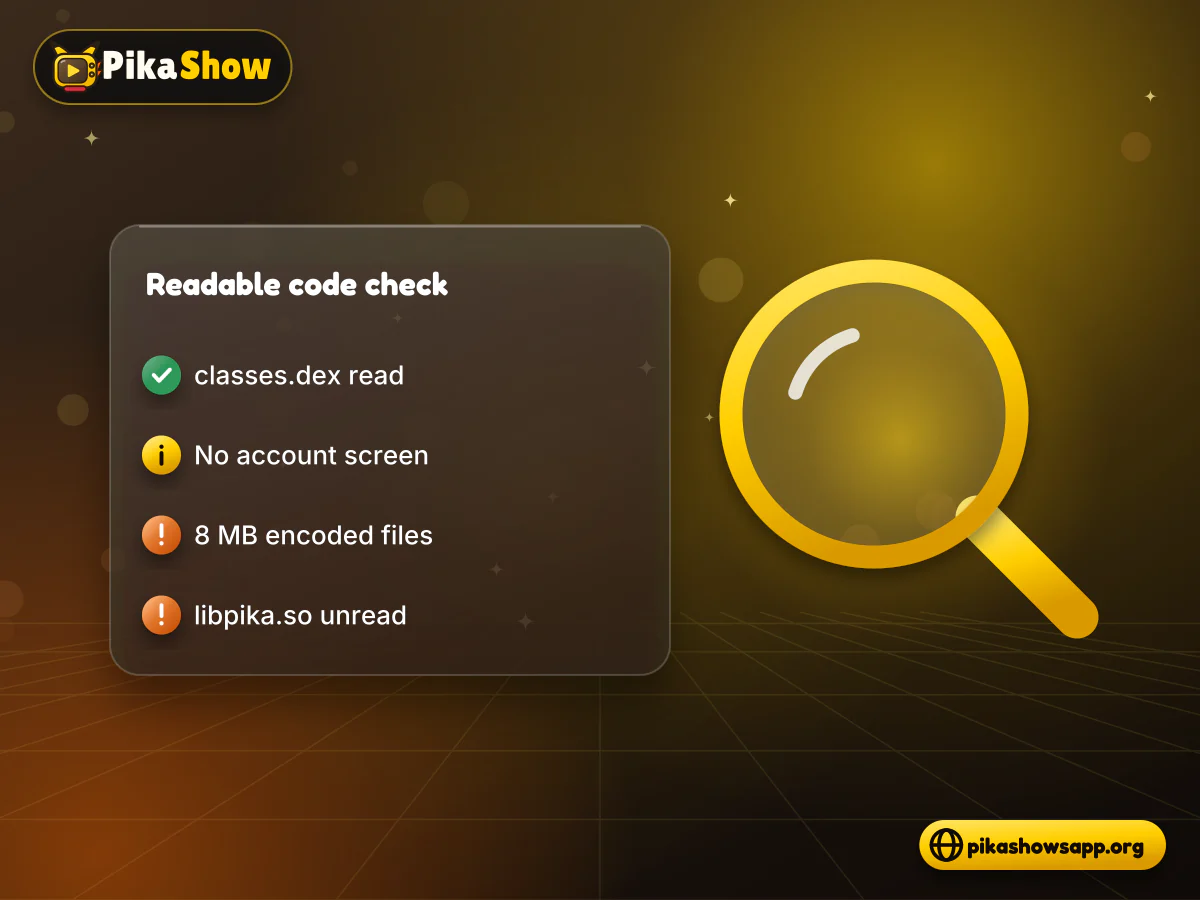
Our check covered the two readable code files inside the APK, classes.dex and classes2.dex. It did not cover everything.
Parts of the app we could not inspect:
How to read this finding
“Not found in the readable code” is not the same as “PikaShow has no login”. A feature could sit in the encoded files. Treat any request for an account with caution until you know exactly who is asking.
A website that asks for a PikaShow login is asking for something the app, as far as we could see, does not need. That gap is where phishing and data collection happen. Nobody can check who runs these pages, and the details you enter go wherever the page owner wants.
What fake PikaShow account pages commonly ask for:
Each item has a use to a scammer. A phone number and OTP can be enough to take over a messaging or wallet account. Many people reuse one password everywhere, so a stolen password is often tried against email and banking logins too. Card and UPI details speak for themselves.
Never share an OTP
An OTP is a one-time key to one of your accounts. No streaming app needs you to type an OTP sent by your bank, UPI app or WhatsApp into a third-party website. If a PikaShow page asks for one, close it.
Many of these pages also sit on sites that call themselves the PikaShow official website. A name or logo proves nothing about ownership, so the login box deserves the same suspicion as the download button.
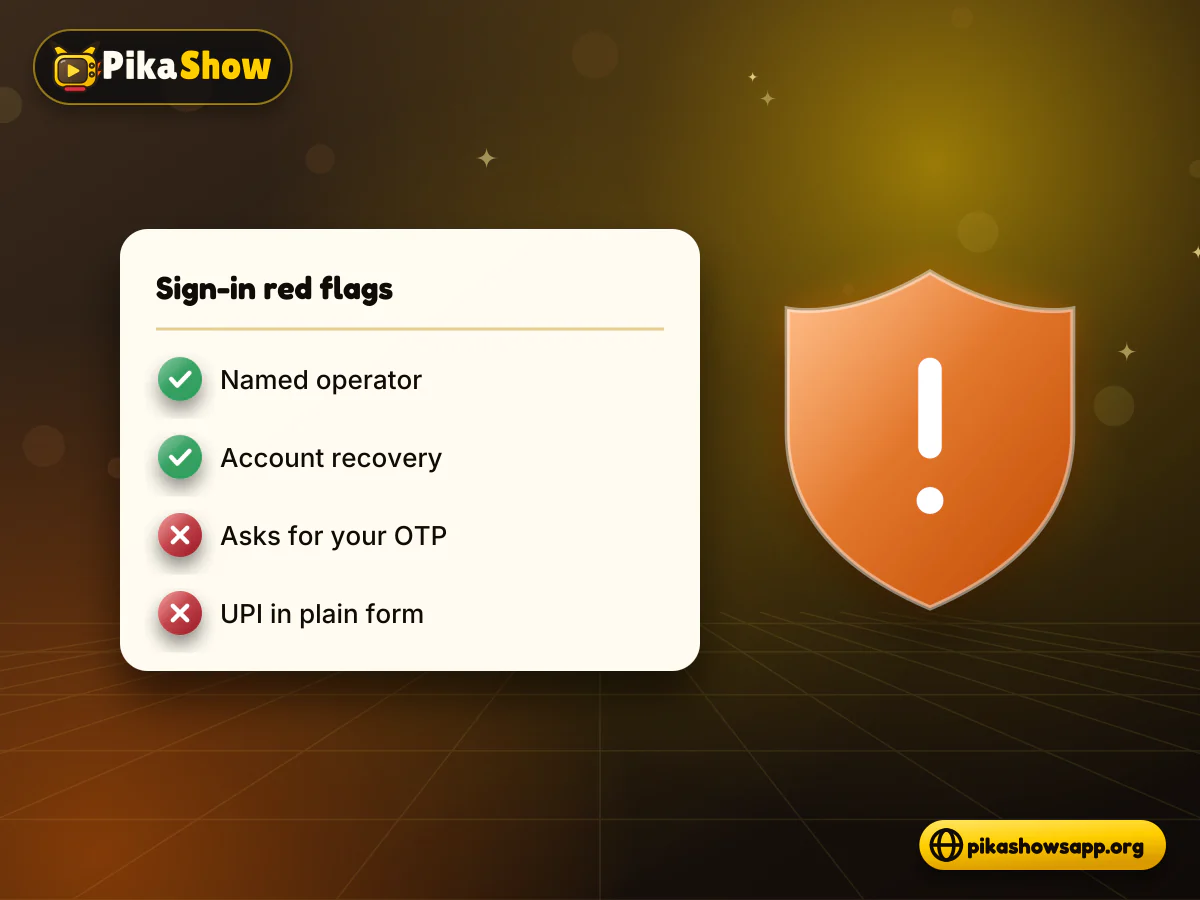
A real account system leaves a trail you can check: a named company, published terms and a recovery process. A fake PikaShow sign in page usually skips all three and pushes you to act fast.
Compare what you see with this table:
| What a genuine login normally shows | Red flag on a PikaShow login page |
|---|---|
| A company name you can look up | Only “PikaShow Team” or no owner at all |
| Privacy policy and terms that name the operator | Missing, copied or blank policy pages |
| “Forgot password” and account recovery | No way to reset or delete an account |
| Sign-in inside the app you installed | A web form that says you must log in before downloading |
| Payment through Google Play or a known checkout | UPI, wallet or card details typed into a plain form |
| Google sign-in opens Google's own account picker | A copied Google screen on an unrelated domain |
| No request for OTPs from other services | Asks for an OTP sent by your bank or messaging app |
| Calm wording | Countdown timers, “account will be blocked” or “limited slots” |
One red flag is enough to stop. Two or more is a clear sign the page exists to collect data.
Take two minutes before you enter a single character. These checks work for any login form, not just ones using the PikaShow name.
Read the full address in the browser bar, including everything before the first single slash. Look for extra words, hyphens or odd endings.
Ask why a login is needed at all. If the page wants an account before it lets you download a file, that is a warning sign in itself.
Open the privacy policy and terms. Check whether they name a real operator and say what happens to your data.
Look for a password reset and an account deletion option. A service that cannot delete your account should not hold it.
If you see a “Continue with Google” button, tap it and confirm the account picker opens on accounts.google.com.
Refuse any request for an OTP, UPI PIN, card number or ID document.
Decline browser notification prompts, then close the tab if anything still feels off.
If a page passes every check, you still only know it looks tidy. It does not make the content licensed or the operator trustworthy.
Act today, not next week. Start with the accounts that could cost you money, then work outwards.
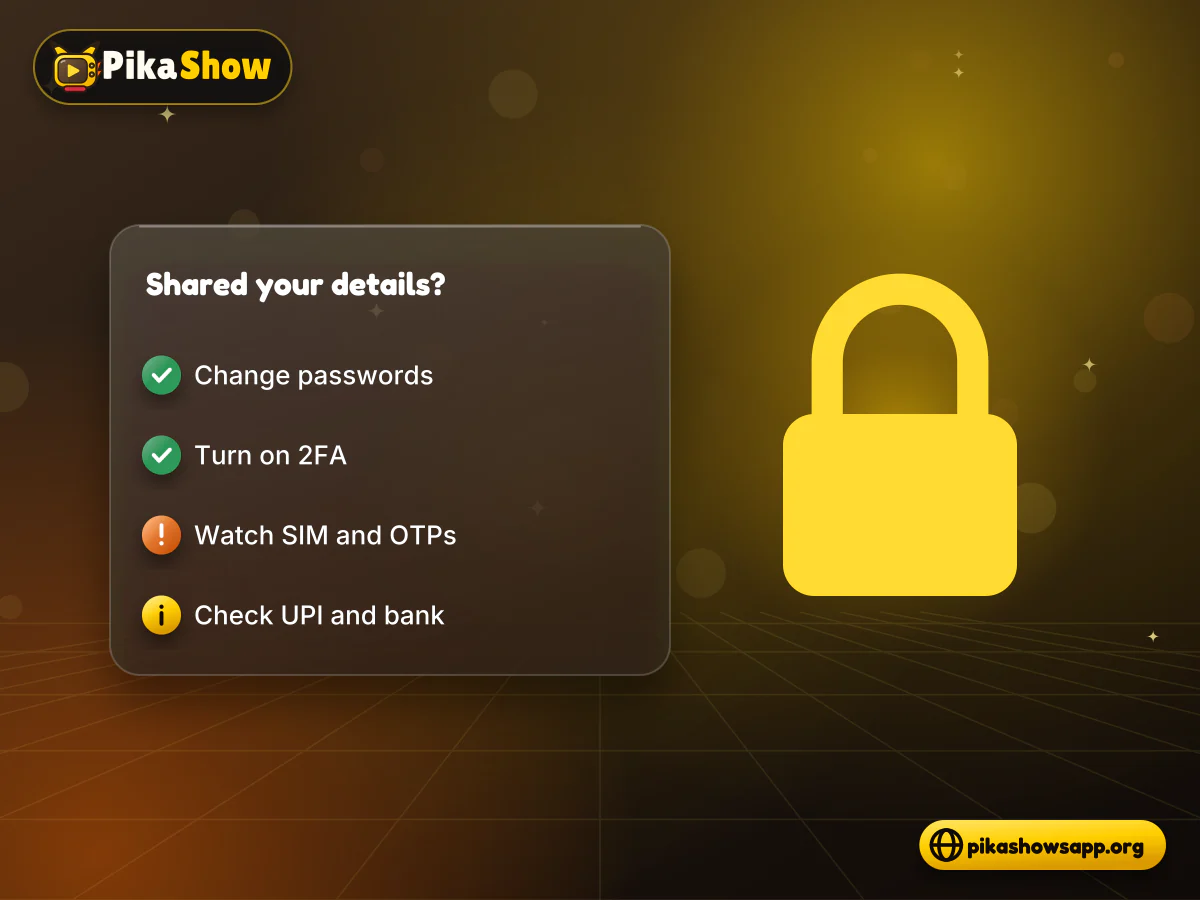
If you shared your phone number and an OTP, check WhatsApp and Telegram for unfamiliar linked devices. Set a WhatsApp two-step PIN. If your SIM suddenly stops getting signal, contact your mobile operator straight away, since that can be a sign of a SIM swap.
Open your UPI apps and bank statement and look for small test payments or new mandates and autopay requests. If you entered card or UPI details, call your bank using the number on the card or its official app and ask them to block the card. In India you can also report cyber fraud through the national helpline 1930 or cybercrime.gov.in.
Be wary of “support agents” who contact you after a scam and offer to recover your account or money. Genuine banks and platforms will not ask for your OTP, PIN or remote access to your phone.
People search for a “PikaShow login ID and password” hoping someone has posted working details. Since we found no app account screen in the readable code, a shared PikaShow ID has nothing obvious to open. Posts offering one are usually bait.
What these posts and videos tend to lead to:
Using someone else's credentials is unsafe in both directions. The person who posted them can see your viewing activity and anything you save. You also learn to type passwords into pages you did not choose, which is exactly the habit phishing relies on. A modified download is a separate risk; the PikaShow MOD APK question is covered on its own.
We could not verify a publisher-owned web player, so there is no confirmed PikaShow web login to use. PikaShow is distributed as an Android APK, and a browser cannot run an APK as a website.
That makes a “PikaShow web login” box on a browser page especially doubtful. If there is no confirmed PikaShow web version, there is nothing genuine for that login to protect. Pages like this tend to redirect to adverts, offer an APK after you sign in, or simply keep what you typed.
If you want to watch in a browser, pick a licensed service with an official website. Those services publish who runs them and let you manage or delete your account.
Most reports of a PikaShow app login problem describe errors that have nothing to do with an account. The app fails to load or play, and people assume they have been signed out.
Messages such as “connection failed” or an endless spinner usually point to your internet connection or a source that is down. Switch between Wi-Fi and mobile data and try again later.
Some sources the app relies on may be blocked in your region, so content fails to appear. We will not explain how to get around blocking measures.
An update from a different source can fail to install or crash on launch. Clearing the cache, or reinstalling once you verify the checksum of the file, is the usual fix.
If your copy of the app suddenly demands a login, it may not be the same file we examined. Our PikaShow safety checks explain how to compare its package name and certificate. Do not enter personal details.
The app bundles several advertising SDKs. A full-screen advert can look like a sign-in page. Close it rather than filling it in.
Video that stops and starts is a streaming issue, not an account issue. PikaShow buffering has its own set of fixes.
For general crashes and blank screens, start with the checklist for when PikaShow is not working.
If you actually want an account, with a watchlist, profiles and downloads that sync across devices, licensed platforms offer that openly. Their sign-in pages sit on their own domains and apps, and they tell you how your data is handled.
Depending on your region, options include:
Some charge a subscription and some carry adverts. Install them from Google Play or your TV's app store, and sign in only inside those apps or on their official websites. Our list of legal alternatives to PikaShow compares these options in more detail.
We did not find a sign-up, login or account screen in the readable code of PikaShow v10.8.2. About 8 MB of encoded files could not be read, so we cannot rule one out, but nothing we inspected requires an account.
Treat it as unsafe unless you can verify who runs it. Pages asking for an ID, password, phone number or OTP in PikaShow's name are a common way to collect personal data.
There is no verified source, and posts offering one are usually bait for ads, surveys or data collection. Do not use shared credentials from strangers.
We could not verify a publisher-owned PikaShow web player, so there is no confirmed web login. Be very cautious with browser pages that ask you to sign in.
Check WhatsApp and Telegram for unknown linked devices, set two-step PINs, review your UPI apps and bank statement, and contact your mobile operator if your SIM loses signal unexpectedly. In India, report fraud on 1930 or cybercrime.gov.in.
Most reported errors are network, source or installation problems rather than account problems. Check your connection, clear the app cache or reinstall a checked copy of the file.
We found no PikaShow account screen in the readable code. The Google sign-in text in the file comes from the standard Play Services library. If a page offers Google sign-in, make sure it opens Google's real account picker before continuing.
No. An account system does not change whether content is licensed. Legality depends on content rights and local law, and PikaShow has been the subject of copyright proceedings in India.
10 min read
Reported PikaShow features, a step-by-step Android setup, how to use the interface, practical tips and the safety, privacy and copyright limits to understand first.
5 min read
Has PikaShow shut down? What the Delhi High Court blocking directions mean, why the app may stop working, and what to check before you download a “new” version.
11 min read
A VPN can slow streaming as easily as it helps. Choose a nearby server and modern protocol, avoid extra routing layers and test before assuming it improves playback.

8 min read
A checksum tells you whether the APK on your device is the exact file that was published. Here is how to calculate and compare it on every platform, and what it cannot tell you.
8 min read
apkpikashow is a search term, not a verified brand. Learn why a domain containing the PikaShow name proves nothing, and how to check a site and its APK before installing.
11 min read
Compare legitimate streaming services people consider instead of PikaShow, from subscription platforms to free ad-supported apps, with devices and regional limits.
10 min read
Blank screen, endless loading or crashes? Work through safe checks for your connection, cache, storage, server status and APK version before reinstalling.
8 min read
What a PikaShow MOD APK really is, why premium and ad-free claims can't be verified, how re-signing changes the certificate, and what to do if you have already installed one.
9 min read
Updated PikaShow and now it will not open, crashes on launch or refuses to install? Match your symptom to the cause, then work through 12 fixes in a safe order.
Nothing in the readable code of PikaShow v10.8.2 asks you to create an account. That makes any PikaShow login form you meet online something to question rather than fill in.
Check the address, the owner and the reason for the login before you type. Never hand over an OTP, UPI PIN or card number, and if you already have, secure your email, phone and payment apps first. When you want a proper account, use a licensed service that sits on its own app and domain.
Non-affiliation notice: This website is an independent informational resource and is not affiliated with, endorsed by or sponsored by PikaShow, Google or any streaming provider.