
PikaShow APK Download
The checked 10.8.2 file with its SHA-256 checksum, permissions and install steps.

PikaShow v94 is not a separate, newer release. The file shared on other sites as pikashow_latest_v94.apk reports versionName 10.8.2 and versionCode 83 inside its own manifest, and its SHA-256 matches the file we checked on 16 September 2026.
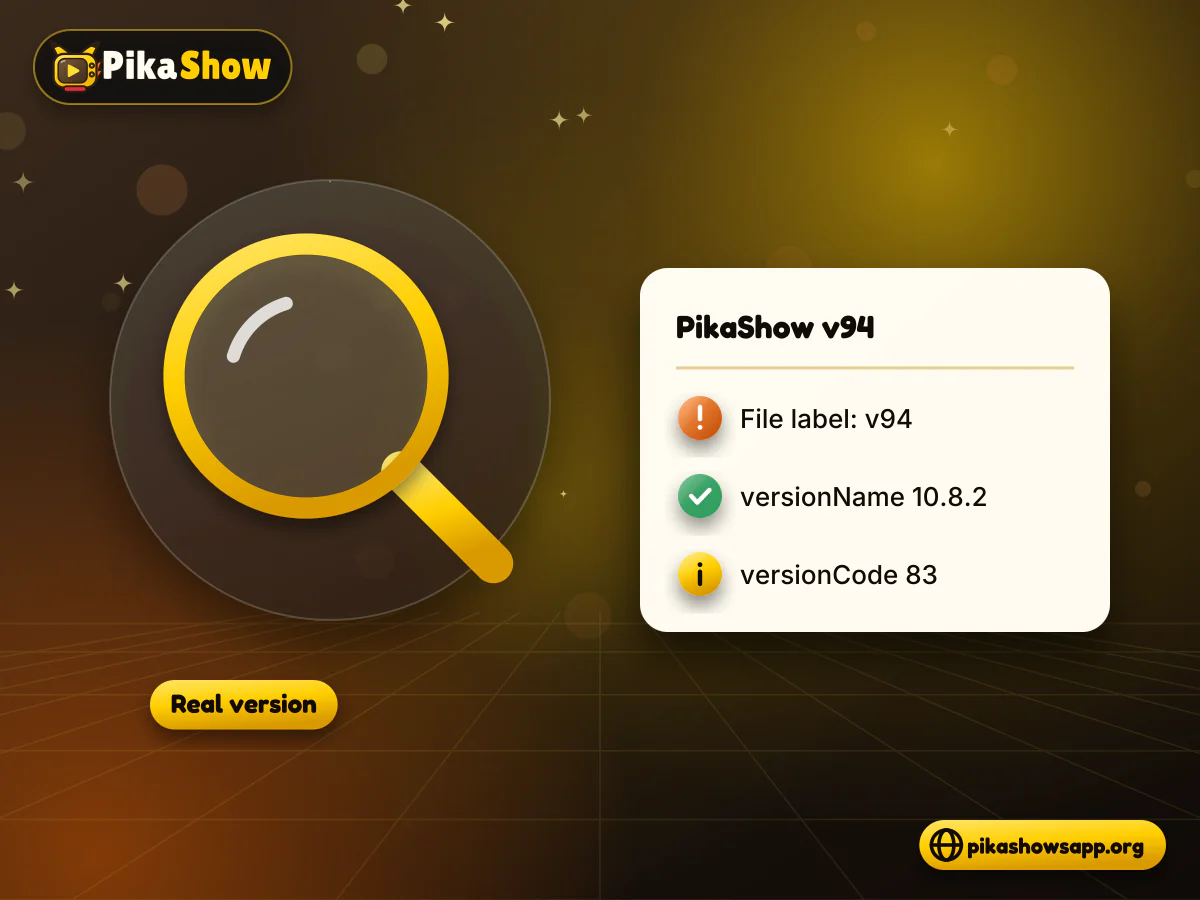
In other words, "v94" is a label added by download sites, not the version number the app gives itself. The label can make an ordinary file look like a big jump ahead of 10.8.2, and that alone can send people searching for it.
This page shows what we found, what the two version fields in an APK actually mean, and how you can read the real version on your own phone or computer. It also covers matching your file against a known checksum and updating an existing install without losing more than you need to.
The PikaShow APK v94 file is the same package as PikaShow version 10.8.2. We compared the file distributed as pikashow_latest_v94.apk with the file we had already checked, and both produced the same SHA-256 hash. Identical hashes mean identical bytes, so the two names point to one file.
Here is what the manifest and signature of that file report:
| Field | Value in the "v94" file |
|---|---|
| File name used on other sites | pikashow_latest_v94.apk |
| versionName (shown to users) | 10.8.2 |
| versionCode (used by Android) | 83 |
| Package name | com.offshore.pikachu |
| Minimum Android | Android 5.0 (API 21) |
| Target Android | Android 14 (API 34) |
| File size | 21,434,649 bytes (about 20.44 MB) |
| SHA-256 | 372dc5af73e2299ed4a65c0567a3a2ecb3ce6c7ce850d06f4d3c29faf3a4e0a6 |
| Signing certificate | CN=Android Debug, O=Android, C=US (generic debug certificate) |
Nothing in the manifest mentions "94". The number exists only in the file name, which anyone can change without touching the app inside.
The signing certificate is the generic Android debug certificate, not a publisher release certificate. The developer cannot be verified from the file.
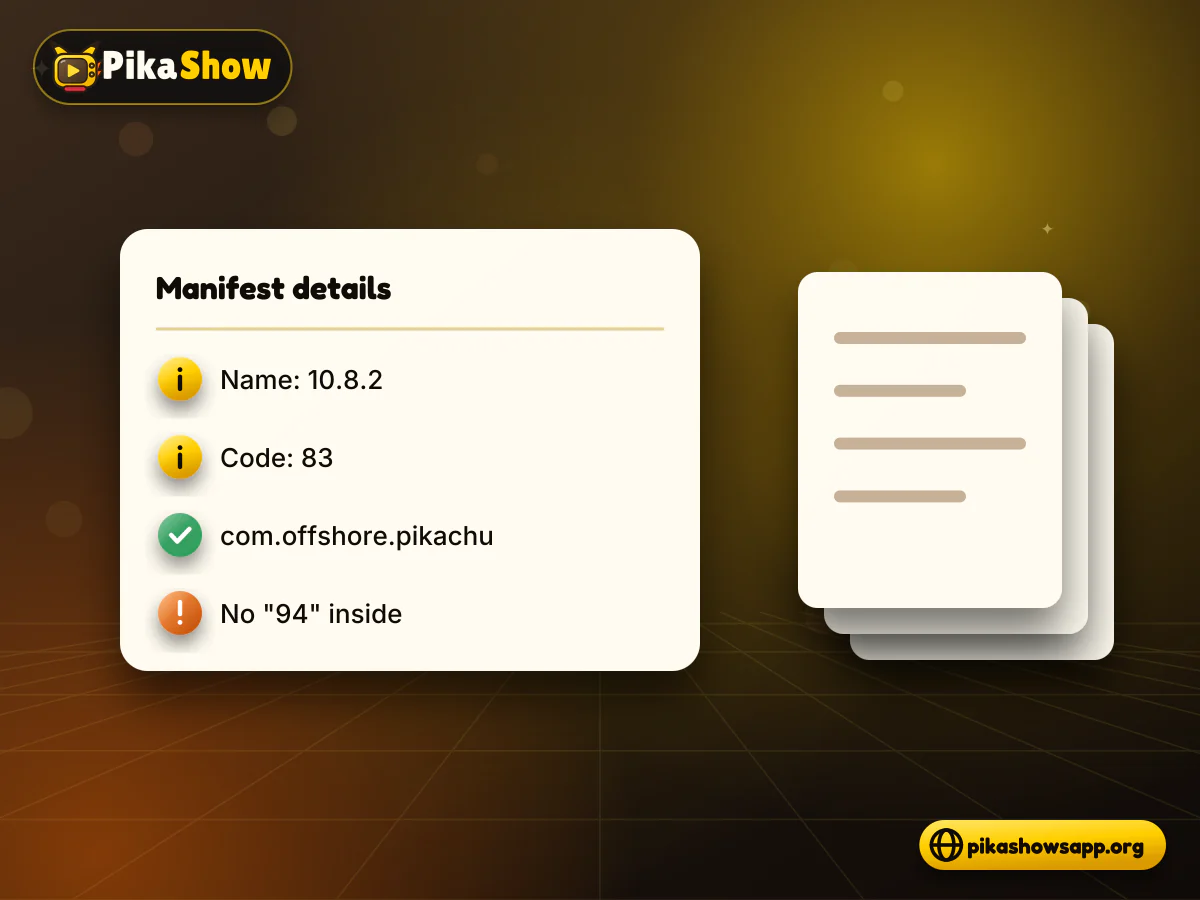
Every Android app carries two version fields, and they do different jobs. versionName is the human-readable label you see in App info, while versionCode is a whole number Android uses to decide whether one file is newer than another.
| Field | versionName | versionCode |
|---|---|---|
| Example in this file | 10.8.2 | 83 |
| Format | Any text the developer chooses | A positive whole number |
| Who reads it | People | Android's package installer |
| Shown in App info | Yes | Usually not |
| Used to allow updates | No | Yes, a higher number counts as newer |
| Changed by renaming the file | No | No |
Neither field is read from the file name. You could rename an APK to anything, including v94, v100 or final, and Android would still read 10.8.2 and 83 from the manifest. That is why a label on a download button tells you very little about what you are actually installing.
We do not know why particular sites chose the name v94, and we are not suggesting any motive. What we can say is that file-name labels are not reliable version identifiers, and the v94 label shows the gap clearly.
A label on a download page can drift away from the real version for many ordinary reasons:
If you arrived here looking for a PikaShow v94 download because it sounded newer, the useful takeaway is simple: judge any file by its manifest and its checksum, not by what it is called.
You can read the true version in under a minute, whether the app is already installed or still sitting in your Downloads folder. On a phone with PikaShow installed, follow these steps:
Open Android Settings.
Tap Apps (on some phones, Apps & notifications or Application manager).
Find PikaShow in the list, using the search icon if the list is long.
Tap it to open App info.
Scroll to the bottom of the screen, where Android shows the version, for example "version 10.8.2".
Compare that number with the release details on the page you downloaded from, not with the file name.
An APK analyser app on Android can open a downloaded file and show its package name, versionName, versionCode and permissions without installing it. Choose a well-known analyser and give it only the storage access it needs to read the file.
If you have the Android SDK Build-Tools or command-line tools installed, either of these commands prints the version from the manifest:
Menu names differ between Samsung, Xiaomi, Oppo, Vivo, Realme and Pixel phones. If you cannot find App info, type the app name into the Settings search bar.
The version number tells you what a file claims to be; the SHA-256 checksum tells you whether it is byte-for-byte the file that was checked. Two files with the same versionName can still differ, so the checksum is the stronger test.
Run the command for your system in the folder that holds the APK, then compare the result with the published hash:
| System | Command or method |
|---|---|
| Windows (Command Prompt) | certutil -hashfile PikaShow-v10.8.2.apk SHA256 |
| Windows (PowerShell) | Get-FileHash .\PikaShow-v10.8.2.apk -Algorithm SHA256 |
| macOS | shasum -a 256 file.apk |
| Linux | sha256sum file.apk |
| Android | sha256sum in Termux, or a file-hash app |
For the file we checked, which is the same file shared under the v94 name, the expected SHA-256 is 372dc5af73e2299ed4a65c0567a3a2ecb3ce6c7ce850d06f4d3c29faf3a4e0a6. Compare every character; letter case does not matter, but a single different digit means a different file.
Run apksigner verify --print-certs file.apk or keytool -printcert -jarfile file.apk and look at the certificate SHA-256. For the checked file it is F6:14:BF:F7:BC:30:2B:71:25:C5:85:FD:FA:48:D5:DA:9E:24:B5:2F:40:83:99:3F:91:72:F6:7D:3D:C8:BE:6C. A matching fingerprint is also what lets a later file install as an update.
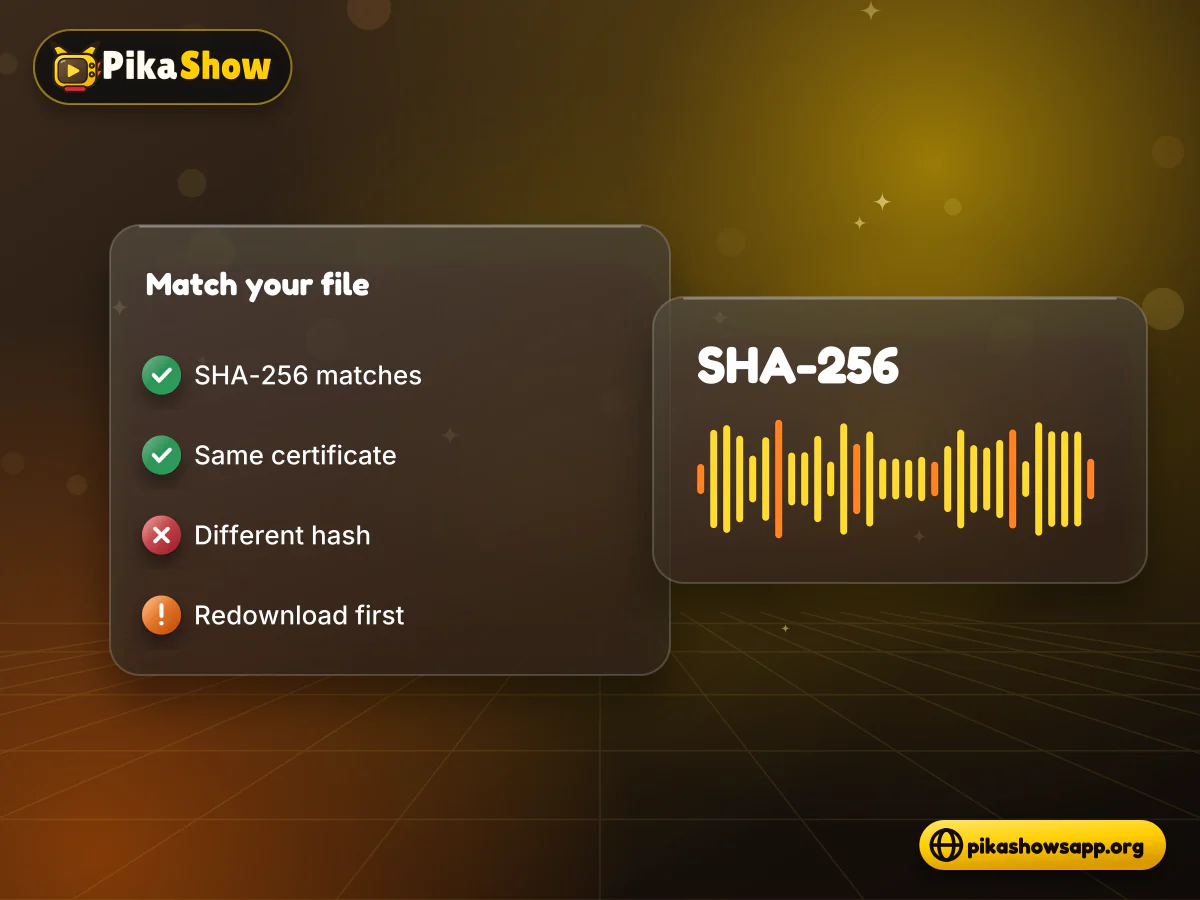
Treat it as a different file. The hash we confirmed applies only to one exact set of bytes, so a "v94" file with another checksum could be a different build, a repackaged copy or a modified file, and nothing we found tells you which.
Before going any further with that file:
Do not install a mismatched file
If the checksum still differs after a clean download, or the certificate or package name is different, do not install it. A modified APK can add permissions, advertising code or other changes you cannot see from the icon, much like the risks of a PikaShow MOD APK.
Even a matching file is not a guarantee of safety. We ran static checks on the readable code only; we did not run a VirusTotal scan or a live test, and a large part of the app is encoded and could not be inspected.
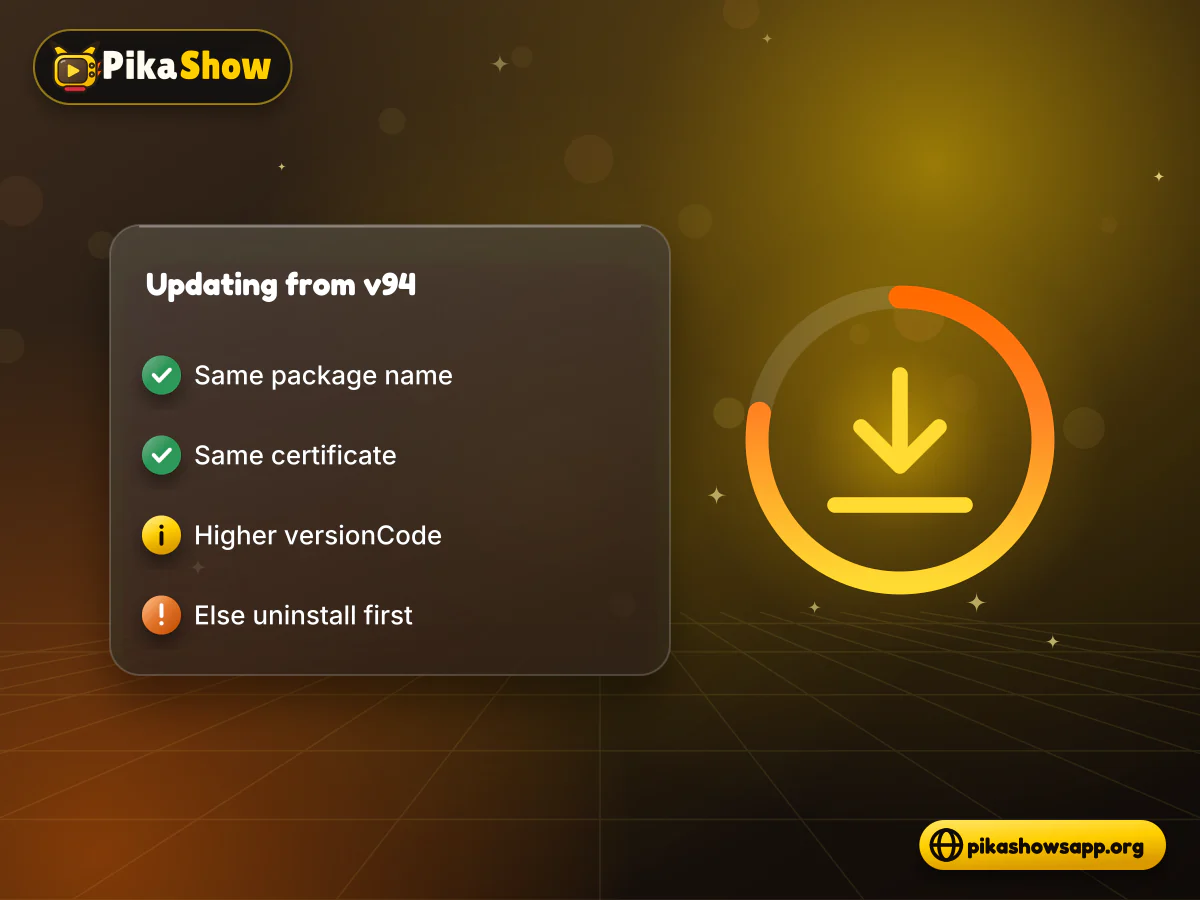
Whether a new file installs over your PikaShow v94 copy depends on two things Android checks: the package name and the signing certificate. If both match and the new versionCode is equal or higher, Android treats it as an update and keeps your app data.
| Situation | What Android does |
|---|---|
| Same package name, same certificate, higher versionCode | Installs as an update; data is kept |
| Same package name, same certificate, same versionCode | Usually reinstalls over the existing app |
| Same package name, different certificate | Shows "App not installed" or a package conflict |
| Lower versionCode than the installed app | Blocks the install as a downgrade |
| Different package name | Installs as a separate app alongside the old one |
Because your "v94" install is version 10.8.2 (versionCode 83) if its hash matched, installing the same file again gives you nothing new. A genuine update would need a versionCode above 83, the package name com.offshore.pikachu and the same certificate fingerprint.
If Android refuses the update because of a certificate or package conflict, the only way forward is to uninstall first. Uninstalling deletes the app's local data, including settings and anything saved inside the app.
The PikaShow latest version we have checked is 10.8.2, a 20.44 MB file for Android 5.0+. If you want the latest PikaShow APK rather than a relabelled copy, look for a page that publishes the version, versionCode, SHA-256 and certificate together, so you can confirm them yourself.
A quick way to place any file you find:
We only list releases whose files we have checked. If you are looking for older PikaShow versions for compatibility reasons, the same rule applies: go by the manifest and the checksum, never by the label.
No. The file shared as pikashow_latest_v94.apk reports versionName 10.8.2 and versionCode 83 in its manifest, and its SHA-256 matches the 10.8.2 file we checked.
It appears only in the file name used by some download sites. We do not know their reasons. The app's own manifest does not contain it.
Go to Settings, then Apps, then PikaShow, and open App info. The version is shown at the bottom of the screen.
It is a different file from the one we checked. Download it again to rule out a broken download; if the hash still differs, do not install it.
Yes, if the package name is com.offshore.pikachu, the certificate fingerprint matches and the versionCode is higher than 83. Otherwise Android will refuse, and you would need to uninstall first.
Yes. Uninstalling removes the app's local data, such as settings and anything saved inside the app.
No. It only proves you have the same file we examined. Our checks covered the readable code, and part of the app is encoded, so we cannot rule out hidden features.

10 min read
Reported PikaShow features, a step-by-step Android setup, how to use the interface, practical tips and the safety, privacy and copyright limits to understand first.
5 min read
Has PikaShow shut down? What the Delhi High Court blocking directions mean, why the app may stop working, and what to check before you download a “new” version.
11 min read
A VPN can slow streaming as easily as it helps. Choose a nearby server and modern protocol, avoid extra routing layers and test before assuming it improves playback.
8 min read
A checksum tells you whether the APK on your device is the exact file that was published. Here is how to calculate and compare it on every platform, and what it cannot tell you.
8 min read
apkpikashow is a search term, not a verified brand. Learn why a domain containing the PikaShow name proves nothing, and how to check a site and its APK before installing.
11 min read
Compare legitimate streaming services people consider instead of PikaShow, from subscription platforms to free ad-supported apps, with devices and regional limits.
10 min read
Blank screen, endless loading or crashes? Work through safe checks for your connection, cache, storage, server status and APK version before reinstalling.
8 min read
What a PikaShow MOD APK really is, why premium and ad-free claims can't be verified, how re-signing changes the certificate, and what to do if you have already installed one.
9 min read
Updated PikaShow and now it will not open, crashes on launch or refuses to install? Match your symptom to the cause, then work through 12 fixes in a safe order.
PikaShow v94 is a file name, not a version. The file behind it reports 10.8.2 and versionCode 83, and it is identical to the file we checked on 16 September 2026.
Whatever a download button says, spend a minute on the manifest, the SHA-256 and the certificate fingerprint. Those three checks tell you far more than any label, and they protect you from installing something other than what you expected.
Non-affiliation notice: This website is an independent informational resource and is not affiliated with, endorsed by or sponsored by PikaShow, its developers, Google or any streaming provider. We do not claim that PikaShow is safe or legal to use.