
PikaShow Legal Status in India
The Delhi High Court copyright case and what blocking orders mean.

Has PikaShow shut down? What the Delhi High Court blocking directions mean, why the app may stop working, and what to check before you download a “new” version.
Written by pikashowsapp.org Editorial TeamPublished Updated 5 min read
Searches for a PikaShow app shutdown usually start the same way: the app stops loading, a familiar website disappears, or someone says PikaShow has closed for good. The real picture is less tidy than a single shutdown date.
There is no developer statement about closing the app that we can verify, and the developer cannot be identified from the file we checked on 16 September 2026. What is on record is a copyright case in India that led to blocking directions, plus several ordinary technical reasons an unofficial app can stop working.
This article explains why the app may be unavailable. It does not explain how to get around blocking orders, and we do not recommend trying.
There is no simple yes or no. Three different situations are often described as a shutdown.
Each has a different cause, so it helps to work out which one you are seeing before you download anything new.
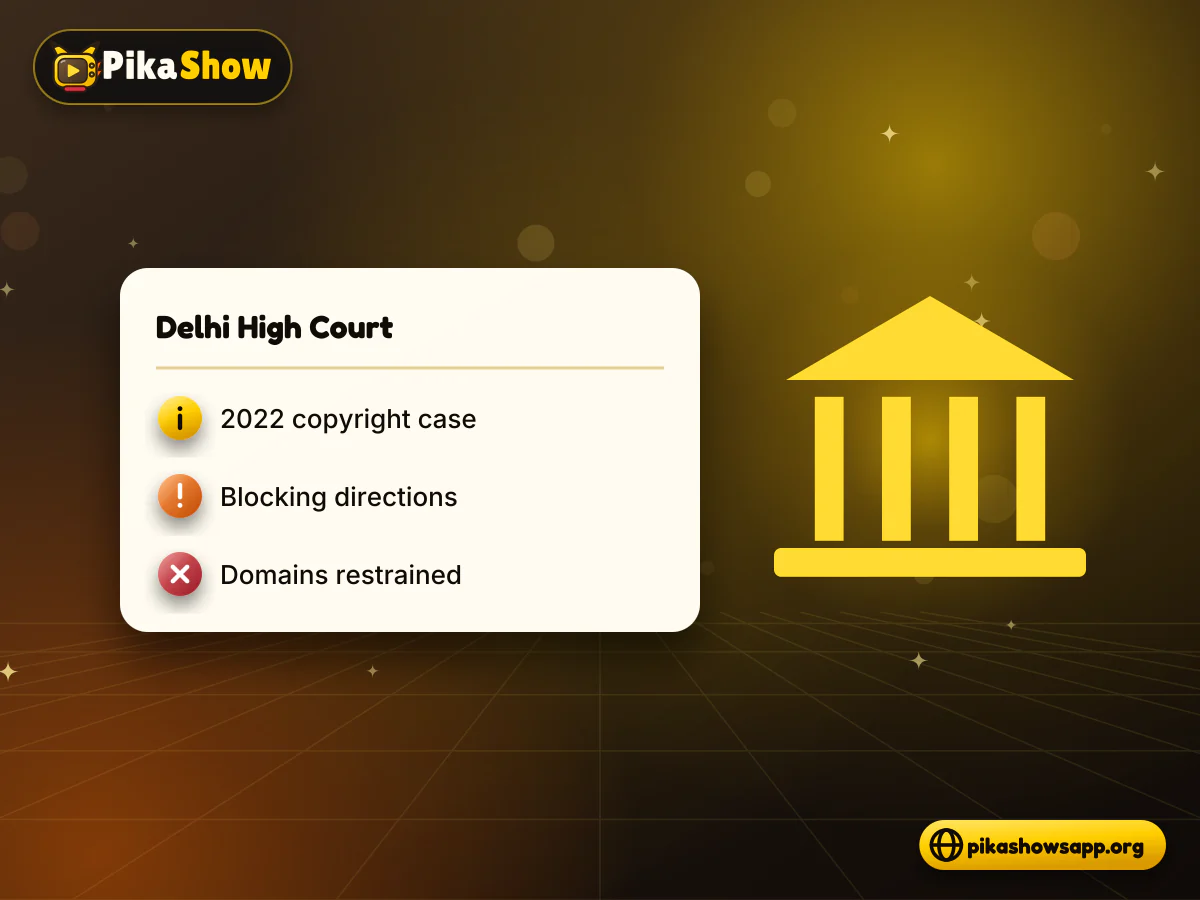
In 2022, Star India Private Limited and Novi Digital Entertainment brought a copyright case against the PikaShow application and other parties before the Delhi High Court. Reports of the interim order state that the application was providing access to content over which the plaintiffs claimed exclusive rights.
The Court directed the relevant government authorities, reportedly the Department of Telecommunications and the Ministry of Electronics and Information Technology, to take blocking action against PikaShow and related source domains. It also restrained the app’s owners and operators from making it available through the domains identified in the case.
A later order dated 15 March 2024 dealt with requests from certain defendants to be removed from the list of parties. It did not find that PikaShow had become an authorised service.
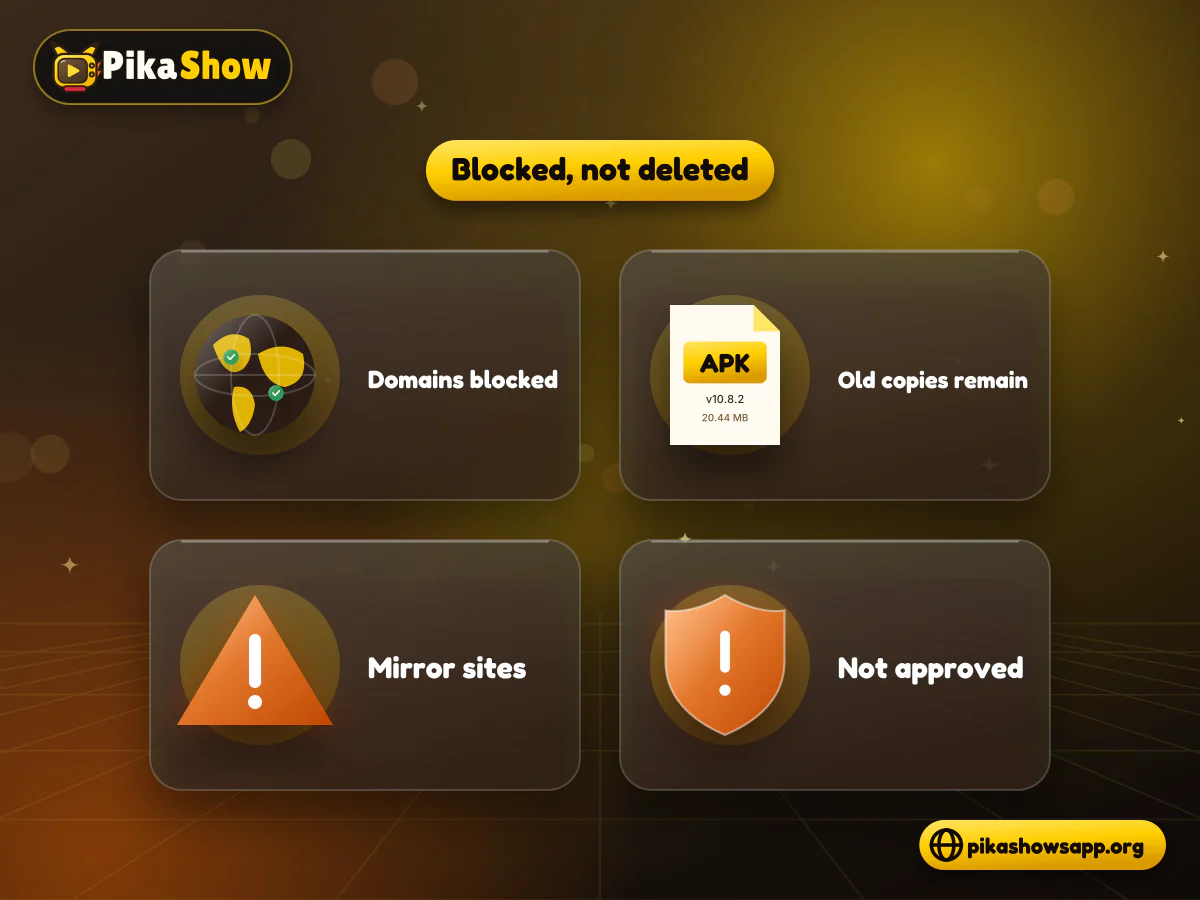
A blocking direction limits access to identified domains or services. It does not delete every copy of an APK that people have already downloaded or re-uploaded, which is why download pages can still appear in search results.
That continued availability is easy to misread. A site that still offers a PikaShow file is not thereby approved by the court, licensed by the content owners or confirmed as the original developer’s site, and new domain names are where look-alike and modified files tend to appear.
Treat these as warning signs:
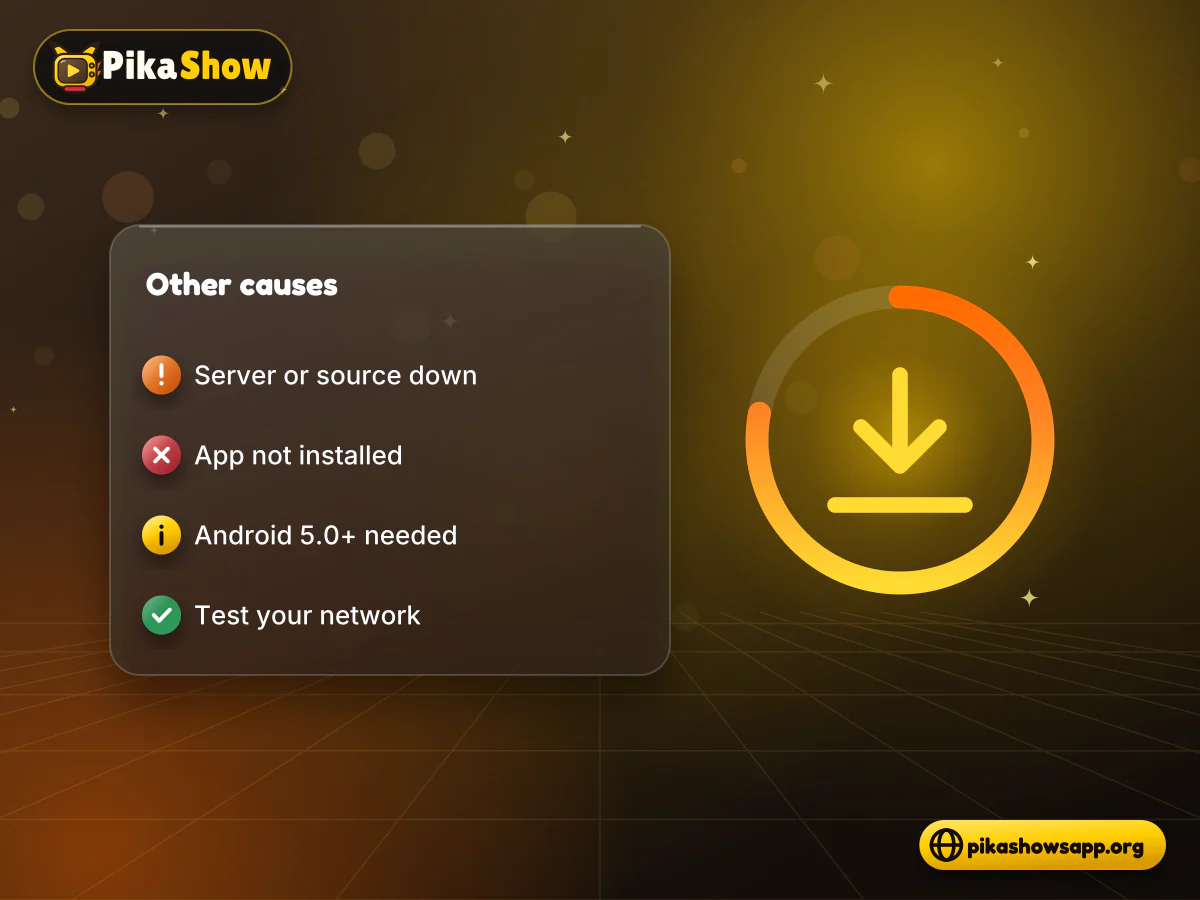
Not every outage has a legal cause. Before assuming a shutdown, rule out the everyday problems.
If the cause looks technical rather than legal, our PikaShow app not working checks take you through these steps in a safe order.
If you entered a password or phone number on a site that promised to restore PikaShow, change that password and watch for unusual messages.
There is no developer statement we can verify. What is on record is a Delhi High Court copyright case with blocking directions against the app and related domains, which is why many users find it unavailable.
Blocking directions restrict access to identified domains and services. If the app depends on those sources, it may load empty or fail even though the APK is still on your phone.
“Blocked” is more accurate. The Delhi High Court issued an interim injunction and directed blocking measures in a copyright case, which our legal status page explains in detail.
We do not recommend using a VPN to bypass blocking directions. It does not make access lawful and it does not fix server or install problems.
Its safety cannot be verified. Re-uploaded or modified files often carry a different signing certificate, so compare the SHA-256 and certificate before installing, or skip the file.
The new file is signed with a different certificate or has a lower versionCode. Android then requires you to uninstall the old app first, which deletes its local data.
Licensed services such as Netflix, Prime Video, JioHotstar, Sony LIV, ZEE5 and YouTube publish their operators and content terms. Catalogues and prices vary by region.
A PikaShow app shutdown is rarely one event. Court-ordered blocking, server outages and failed installs can all make the app look closed, and none of them is fixed by a file promising to be “unblocked”.
Work out which problem you have, avoid unknown uploads and login pages, and if the app stays unavailable, choose a licensed service for the films and shows you want to watch.
Non-affiliation notice: This website is an independent informational resource and is not affiliated with, endorsed by or sponsored by PikaShow, Google, Android or any content provider. We do not explain how to bypass blocking orders.
8 min read
apkpikashow is a search term, not a verified brand. Learn why a domain containing the PikaShow name proves nothing, and how to check a site and its APK before installing.
8 min read
What a PikaShow MOD APK really is, why premium and ad-free claims can't be verified, how re-signing changes the certificate, and what to do if you have already installed one.
11 min read
Compare legitimate streaming services people consider instead of PikaShow, from subscription platforms to free ad-supported apps, with devices and regional limits.
10 min read
Blank screen, endless loading or crashes? Work through safe checks for your connection, cache, storage, server status and APK version before reinstalling.
9 min read
Updated PikaShow and now it will not open, crashes on launch or refuses to install? Match your symptom to the cause, then work through 12 fixes in a safe order.
11 min read
A VPN can slow streaming as easily as it helps. Choose a nearby server and modern protocol, avoid extra routing layers and test before assuming it improves playback.