
PikaShow APK Download
The checked 10.8.2 file with its SHA-256 checksum, permissions and install steps.

A checksum tells you whether the APK on your device is the exact file that was published. Here is how to calculate and compare it on every platform, and what it cannot tell you.
Written by pikashowsapp.org Editorial TeamPublished Updated 8 min read
An APK SHA-256 checksum is a 64-character code calculated from every byte of a file. If the code you calculate matches the one the publisher lists, you have exactly the same file. If a single byte is different, the code changes completely.
Checking it takes under a minute on Windows, macOS, Linux or Android, and you do not need to install anything on a computer. This guide shows each method, then goes one step further and explains how to check who signed the APK.
A matching checksum confirms the file is unchanged. It does not confirm the app is safe, legal or made by the developer it claims to be.
Think of SHA-256 as a fingerprint for a file. You run the file through a standard mathematical function and get back a fixed-length string of letters (a to f) and numbers. The same file always produces the same fingerprint, on any computer or phone.
Three properties make it useful:
Because of that, publishers list a checksum next to a download so you can confirm nothing went wrong between their server and your device.
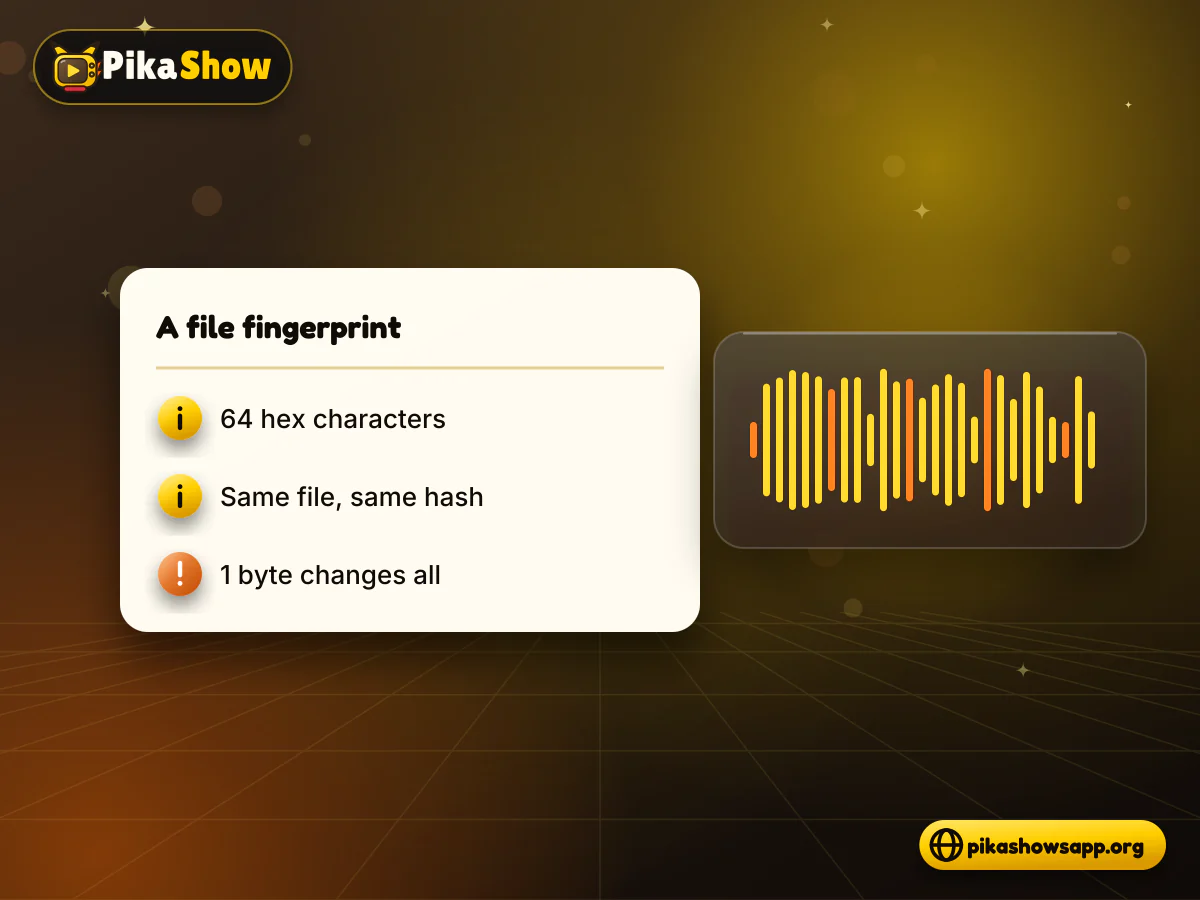
In short, a checksum answers “is this the same file?”, not “is this a good file?”. For the second question you need the certificate check below, a malware scan and your own judgement about the source.
If you are checking the latest PikaShow APK, these are the values we recorded for version 10.8.2 on 16 September 2026.
| Detail | Value |
|---|---|
| File name | PikaShow-v10.8.2.apk |
| Version | 10.8.2 (versionCode 83) |
| Size | 21,434,649 bytes (20.44 MB) |
| SHA-256 | 372dc5af73e2299ed4a65c0567a3a2ecb3ce6c7ce850d06f4d3c29faf3a4e0a6 |
| Package name | com.offshore.pikachu |
| Certificate SHA-256 | F6:14:BF:F7:BC:30:2B:71:25:C5:85:FD:FA:48:D5:DA:9E:24:B5:2F:40:83:99:3F:91:72:F6:7D:3D:C8:BE:6C |
The same file circulates on other sites as pikashow_latest_v94.apk. Renaming a file does not change its checksum, so the value above still applies if the bytes are identical.
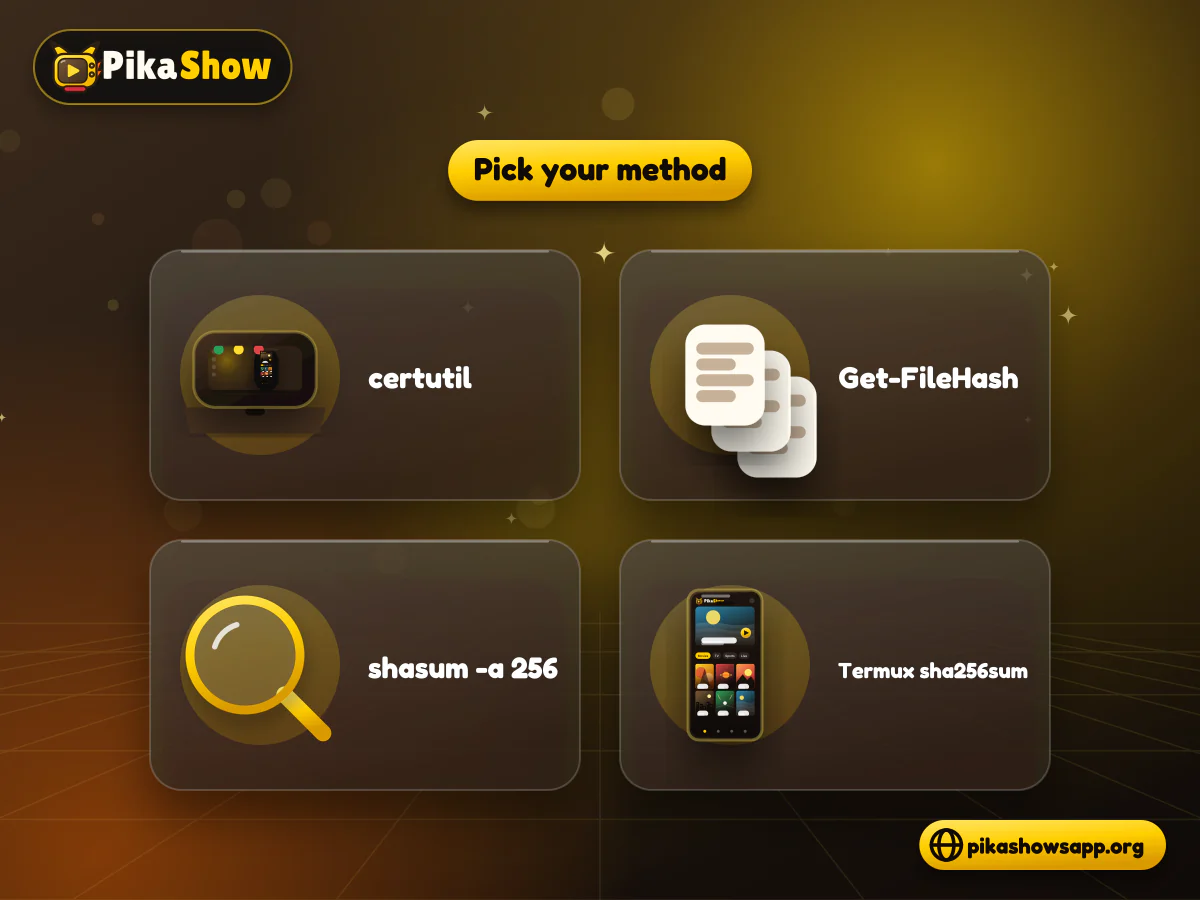
If you are wondering how to check SHA256 of APK files on a PC, Windows 10 and 11 already include two tools that calculate hashes. The certutil SHA256 command works in Command Prompt; Get-FileHash works in PowerShell. Use whichever you prefer.
Open File Explorer, go to your Downloads folder and click the address bar.
Type cmd and press Enter. A Command Prompt opens already inside that folder.
Run: certutil -hashfile PikaShow-v10.8.2.apk SHA256
Or, in PowerShell, run: Get-FileHash .\PikaShow-v10.8.2.apk -Algorithm SHA256
Copy the 64-character result and compare it with the published value.
certutil prints the hash in lowercase, while Get-FileHash prints it in uppercase. Both are the same value. If the file name has spaces, put it in quotes.
Both systems ship with a hashing command in the terminal, so there is nothing to download.
Open Terminal (on a Mac, press Command + Space and type Terminal).
Move to the folder with the file, for example: cd ~/Downloads
On macOS, run: shasum -a 256 PikaShow-v10.8.2.apk
On Linux, run: sha256sum PikaShow-v10.8.2.apk
Compare the hash printed before the file name with the published checksum.
Tip: type the command, then drag the APK from Finder or your file manager into the Terminal window to paste its full path.
This is handy when you downloaded the APK straight to your phone. For a SHA256 checksum, Android users can rely on Termux, a free terminal app that already includes sha256sum, so there are no extra packages to install.
Install Termux and open it.
Run termux-setup-storage and allow storage access when Android asks.
Run: sha256sum ~/storage/downloads/PikaShow-v10.8.2.apk
Wait a few seconds for the 64-character hash to appear.
Compare it with the published checksum before you tap Install.
If you would rather not use a terminal, a file-hash app from the Play Store can do the same job. Choose one that works offline and does not ask for permissions beyond reading the file you pick.
To verify APK checksum results properly, compare all 64 characters, not just the first and last few. Letter case does not matter: A and a mean the same thing in a hexadecimal hash.
Which method suits you:
| Method | Where | Install needed | Best for |
|---|---|---|---|
| certutil -hashfile | Windows Command Prompt | No | Quick checks on any Windows PC |
| Get-FileHash | Windows PowerShell | No | Automatic comparison with -eq |
| shasum -a 256 | macOS Terminal | No | Mac users |
| sha256sum | Linux terminal or Termux | Termux on Android | Checking directly on a phone |
| File-hash app | Android | Yes | People who prefer tapping to typing |
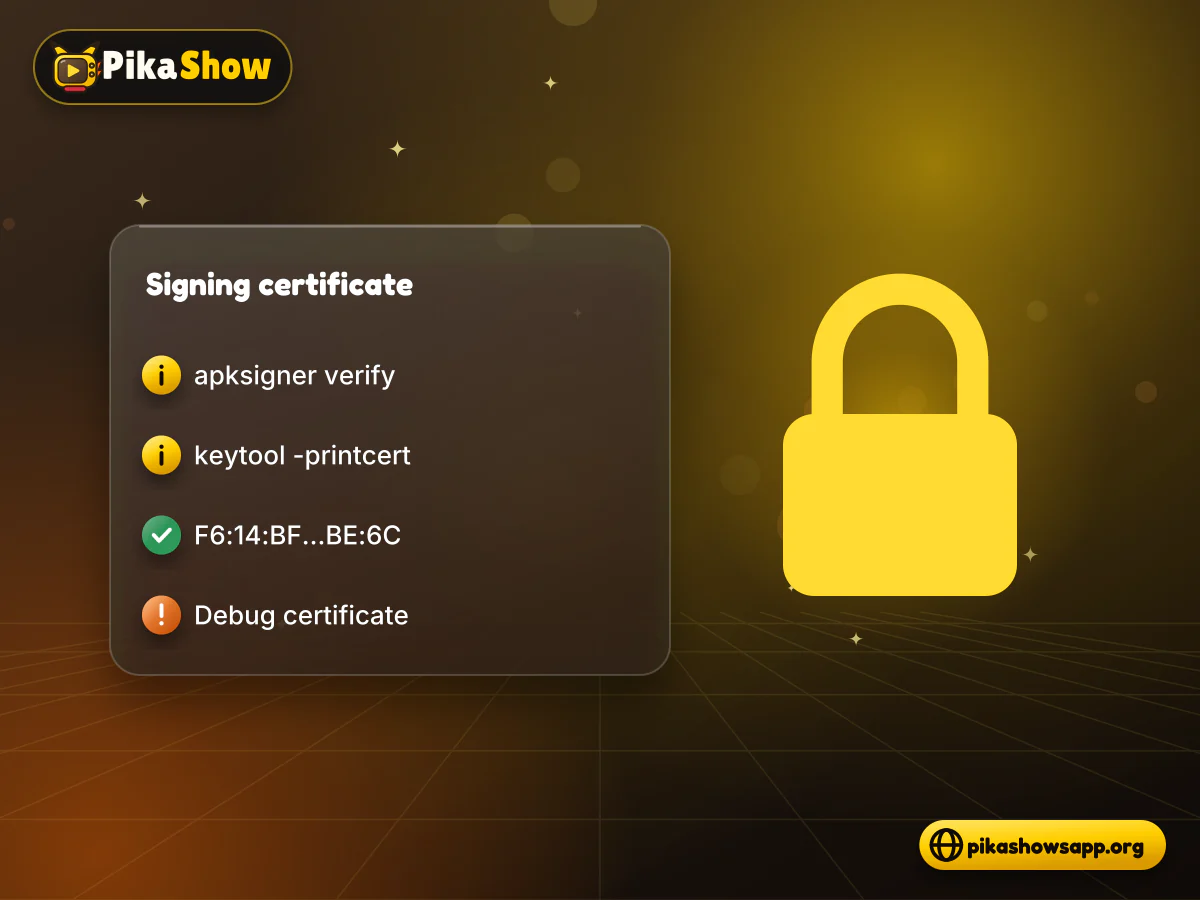
Every APK is signed with a certificate, and Android uses it to decide whether an update may replace an installed app. The certificate fingerprint stays the same across versions from the same signer, while the file checksum changes with every release.
Look for the certificate SHA-256 digest. apksigner prints it in lowercase without colons; keytool prints it in uppercase with colons. For PikaShow v10.8.2 it should read F6:14:BF:F7:BC:30:2B:71:25:C5:85:FD:FA:48:D5:DA:9E:24:B5:2F:40:83:99:3F:91:72:F6:7D:3D:C8:BE:6C. keytool only reads older v1 (JAR) signatures, so if it shows nothing, use apksigner.
This release uses a debug certificate
The current PikaShow file is signed with CN=Android Debug, O=Android, C=US, the generic development certificate, not a publisher certificate. A match therefore tells you it is the same signer as the file we checked, but it cannot identify the developer.
The file is not the one that was published. Most often the download stopped early, which you can spot because the size is also wrong. If the size is right but the hash still differs, the file may be a different build or a repackaged copy. Delete it, download again from the same source and recheck. Do not install a file that fails twice.
Someone other than the original signer produced the file. That is typical of a modified or MOD build. Android will also refuse to install it over your existing app with an “App not installed” error, which is one reason people find PikaShow not opening after an update from a different site.
We have not run a VirusTotal scan on this release, so please treat any result as your own finding. Read which engines flagged it and why, rather than just the total.
It is a 64-character fingerprint calculated from the APK’s bytes. If yours matches the published value, the file is identical to the one the publisher checked.
No. It only proves the file has not changed since the checksum was taken. Safety depends on what the app does, which a checksum cannot show.
In Command Prompt, run certutil -hashfile followed by the file name and SHA256, for example certutil -hashfile PikaShow-v10.8.2.apk SHA256.
No. Hexadecimal hashes can be shown in uppercase or lowercase and still be the same value. Compare all 64 characters, ignoring case.
Yes. Termux includes sha256sum, or you can use a file-hash app. Both read the APK in your Downloads folder and print its hash.
The checksum describes the whole file and changes with every release. The certificate fingerprint describes the signing key and stays the same for all versions from the same signer.
We would not. Download it again and recheck. If the hash still differs, the file is not the published version and could be modified.
Checking an APK SHA-256 checksum takes one command and less than a minute, and it catches broken downloads and swapped files before they reach your phone. Pair it with a certificate check when you update.
Just remember what a match means: the file is the same one that was published. Whether you should install it is a separate decision.
Non-affiliation notice: This website is an independent informational resource and is not affiliated with, endorsed by or sponsored by PikaShow, Google, Android, Microsoft, Apple, Termux or VirusTotal.

10 min read
Reported PikaShow features, a step-by-step Android setup, how to use the interface, practical tips and the safety, privacy and copyright limits to understand first.
11 min read
A VPN can slow streaming as easily as it helps. Choose a nearby server and modern protocol, avoid extra routing layers and test before assuming it improves playback.
8 min read
apkpikashow is a search term, not a verified brand. Learn why a domain containing the PikaShow name proves nothing, and how to check a site and its APK before installing.
10 min read
Blank screen, endless loading or crashes? Work through safe checks for your connection, cache, storage, server status and APK version before reinstalling.
8 min read
What a PikaShow MOD APK really is, why premium and ad-free claims can't be verified, how re-signing changes the certificate, and what to do if you have already installed one.
5 min read
Has PikaShow shut down? What the Delhi High Court blocking directions mean, why the app may stop working, and what to check before you download a “new” version.