
"App not installed"
Usually a newer version is still installed, the file is signed with a different certificate, or storage is full.
- Uninstall the current app first
- Free up storage space
- Check the certificate fingerprint

Looking for a PikaShow old version? At the moment we list exactly one release, 10.8.2, because it is the only PikaShow file we have checked ourselves. We do not publish version numbers, dates or changelogs for files we have not examined.
That may be less than a long archive page offers, but it is honest. Many "all versions" lists cannot show you a checksum, a certificate or even the real version inside each file, and labels on those lists do not always match what the app reports.
Below you will find our verified version history, the common reasons people roll back, the risks that come with old APK archives, and a step-by-step guide to downgrading without surprises.
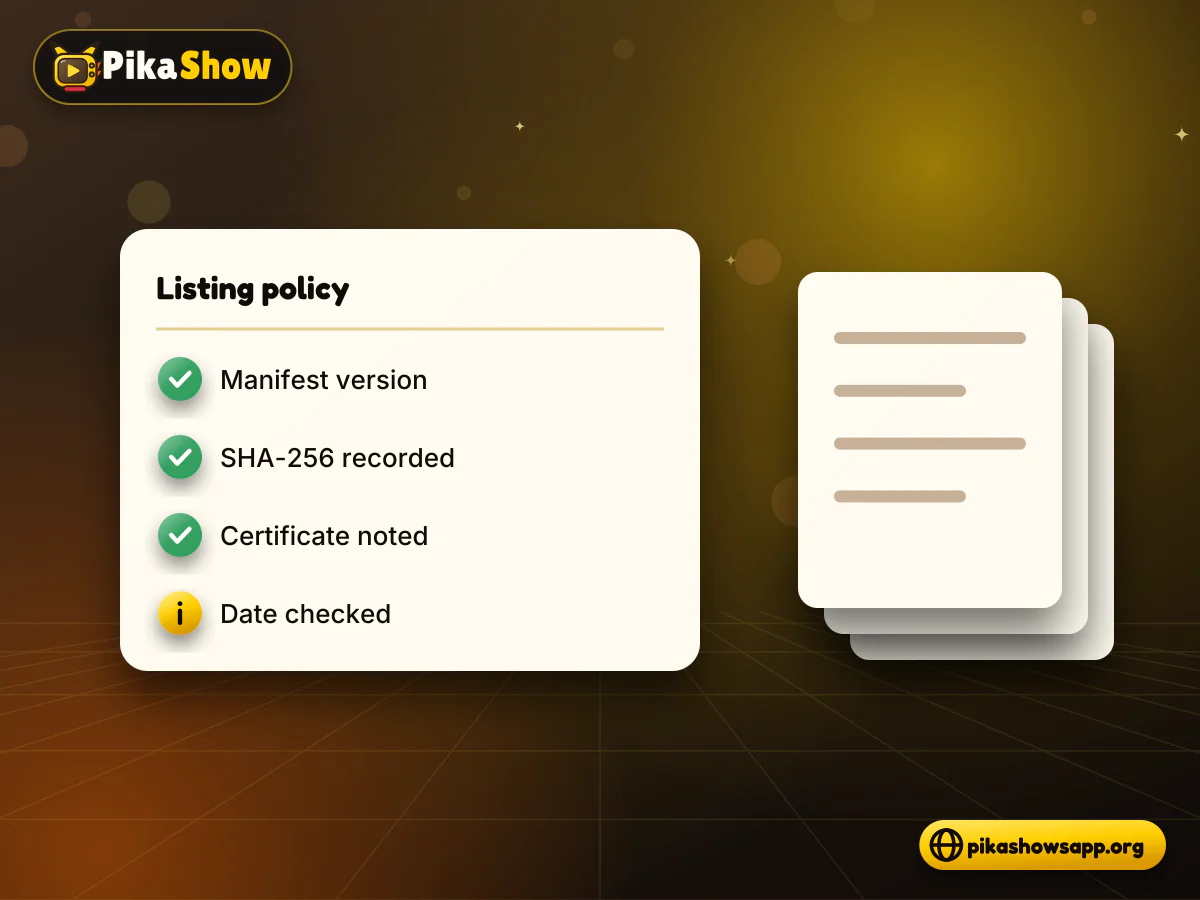
We add a version to this page only after we have the file in hand and have checked it. A version number seen on another site is not enough, because a label can be wrong and a file can be altered after it leaves the developer.
For every release we list, we record:
If you have seen claims about PikaShow all old versions elsewhere, treat each entry as unconfirmed until you can check those same details yourself. The rest of this page shows how.
Our verified PikaShow version history currently has one entry. The table below shows everything we confirmed from that file.
| Detail | PikaShow 10.8.2 |
|---|---|
| versionName | 10.8.2 |
| versionCode | 83 |
| File size | 20.44 MB (21,434,649 bytes) |
| Minimum Android | Android 5.0+ (API 21) |
| Target Android | Android 14 (API 34) |
| Package name | com.offshore.pikachu |
| SHA-256 | 372dc5af73e2299ed4a65c0567a3a2ecb3ce6c7ce850d06f4d3c29faf3a4e0a6 |
| Signing certificate | CN=Android Debug, O=Android, C=US (generic debug certificate) |
| Certificate SHA-256 | F6:14:BF:F7:BC:30:2B:71:25:C5:85:FD:FA:48:D5:DA:9E:24:B5:2F:40:83:99:3F:91:72:F6:7D:3D:C8:BE:6C |
| Declared permissions | 15 |
| Checked on | 16 September 2026 |
Why there is no longer list
We have not checked any earlier PikaShow files, so we do not list their numbers, release dates or changes. New rows will be added here as further files are examined. The same file also circulates under the name pikashow_latest_v94.apk; it is not a separate version.
Because we have no verified older build yet, a PikaShow old version download from another site is something you would need to check entirely on your own, using the steps later on this page.
Most people want a PikaShow previous version because something about the current one does not suit their device. These are the reasons that come up most often in general APK use; we have no figures on how common each one is.
Before rolling back for a crash, try clearing the app cache and restarting the phone. If the problem is PikaShow not opening after an update, a fresh install of the same verified file sometimes fixes it without going back a version.
Some searches are very specific, such as a PikaShow app old APK from 2022. We have not checked any 2022 file, so the verification steps further down this page are the only way to judge one.
Old APK archives carry more risk than a current, checked file. An older build is by definition missing any later fixes, and archive sites often cannot prove where each file came from.
The main risks to weigh:
An old file is not safer by default
Do not assume a file is trustworthy because it is old or widely shared. Compare its checksum, certificate and permissions before installing, and stop if anything does not match what you expect.
The checked release needs Android 5.0+, which is minSdk 21. If your phone runs Android 5.0 or later, it meets the minimum for the current file, so an old version is not required just to install it.
| Your device | What to expect |
|---|---|
| Android 5.0 to 13 | Meets the minimum; the app targets Android 14, so some behaviour may differ on older releases |
| Android 14 or later | Meets the minimum and matches or exceeds the target version |
| Android 4.4 or earlier | Below the minimum; Android will refuse to install the checked file |
An old phone with little memory may install the app but still run slowly. That is a hardware limit, and an older build may or may not help. To find your Android version, open Settings, then About phone, then Android version (the path varies slightly by brand).
To downgrade PikaShow you must uninstall the current app first. Android blocks installing a file with a lower versionCode over a higher one, so there is no way to roll back while keeping the newer install in place.
Check the installed version in Settings > Apps > PikaShow > App info, and note the version shown at the bottom.
Get the older file and confirm its versionName and versionCode are lower than what you have installed.
Verify the older file's SHA-256 checksum and certificate fingerprint before doing anything else.
Write down anything you want to keep from inside the app, such as settings or saved titles, because we could not confirm a built-in backup or export option.
Keep a copy of the APK you are currently using, so you can return to it if the older file does not help.
Uninstall PikaShow from Settings > Apps > PikaShow > Uninstall.
Open the older APK and review the permissions before tapping Install.
Open the app, check it works, and switch off the Install unknown apps permission for your browser or file manager.
Uninstalling deletes local data
Removing the app wipes its local data on the device. Once the older version is installed, reinstalling the newer file later will also be a fresh start unless the package name and certificate match and the versionCode is higher.
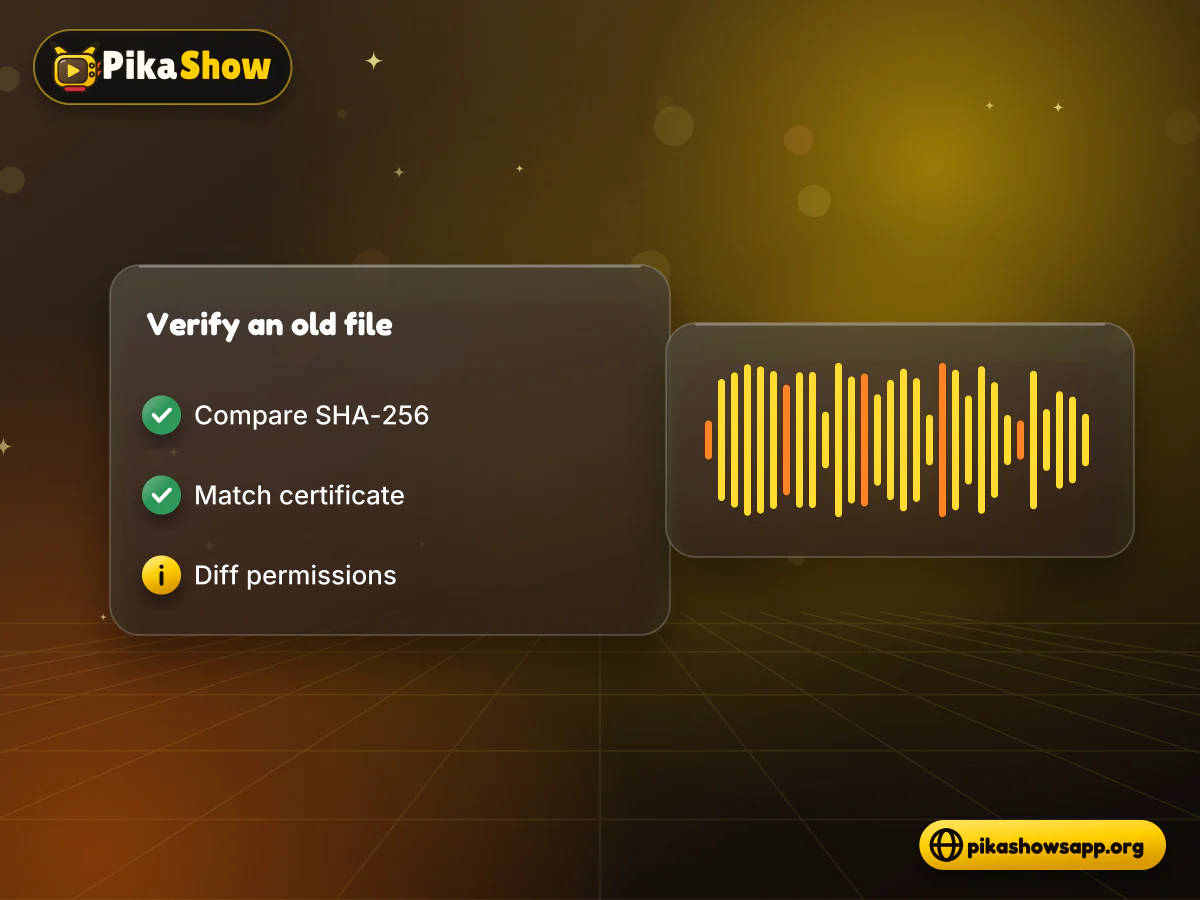
Verifying an older file means answering three questions: is it the file it claims to be, who signed it, and what does it ask for? You need all three, because each one catches a different kind of problem.
Run certutil -hashfile file.apk SHA256 on Windows, shasum -a 256 file.apk on macOS, sha256sum file.apk on Linux, or sha256sum in Termux on Android. Compare the result with a checksum published for that exact version. If no checksum is published anywhere, you have nothing to compare against, and that is itself a warning sign.
Run apksigner verify --print-certs file.apk or keytool -printcert -jarfile file.apk. The checked release uses the certificate fingerprint F6:14:BF:F7:BC:30:2B:71:25:C5:85:FD:FA:48:D5:DA:9E:24:B5:2F:40:83:99:3F:91:72:F6:7D:3D:C8:BE:6C. An older file with a different fingerprint was signed by someone else, and it will not update cleanly to or from the checked file.
Run aapt dump permissions file.apk or apkanalyzer manifest permissions file.apk, or view them in an APK analyser app. The checked release declares 15 permissions, including INTERNET, RECORD_AUDIO and several advertising permissions. Any permission an older file adds that the checked one lacks deserves a close look.
Most failed rollbacks come down to one of three messages. Here is what each usually means and what to try.
Usually a newer version is still installed, the file is signed with a different certificate, or storage is full.
Android found an app with the same package name, com.offshore.pikachu, signed with a different certificate.
The file could not be read. Common causes are an incomplete download, a damaged file or an app that needs a newer Android version than your device has.
If the app installs but will not start, restart the device and clear the app's cache in App info. The general tips for PikaShow not working may also help.
Only 10.8.2 (versionCode 83), because it is the only PikaShow file we have checked. More entries will be added as further files are examined.
No. Android blocks installing a lower versionCode over a higher one. You need to uninstall the current app first, which deletes its local data.
Neither. The file shared as pikashow_latest_v94.apk reports versionName 10.8.2 and versionCode 83, and its SHA-256 matches the file we checked.
Not if the phone runs Android 5.0 or later. The checked file's minimum is Android 5.0+. Below that, Android will not install it.
Compare its SHA-256 with a checksum published for that exact version, check the certificate fingerprint, and compare its permissions. A missing checksum means you cannot confirm it.
It may or may not. Try clearing the cache, restarting and reinstalling the same verified file first, since a downgrade always costs you the app's local data.
Not automatically. Older builds miss later fixes, and archive copies are harder to trace. Verify any file before installing, whatever its age.
We do not list one, because we have not checked any 2022 build, and an unverified file cannot be compared with a known checksum. 2022 is also when the Delhi High Court copyright case about PikaShow began, so an older copy does not avoid those concerns.

10 min read
Reported PikaShow features, a step-by-step Android setup, how to use the interface, practical tips and the safety, privacy and copyright limits to understand first.
5 min read
Has PikaShow shut down? What the Delhi High Court blocking directions mean, why the app may stop working, and what to check before you download a “new” version.
11 min read
A VPN can slow streaming as easily as it helps. Choose a nearby server and modern protocol, avoid extra routing layers and test before assuming it improves playback.
8 min read
A checksum tells you whether the APK on your device is the exact file that was published. Here is how to calculate and compare it on every platform, and what it cannot tell you.
8 min read
apkpikashow is a search term, not a verified brand. Learn why a domain containing the PikaShow name proves nothing, and how to check a site and its APK before installing.
11 min read
Compare legitimate streaming services people consider instead of PikaShow, from subscription platforms to free ad-supported apps, with devices and regional limits.
10 min read
Blank screen, endless loading or crashes? Work through safe checks for your connection, cache, storage, server status and APK version before reinstalling.
8 min read
What a PikaShow MOD APK really is, why premium and ad-free claims can't be verified, how re-signing changes the certificate, and what to do if you have already installed one.
9 min read
Updated PikaShow and now it will not open, crashes on launch or refuses to install? Match your symptom to the cause, then work through 12 fixes in a safe order.
A PikaShow old version is only worth installing if you can confirm what it is. Right now the one release we have checked is 10.8.2, and we would rather list a single verified file than a long list of numbers we cannot back up.
If you still need to roll back, verify the older file first, keep a copy of your current APK, and remember that uninstalling wipes local app data. If you just want the current release, the latest PikaShow APK comes with its checksum and certificate details so you can confirm it yourself.
Non-affiliation notice: This website is an independent informational resource and is not affiliated with, endorsed by or sponsored by PikaShow, its developers, Google or any streaming provider. We do not claim that PikaShow is safe or legal to use.