
Is PikaShow Safe?
Permissions, advertising SDKs, the debug certificate and what we could not check.

What a PikaShow MOD APK really is, why premium and ad-free claims can't be verified, how re-signing changes the certificate, and what to do if you have already installed one.
Written by pikashowsapp.org Editorial TeamPublished Updated 8 min read
A PikaShow MOD APK is a copy of the app that someone other than its developer has taken apart, changed and rebuilt. You cannot see what was changed, and the person who changed it signs the file with their own key, so the usual ways of checking a file no longer lead back to the original.
We have not examined any MOD file, and we are not going to link to one. What we can do is explain how modding works, compare it with the file we did check on 16 September 2026, and show you how to test a file that is already on your phone.
Nothing in this article describes a specific MOD download. The risks below apply to modified APKs in general, and the reference values come from the unmodified file we checked.
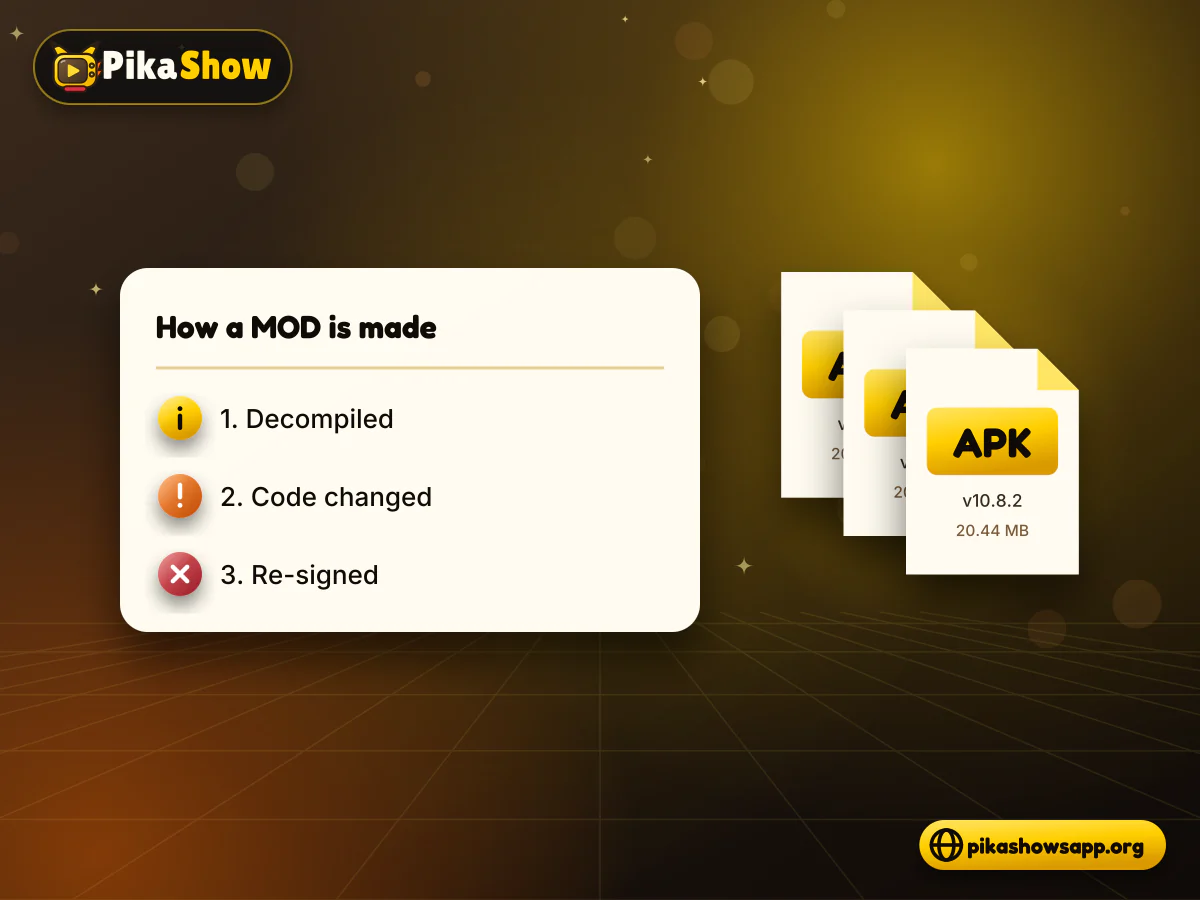
An APK is a signed package. A modified PikaShow APK is that package after a third party has changed what is inside it. The process always involves the same three stages.
The last step is the important one. Android will not install an unsigned APK, and the modder does not have the original signing key, so every MOD carries a different certificate from the file it was based on.
MOD pages sell a promise. Because you cannot read the changes, every promise has to be taken on trust from an anonymous uploader.
A "premium" label suggests paid features have been opened up. We found no sign-up, login or account screen belonging to the app in the readable code of the file we checked, so it is unclear what a paid tier would even refer to.
Removing adverts means removing or disabling code. The next section explains why that is a bigger change than it sounds.
A modified player cannot improve the source. If a stream is low quality or slow at the server, changing the app on your phone will not fix it.
A PikaShow MOD APK download page may also show star ratings, download counts or "tested" badges. None of those can be checked, and none tells you what the file does.
The unmodified file we examined contains four advertising SDKs. Our static analysis of its readable code found:
It also includes ad-viewability scripts, Firebase Crashlytics and a Google Analytics for Firebase endpoint, and it requests advertising-ID permissions. For a MOD to be truly ad-free, an unknown person must have stripped or disabled these parts and rebuilt the app around the gaps.
There is a further blind spot. A large part of the original ships as 57 encoded asset files, about 8 MB, plus a native library called libpika.so, which we could not read. A modder could change those too, and neither you nor we would see it.

Two numbers give a MOD away: the file's SHA-256 hash and its signing certificate fingerprint. Any edit changes the first, and re-signing changes the second. These are the values we recorded for the release file.
| Detail | Release file we checked |
|---|---|
| File | PikaShow-v10.8.2.apk, versionCode 83 |
| Size | 21,434,649 bytes (about 20.44 MB) |
| File SHA-256 | 372dc5af73e2299ed4a65c0567a3a2ecb3ce6c7ce850d06f4d3c29faf3a4e0a6 |
| Package name | com.offshore.pikachu |
| Certificate | CN=Android Debug, O=Android, C=US |
| Certificate SHA-256 | F6:14:BF:F7:BC:30:2B:71:25:C5:85:FD:FA:48:D5:DA:9E:24:B5:2F:40:83:99:3F:91:72:F6:7D:3D:C8:BE:6C |
Check the fingerprint, not the name
The release file uses a generic Android debug certificate, so the name "Android Debug" on its own proves nothing. The fingerprint is what differs from one signing key to another.
Safety cannot be shown for any MOD, because nobody outside the modder knows what was changed. These are the risks that come with that uncertainty.
Code that removes one set of adverts can add another, or add something worse. A MOD can also request extra permissions the original never asked for.
The original already requests microphone access among its 15 permissions. If a MOD shows a login form or asks for a Google, social or banking password, treat that as a serious warning: no app login was found in the readable code of the file we checked.
Android only installs an update when the package name matches and the signing certificate is the same. A MOD signed with a different key will show "App not installed" or a package conflict, forcing an uninstall that deletes local app data.
A MOD does not change the content rights behind the app. The Delhi High Court issued blocking and restraining directions in copyright proceedings about PikaShow, and redistributing an altered copy of someone else's app may raise its own concerns. Read more on PikaShow legality before using any version.
Do not install a MOD to test it
Once an app is installed and opened, it can use whatever permissions you grant. Check the file first, and delete it if the hash or certificate does not match.
| Point | File we checked | Typical MOD |
|---|---|---|
| SHA-256 recorded | Yes, 372dc5af...4e0a6 | Unknown, differs from release |
| Signing certificate | Android Debug, fingerprint F6:14:BF...BE:6C | A different, unknown key |
| Code examined | Readable dex code analysed; encoded assets not readable | Not examined by us |
| Advertising SDKs | Four found | Claimed removed, cannot be verified |
| Permissions | 15 recorded | May be added or changed |
| Updates over the top | Needs a file with the same certificate | Usually blocked by signature mismatch |
| Who changed it | Developer not verifiable | An anonymous third party as well |
Neither column is a safety guarantee. The difference is that one file has published values you can compare, and the other adds a second unknown layer on top.
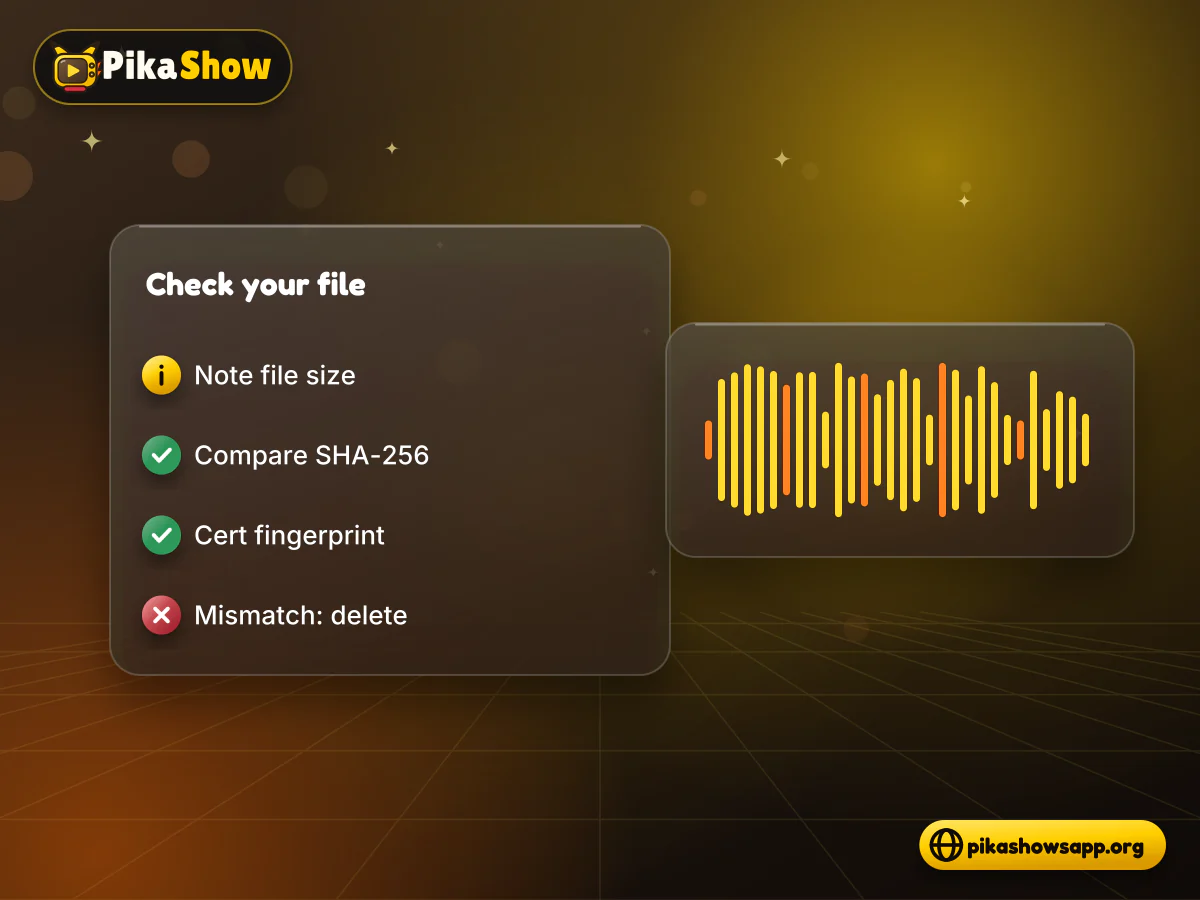
You need a computer, or a phone with Termux or a file-hash app, and about five minutes.
A different hash with the same certificate would point to a different build rather than a MOD, so check both. You can also scan the file with a security service you trust, bearing in mind that a clean result is not a guarantee.
Act calmly and in order. Most of these steps take only a few minutes.
If the phone still shows pop-ups outside apps after uninstalling, back up your photos and documents and consider a factory reset.
It is a copy of the PikaShow APK that a third party has decompiled, changed and re-signed with their own key. We have not examined any MOD file.
Its safety cannot be verified. The changes are hidden, the signer is unknown, and the file cannot be compared with published release values.
It may, but that means someone removed or disabled code. The file we checked contains AppLovin, Mintegral, Vungle/Liftoff and Unity Ads SDKs, and you cannot see what replaced them.
We cannot confirm one. No app login or account screen was found in the readable code of the file we checked, so a premium tier is unclear.
Compare its SHA-256 and certificate fingerprint with the release values. For the file we checked, the certificate SHA-256 begins F6:14:BF:F7 and ends C8:BE:6C.
Android requires the same package name and signing certificate for an update. A MOD uses a different key, so you must uninstall first, which deletes local app data.
Uninstall it, run a Google Play Protect scan, change any passwords you entered and switch off unknown-app installs for your browser.
A PikaShow MOD APK swaps one uncertainty for two: an app whose developer cannot be verified, rebuilt by someone you know even less about. Premium or ad-free labels do not change that.
If you keep any APK, check its SHA-256 and certificate first. If they don't match published values, delete the file, and for film and TV you can rely on, consider a licensed service.
Non-affiliation notice: This website is an independent informational resource and is not affiliated with, endorsed by or sponsored by PikaShow, Google, Android or any content provider. We do not host or link to MOD files.
8 min read
apkpikashow is a search term, not a verified brand. Learn why a domain containing the PikaShow name proves nothing, and how to check a site and its APK before installing.
5 min read
Has PikaShow shut down? What the Delhi High Court blocking directions mean, why the app may stop working, and what to check before you download a “new” version.
8 min read
A checksum tells you whether the APK on your device is the exact file that was published. Here is how to calculate and compare it on every platform, and what it cannot tell you.
10 min read
Reported PikaShow features, a step-by-step Android setup, how to use the interface, practical tips and the safety, privacy and copyright limits to understand first.
10 min read
Blank screen, endless loading or crashes? Work through safe checks for your connection, cache, storage, server status and APK version before reinstalling.
11 min read
A VPN can slow streaming as easily as it helps. Choose a nearby server and modern protocol, avoid extra routing layers and test before assuming it improves playback.