Skip to content
v10.8.2 · 20.44 MB · Android 5.0+

PikaShow for iOS: Can You Install PikaShow on iPhone or iPad?

No. PikaShow for iOS is not something you can install from the Android file: the PikaShow APK is an Android package, and iPhones and iPads cannot open or install APK files at all. We also could not confirm any iOS version released by the publisher of the Android app.

The file we checked on 16 September 2026, PikaShow-v10.8.2.apk, targets Android 5.0 and later and carries the package name com.offshore.pikachu. Nothing inside it can run on Apple hardware. Pages offering a “PikaShow iOS download” are therefore offering something else, and that something else deserves a hard look before it goes anywhere near your phone.

This guide explains why the formats differ, which download tricks to walk away from, how to remove a suspicious profile if you have already installed one, and what iPhone and iPad owners can realistically do instead.

This page is general information. It does not endorse any app, download page or streaming source.

01

Is There a Real PikaShow for iOS?

We could not verify one. The only PikaShow file we could examine is an Android APK, and no iOS build from the same publisher could be confirmed during our review. The developer is not identifiable from the APK either: it is signed with the generic Android debug certificate (CN=Android Debug), not a named publisher certificate, so there is no traceable developer account to link to an App Store listing.

What this means in practice for anyone searching for PikaShow for iPhone:

  • The APK itself cannot be installed on any iPhone or iPad, whatever the iOS version.
  • A site that says it has converted the APK into an iPhone app is making a claim you cannot check.
  • An App Store app with “PikaShow” in its name is not automatically connected to the Android streaming app.
  • Any iOS file offered outside the App Store needs extra steps that weaken your phone’s protections.

Treat “PikaShow iOS download” pages with suspicion

If a page promises a working PikaShow iOS download, it is asking you to trust software whose author, contents and data handling you cannot verify. The safest choice is not to install it.

02

Why an APK Will Not Install on iPhone or iPad

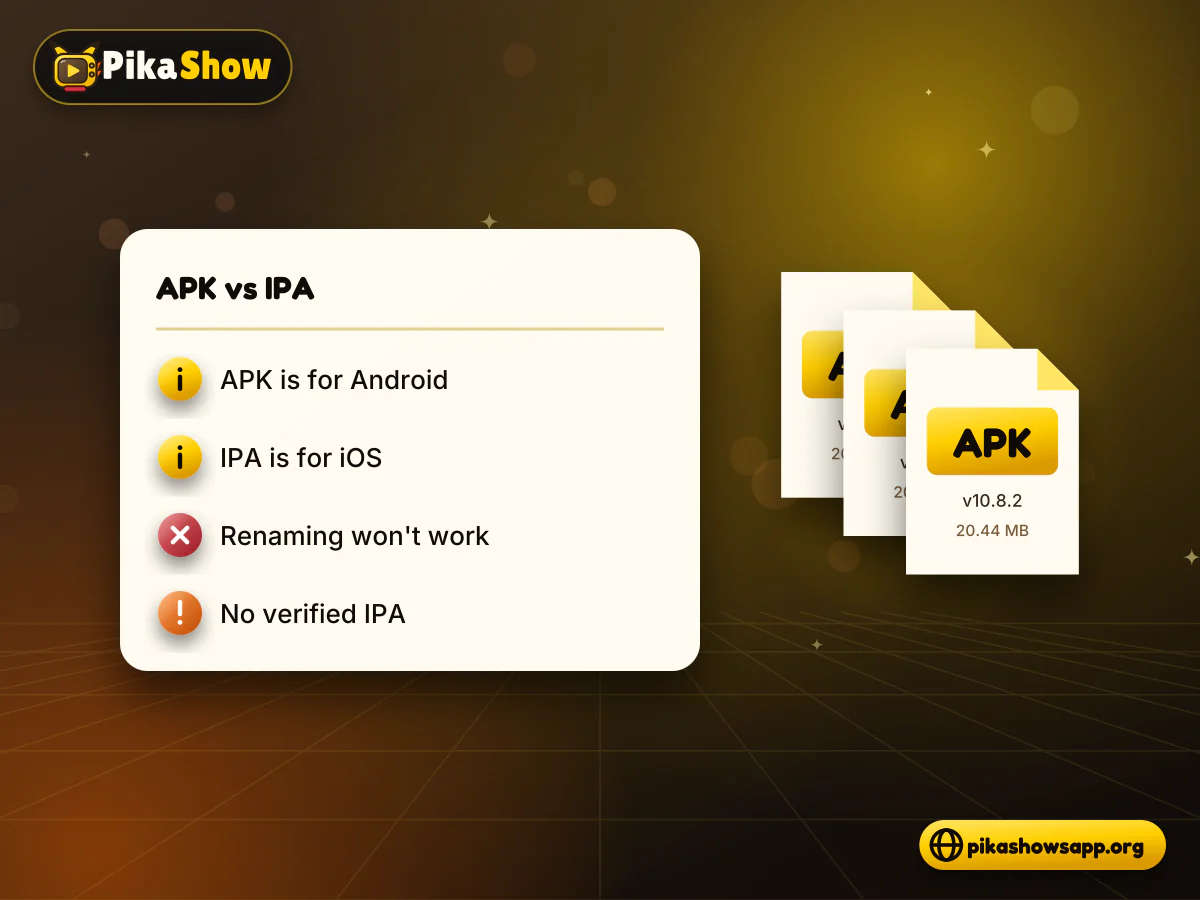
Android and iOS use completely different app formats, and neither can open the other’s packages. An Android app ships as an APK; an iOS app ships as an IPA, built with Apple’s tools and signed with an Apple-issued certificate. Renaming a file from .apk to .ipa changes nothing except the name.

How the two formats compare:

DetailAndroid APKiOS IPA
Runs onAndroid phones, tablets, Android TV, Fire TViPhone, iPad and some Apple silicon Macs
Normal sourceGoogle Play, or sideloaded from a fileThe App Store, TestFlight or managed company distribution
SigningAny developer key, including a debug keyA certificate issued by Apple
Installing outside the storeAllowed after enabling unknown sourcesNeeds a profile, enterprise certificate or developer tools
PikaShow file we checkedPikaShow-v10.8.2.apk, about 20.44 MBNo verified file exists to check

So there is no PikaShow app for iPhone hiding behind a converter or an emulator trick. There is no practical Android emulator for iPhone that would run a streaming app, and a web page claiming to offer one is another warning sign rather than a solution.

Side-by-side document cards comparing an Android APK file with an iOS IPA file for PikaShow on iPhone
03

Red Flags on PikaShow iOS Download Pages

Because a genuine PikaShow IPA could not be confirmed, any page offering one relies on workarounds. These are the patterns to recognise. They describe common tactics, not claims about any particular website.

Configuration profiles

A profile (a .mobileconfig file) can change VPN, proxy, certificate and web-clip settings on your device. A streaming app has no reason to ask you to install one. A profile that adds a root certificate or a VPN could let someone else see or redirect your traffic.

Enterprise certificates and “Trust this developer”

Apple’s enterprise programme exists so companies can give internal apps to their own staff. When a public site asks you to open Settings and trust an unfamiliar developer or enterprise name, it is using a route that was never meant for public downloads. Apple can revoke such certificates, and the app then simply stops opening.

IPA files and signing services

An IPA from an unknown site can contain anything its uploader chose to put inside. Paid “signing” services that install it for you add a second party you would also have to trust.

Close the page if you see any of these:

  • A fake App Store page on a non-Apple domain
  • A request to install a profile to “unlock” the app
  • Instructions to trust a developer in Settings
  • “Human verification” or survey walls
  • Requests for your Apple Account password
  • Payment for a supposedly free app
  • Countdown timers and repeated redirects
  • Claims the file is “100% safe” with no evidence
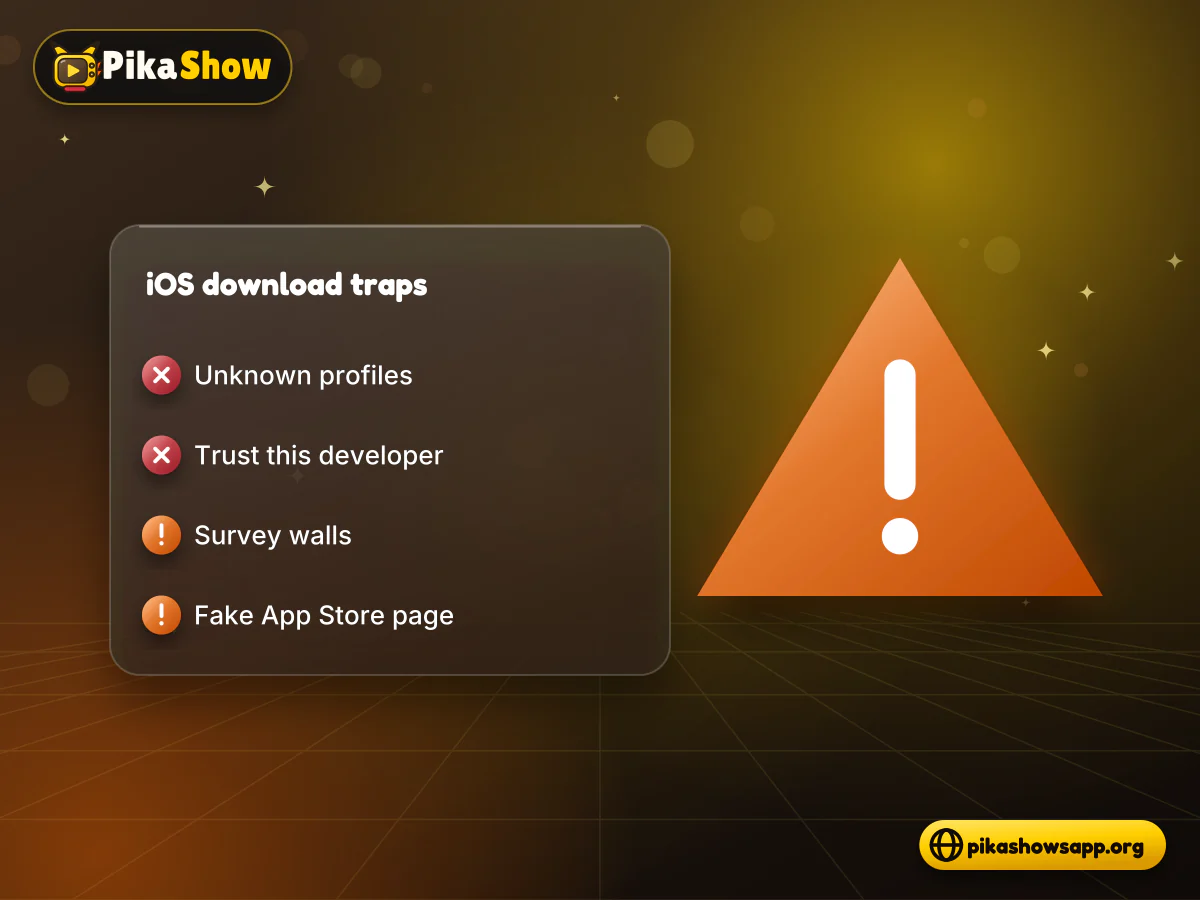
Warning checklist next to an iPhone showing a fake PikaShow iOS download page, profile request and survey wall
04

App Store Apps That Use the PikaShow Name

Searching the App Store for PikaShow can return apps with similar names, icons or colours. That does not make them the Android streaming app. App names are not unique, and a listing can borrow a well-known name to attract searches.

Before installing a similarly named app, read the listing carefully:

  • Check the developer name under the title and tap it to see their other apps.
  • Read the description: does it actually describe streaming, or something unrelated like a wallpaper app, a video player or a guide?
  • Look at the App Privacy section to see which data the app says it collects.
  • Check in-app purchase and subscription prices before tapping Get.
  • Be wary of reviews that all sound alike or complain about the app not matching its description.

Apple’s review process checks apps against its guidelines, but it does not confirm that an app is connected to an unrelated Android product that happens to share its name.

05

What iPhone and iPad Users Can Do Instead

You do not need a risky workaround to watch films, series or sport on Apple devices. These options keep the iPhone’s built-in protections switched on.

  • Use Licensed Apps From the App Store

    Most major streaming services in India and elsewhere publish iOS apps, many with free, ad-supported sections alongside paid plans. They receive regular updates and are distributed through Apple’s normal channel. Our list of legal alternatives to PikaShow covers the kinds of services worth comparing.

  • Watch on a Computer

    If you have a laptop, licensed services usually offer a browser player. People also search for PikaShow for PC or a PikaShow web version; both topics come with their own caveats, which we explain on those pages rather than assuming either is safe.

  • Use an Android Device You Already Own

    The APK only installs on Android. If a household member uses an Android phone or TV, remember that the file’s developer cannot be verified, it contains several advertising SDKs, and part of its code could not be inspected. Read about the safety of the PikaShow APK before deciding.

  • AirPlay From a Licensed App

    Many streaming apps support AirPlay, which sends video from an iPhone or iPad to an Apple TV or an AirPlay-compatible television on the same Wi-Fi network. Open the Control Centre, tap Screen Mirroring, or use the AirPlay button inside the video player.

06

How to Remove a Suspicious Profile From iPhone or iPad

If you followed a PikaShow iOS download guide and installed a profile or trusted an unknown developer, remove it. The process takes about a minute and works the same way on iPhone and iPad. Menu names can differ slightly between iOS versions.

  1. 1

    Open Settings and go to General > VPN & Device Management. On older iOS versions this screen may be called Profiles or Profiles & Device Management.

  2. 2

    Look under Configuration Profile for any entry you do not recognise, especially one installed around the time you visited the download page.

  3. 3

    Tap the profile, check what it says it installs, then tap Remove Profile.

  4. 4

    Enter your device passcode if asked and confirm the removal.

  5. 5

    Back on the same screen, look under Enterprise App or Developer App. Tap any unknown developer and choose Delete App.

  6. 6

    Delete any leftover app icon from the Home Screen: touch and hold the icon, tap Remove App, then Delete App.

  7. 7

    Go to Settings > General > About > Certificate Trust Settings and make sure no unknown root certificate is still switched on.

  8. 8

    If you typed your Apple Account password or card details on the download site, change that password and contact your bank.

If a profile has no Remove button, the device may be under management by an organisation. For a personal device you did not enrol, back up your data and consider restoring the iPhone through Settings > General > Transfer or Reset iPhone.

07

PikaShow for iPad: Does Anything Change?

No. iPadOS is built on iOS and has the same restrictions, so PikaShow for iPad faces exactly the same problem: the APK cannot be installed, and no verified iPad version could be found.

A few iPad-specific points are still worth knowing:

  • Macs with Apple silicon can run some iPad apps, but that works only for iOS apps and has nothing to do with Android APK files.
  • A bigger screen does not make a sideloaded IPA any safer. The same profile and certificate risks apply.
  • Family iPads shared with children are a poor place to test unknown apps, since ads and redirects on download pages are often unsuitable.
  • Split View and Picture in Picture work with licensed streaming apps that support them, which covers most of what people want from a tablet.

If you want PikaShow on a smart TV rather than a tablet, the situation depends on the TV’s operating system, and some Android TV models can install APKs while Apple TV cannot.

iPad with a compatibility checklist showing PikaShow for iPad is unsupported and licensed apps are an option
09

PikaShow for iPhone: Frequently Asked Questions

Can I install the PikaShow APK on my iPhone?

No. APK files are Android packages and iOS cannot open or install them. This applies to every iPhone model and iOS version.

Is there an official PikaShow for iOS on the App Store?

We could not confirm any App Store app published by the developer of the Android PikaShow app. Apps using a similar name should not be assumed to be connected to it.

Is a PikaShow IPA file safe to install?

We cannot vouch for any PikaShow IPA, because no verified iOS build exists to compare it with. Installing one usually means trusting an unknown developer or profile, which removes protections the App Store normally provides.

A site asked me to install a profile. What should I do?

Do not install it. If you already have, go to Settings > General > VPN & Device Management, tap the unknown profile and choose Remove Profile, then check Certificate Trust Settings.

Does PikaShow work on iPad?

No. iPadOS has the same app restrictions as iOS, so the Android APK cannot be installed on an iPad either.

Can I use an emulator to run PikaShow on iPhone?

There is no practical way to run Android streaming apps on an iPhone through an emulator. Sites claiming to offer one are a warning sign, not a workaround.

How can I watch on my TV from an iPhone?

Use a licensed streaming app that supports AirPlay and send the video to an Apple TV or AirPlay-compatible television on the same Wi-Fi network.

Why do “human verification” steps appear before the download?

These walls usually push visitors to complete offers, surveys or app installs that earn the site money. They are not a security check and rarely lead to a working file.

From the blog

Latest PikaShow Articles

View all articles
10

The Bottom Line for iPhone and iPad Owners

PikaShow for iOS could not be verified, and the Android APK will never install on an iPhone or iPad. Pages that promise otherwise depend on profiles, enterprise certificates or IPA files from people you cannot identify.

Keep your device’s protections switched on, remove anything suspicious using the steps above, and use licensed App Store apps or AirPlay when you want to watch on a bigger screen.

Non-affiliation notice: This website is an independent informational resource and is not affiliated with, endorsed by or sponsored by PikaShow, Apple or any streaming provider.