
AppLovin
A large ad network. This copy includes AppLovin's native crash reporter as well as its ad components.

Is PikaShow safe? We cannot confirm that it is. On 16 September 2026 we took apart PikaShow v10.8.2, checked its checksum, manifest, signing certificate and readable code, and found an app built around advertising, signed with a generic debug certificate and with a large encoded section we could not read.
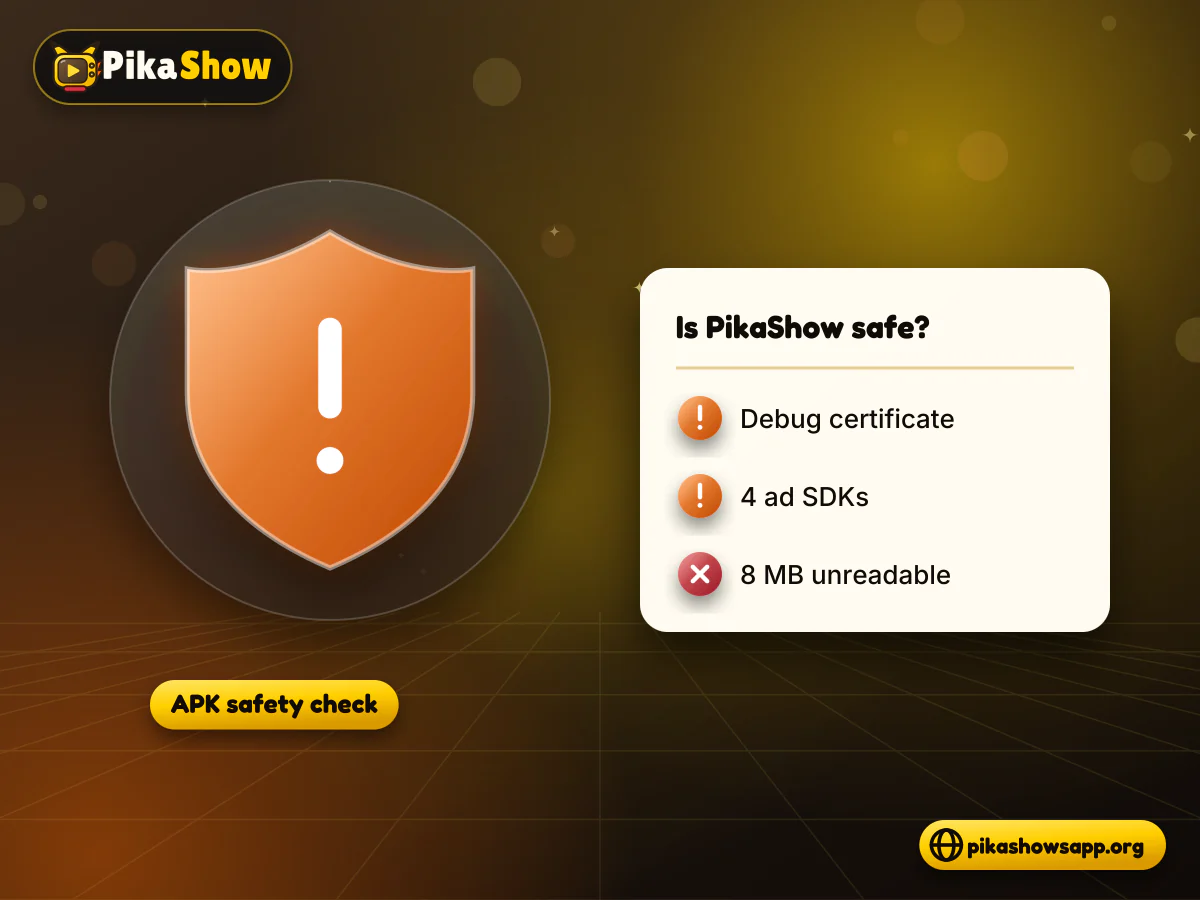
None of that proves the app is harmful. It does mean nobody outside the developer can vouch for it, and the developer cannot be identified from the file. Below is exactly what we found, what we could not check, and how to reduce your risk if you still decide to install it.
This independent website provides information about PikaShow. It is not affiliated with, endorsed by or sponsored by PikaShow, Google, any antivirus vendor, any streaming service or any content owner.
PikaShow cannot be verified as safe. It is sideloaded as an APK rather than installed from Google Play, so it has not gone through Play's review, and the copy we examined has no publisher certificate linking it to a named developer.
The main points, in plain terms:
No clean bill of health
We did not run a VirusTotal scan or a live test of the running app, and we are not claiming PikaShow is malware-free. If you install it, you are trusting an unknown developer with a device that probably holds your banking, UPI and messaging apps.
So, PikaShow safe or not? The honest answer is “unknown, with several reasons for caution”. If you would rather not take that risk, licensed apps from Google Play are the simpler choice.
We looked at the file without running it. This is called static analysis: reading what is inside the package rather than watching what it does on a phone.
What each check covered and what it showed:
| Check | What we looked at | Result |
|---|---|---|
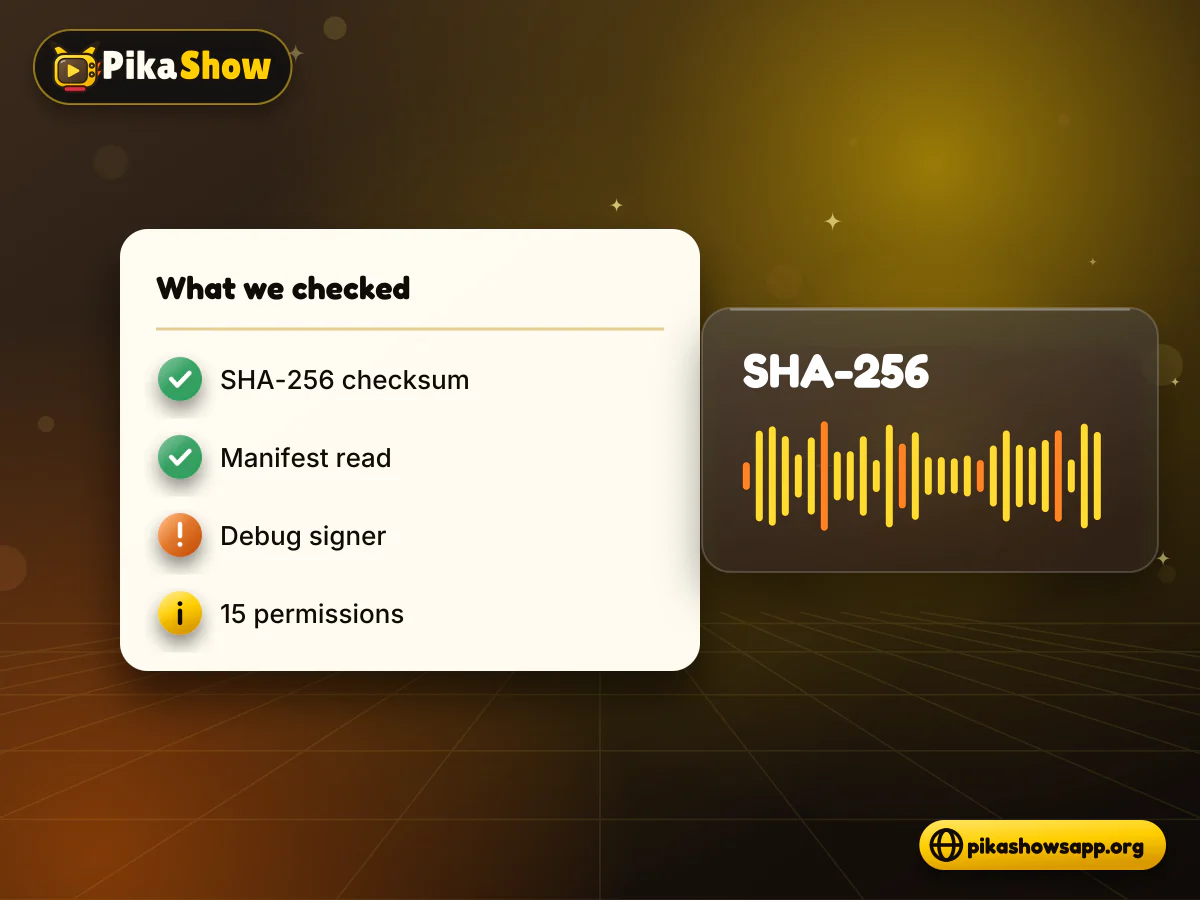
| Checksum | SHA-256 hash of the whole file | 372dc5af73e2299ed4a65c0567a3a2ecb3ce6c7ce850d06f4d3c29faf3a4e0a6 |
| Manifest | Package name, version, SDK levels, permissions | com.offshore.pikachu, v10.8.2 (versionCode 83), Android 5.0+ (minSdk 21), targetSdk 34, 15 permissions |
| Certificate | Who signed the APK | CN=Android Debug, O=Android, C=US (generic debug certificate) |
| Readable code | classes.dex and classes2.dex | Ad SDKs, Firebase Crashlytics and Analytics, a media player with DASH/HLS support, Retrofit and Gson |
| Login or account screen | Searched the readable code | Not found; sign-in strings came only from Google Play Services |
| Developer | Certificate and manifest details | Not verifiable from the file |
The same file also circulates under the name pikashow_latest_v94.apk. Its manifest still says 10.8.2; the v94 label comes from download sites, not from the app.
A large part of PikaShow is hidden from a normal inspection. That is the biggest reason we will not call the APK safe.
Gaps in our review:
Apps sometimes encode assets to protect their code from copying, so encoding alone is not proof of anything bad. It does mean features could exist that no one reading the ordinary code would see.
The PikaShow permissions list has 15 entries. Most are normal for a streaming app with adverts. A few deserve a closer look, not because we saw them misused, but because they give an unverified app more reach than it strictly needs to play video.
All 15 permissions declared in the manifest of v10.8.2:
| Permission | What it allows | Risk note |
|---|---|---|
| INTERNET | Open network connections | Expected for any streaming app |
| ACCESS_NETWORK_STATE | See whether you are online | Low; common for video and ads |
| ACCESS_WIFI_STATE | See Wi-Fi connection status | Low; can add to device fingerprinting |
| RECORD_AUDIO | Record with the microphone | Higher; not needed to watch video. Android asks before granting it |
| WAKE_LOCK | Stop the device sleeping | Low; keeps the screen on during playback |
| FOREGROUND_SERVICE | Run a service with a visible notification | Low to medium; lets work continue in the background |
| RECEIVE_BOOT_COMPLETED | Start after the device restarts | Medium; the app can run without you opening it |
| com.google.android.gms.permission.AD_ID | Read the Android advertising ID | Medium; used for ad targeting and tracking |
| ACCESS_ADSERVICES_AD_ID | Android advertising services: ad ID | Medium; ad measurement |
| ACCESS_ADSERVICES_TOPICS | Android advertising services: interest topics | Medium; interest-based ads |
| ACCESS_ADSERVICES_ATTRIBUTION | Android advertising services: ad attribution | Medium; tracks which ads led to actions |
| BIND_GET_INSTALL_REFERRER_SERVICE | Read the Google Play install referrer | Low; shows where an install came from |
| BIND_APPHUB_SERVICE (AppLovin) | AppLovin advertising SDK service | Medium; part of the ad stack |
| com.on.talk.PERMISSION_BIND_INTERACTION | Custom third-party permission | Unknown; purpose is not documented |
| DYNAMIC_RECEIVER_NOT_EXPORTED_PERMISSION | Internal AndroidX permission for private broadcasts | Low; standard library housekeeping |
Microphone access is the permission people ask about most. We did not find evidence of how, or whether, the app uses it, and advertising or voice-search libraries sometimes declare it. On Android 6.0 and later, the app has to ask you before it can record. You can refuse, and you can check later in Settings > Apps > PikaShow > Permissions.
RECEIVE_BOOT_COMPLETED lets the app be woken when your phone starts. Ad SDKs and download managers often use it to schedule tasks. It is not dangerous in itself, but it means the app may do work even if you have not opened it since the restart.
Four entries relate to advertising: AD_ID plus three ADSERVICES permissions. Together they allow ads to be targeted and measured against your device. You can limit this by going to Settings > Google > Ads (or Settings > Privacy > Ads) and deleting or resetting your advertising ID.
PikaShow's readable code includes four separate advertising SDKs and Firebase tools. Each one is a third party that may receive data about your device and how you use the app.
A large ad network. This copy includes AppLovin's native crash reporter as well as its ad components.
An ad network found in the code under the package name com.mbridge.msdk.
A video-advertising SDK, present as com.vungle.ads.
Unity's advertising SDK, present as com.unity3d.ads. The file also includes OMID (Open Measurement) scripts that report ad viewability.
Sends crash reports to the developer, which usually include device model, Android version and app state at the time of the crash.
The code contains the app-measurement.com endpoint, which is used to record app usage events.
These SDKs are used by many legitimate apps, and their presence is not misuse. The difference is accountability. A Google Play app has to publish a privacy policy and data-safety details. For PikaShow, we could not identify who is responsible for the data these services collect.
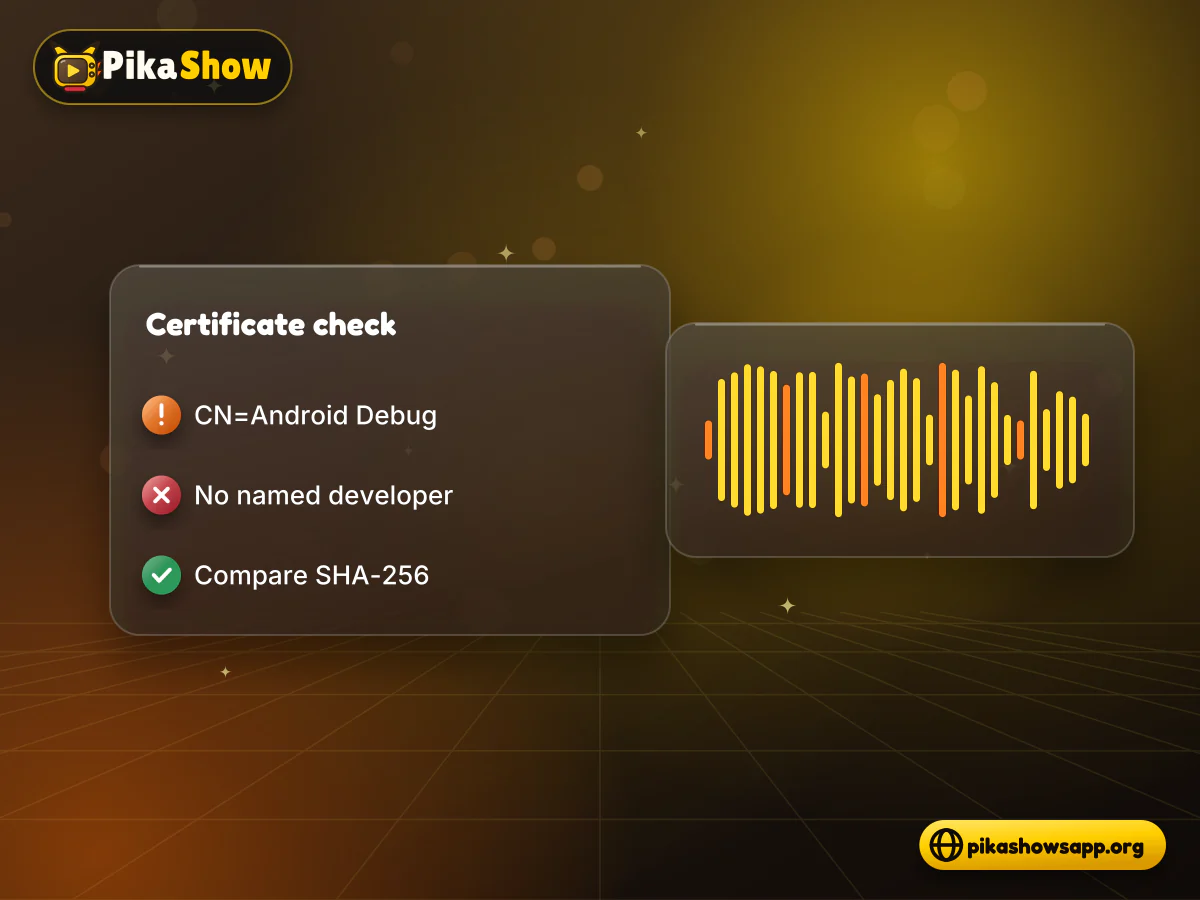
Every APK is signed. Our copy is signed with CN=Android Debug, O=Android, C=US, the generic certificate Android's developer tools create for testing. Real publishers sign releases with their own private key.
What that means for you:
On a computer with Android SDK Build-Tools, run apksigner verify --print-certs PikaShow-v10.8.2.apk. With Java installed, keytool -printcert -jarfile PikaShow-v10.8.2.apk also works. Compare the SHA-256 digest with the one from our check:
F6:14:BF:F7:BC:30:2B:71:25:C5:85:FD:FA:48:D5:DA:9E:24:B5:2F:40:83:99:3F:91:72:F6:7D:3D:C8:BE:6C
A different fingerprint means a different signer. It does not automatically mean malware, but it does mean you are not holding the file we examined.
Our findings apply only to the file with the SHA-256 checksum above. Any other copy could be different inside, even if its name, icon and version number look identical.
Because the app is signed with a debug certificate and has no official store listing, it is easy for someone to unpack it, add code or extra adverts, and sign it again. Many sites relabel files too, which is how the PikaShow v94 name came about for version 10.8.2.
Signs a copy has been changed:
Be especially careful with any PikaShow MOD APK. Modified builds are, by definition, changed by someone other than whoever built the original, and there is no way to see what else they changed.
People searching “PikaShow virus” want a yes or no. We cannot give one, but you can run the same basic checks anyone can. These are instructions, not our results.
Work out the file's SHA-256. On Windows use certutil -hashfile PikaShow-v10.8.2.apk SHA256 or PowerShell Get-FileHash. On macOS use shasum -a 256, on Linux sha256sum, and on Android Termux or a file-hash app.
Compare it with 372dc5af73e2299ed4a65c0567a3a2ecb3ce6c7ce850d06f4d3c29faf3a4e0a6. If it differs, you have a different file.
Go to virustotal.com and paste the hash into the Search tab. If the file has been scanned before, you will see earlier results without uploading anything.
If there is no result, upload the APK on the File tab. Remember that uploaded files can be shared with security researchers, so never upload anything personal.
Read the results with care. A few detections labelled adware or riskware are common for ad-heavy apps; detections naming trojans, spyware or banking malware are a reason to delete the file.
On your phone, open the Play Store, tap your profile, choose Play Protect and run a scan. Let it scan apps from outside Google Play if it asks.
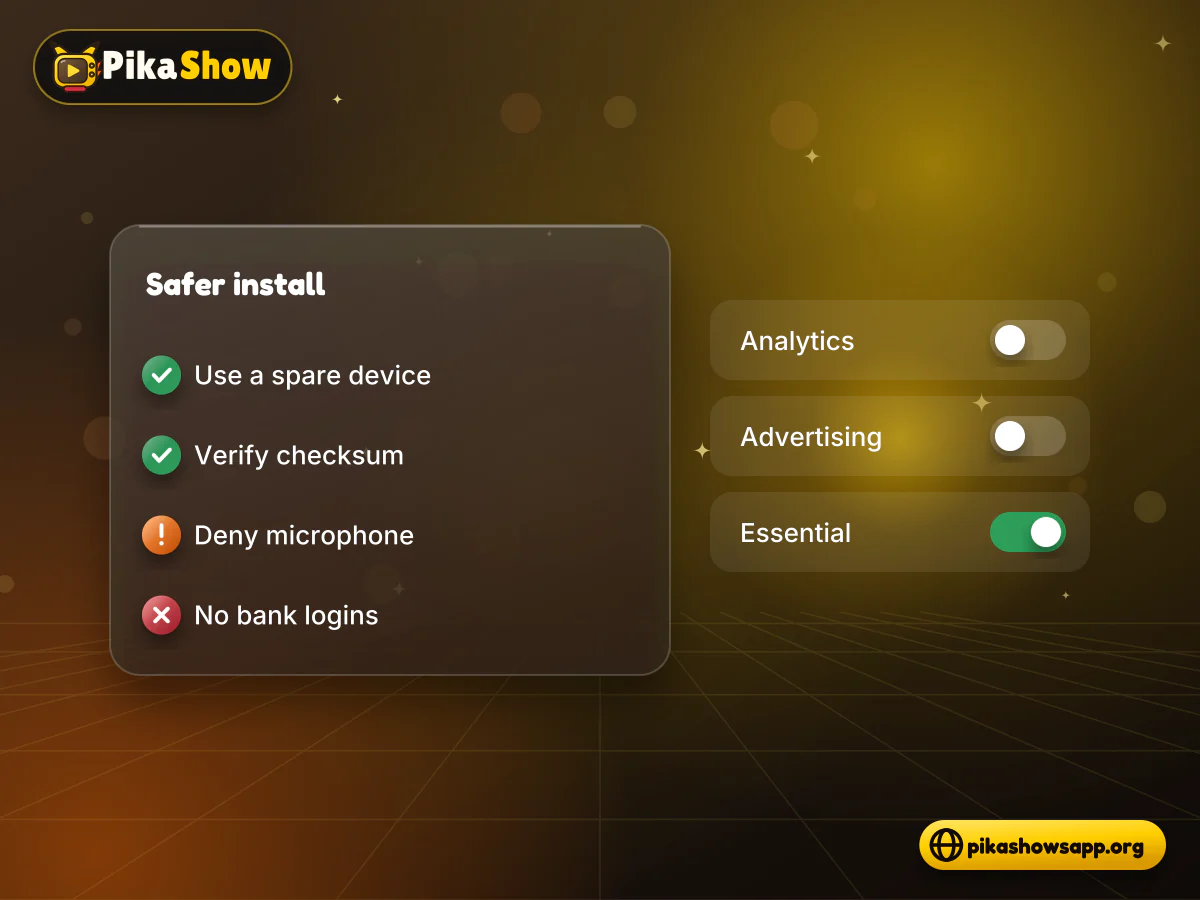
After installing anything, check Settings > Apps > PikaShow > Permissions and switch off the microphone and anything else you do not want to allow.
A clean scan lowers the odds of known malware. It cannot find everything, especially code that is encoded or loaded later. For a fuller walkthrough of hashing, see how to check an APK's SHA-256.
If you decide to install anyway, keep the damage small if something goes wrong. Nothing on this list makes the app safe; it only limits what it can reach.
If you are unsure where your copy came from, it is simpler to delete it and download the PikaShow APK again from a page that publishes the checksum you can compare.
Device safety and legal safety are separate questions. An APK could be free of malware and still stream content without permission, and a legal app can still collect a lot of data.
In India, PikaShow was the subject of copyright proceedings before the Delhi High Court, which issued blocking and restraining directions after examining allegations that protected programming was being made available without permission. Whether using the app is legal where you live depends on local copyright law. Our guides on PikaShow legality and the PikaShow legal status in India cover this in more depth.
Licensed services available in India include:
They install from Google Play or your TV's app store, publish their privacy policies and are signed by identifiable companies. Several have free, ad-supported sections. Our roundup of legal alternatives to PikaShow compares them.
It cannot be verified as safe. The APK is signed with a generic debug certificate, bundles four ad SDKs and has about 8 MB of encoded files we could not inspect. Use a spare device if you install it.
We did not run a VirusTotal scan or live test, so we cannot say either way. You can look up the file's SHA-256 on VirusTotal and run a Play Protect scan to see known detections.
The manifest declares RECORD_AUDIO, but we did not find evidence of how it is used. Android asks before granting it, so you can deny it and still watch video.
Version 10.8.2 declares 15 permissions, including internet access, microphone, start after restart and four advertising ID permissions. A copy with more permissions is not the file we checked.
It means the APK was signed with Android's generic test key rather than a publisher's own release key. The certificate does not identify a developer and offers weak proof of who built the file.
No. A modified APK has been changed by an unknown third party and re-signed, so it carries every risk of the original plus whatever was added.
Not necessarily. Play Protect and antivirus tools detect known threats, but they may miss code that is encoded or downloaded after installation.
Device safety says nothing about legality. PikaShow has faced copyright proceedings in India, and whether use is lawful depends on content licensing and local law.
10 min read
Reported PikaShow features, a step-by-step Android setup, how to use the interface, practical tips and the safety, privacy and copyright limits to understand first.
5 min read
Has PikaShow shut down? What the Delhi High Court blocking directions mean, why the app may stop working, and what to check before you download a “new” version.
11 min read
A VPN can slow streaming as easily as it helps. Choose a nearby server and modern protocol, avoid extra routing layers and test before assuming it improves playback.
8 min read
A checksum tells you whether the APK on your device is the exact file that was published. Here is how to calculate and compare it on every platform, and what it cannot tell you.
8 min read
apkpikashow is a search term, not a verified brand. Learn why a domain containing the PikaShow name proves nothing, and how to check a site and its APK before installing.
11 min read
Compare legitimate streaming services people consider instead of PikaShow, from subscription platforms to free ad-supported apps, with devices and regional limits.
10 min read
Blank screen, endless loading or crashes? Work through safe checks for your connection, cache, storage, server status and APK version before reinstalling.
8 min read
What a PikaShow MOD APK really is, why premium and ad-free claims can't be verified, how re-signing changes the certificate, and what to do if you have already installed one.
9 min read
Updated PikaShow and now it will not open, crashes on launch or refuses to install? Match your symptom to the cause, then work through 12 fixes in a safe order.
Is PikaShow safe? From the file we examined, we can only say it is unverified: debug-signed, ad-heavy, with microphone and start-up permissions and a large part we could not read.
If you go ahead, check the checksum and certificate, deny permissions you do not need and keep it away from your main phone. If you would rather avoid the uncertainty, a licensed app from Google Play gives you a known developer and a clear privacy policy.
Non-affiliation notice: This website is an independent informational resource and is not affiliated with, endorsed by or sponsored by PikaShow, Google, VirusTotal or any streaming provider.