
Is apkpikashow Official?
How to check look-alike PikaShow domains and typo spellings.

Finding the PikaShow official website is not as straightforward as it may seem. Several websites use the PikaShow name, display similar logos and describe themselves as the official source. However, using a brand name or an “official” label does not prove that a website belongs to the application’s actual developer.
This uncertainty matters because PikaShow is generally distributed as an APK file outside standard app stores. Downloading an application from an unknown source can expose your phone to modified files, excessive permissions or misleading advertisements.
Before completing a PikaShow APK download, take a few minutes to examine the website and the file it provides.
At present, it is difficult to identify one clearly verified, developer-owned PikaShow official site from the many websites using the name. Different domains claim to provide the latest or original version, but many do not publish enough information to establish who operates them.
A genuine source would normally provide:
A large download button and a PikaShow logo are not evidence of ownership. Until the developer and domain relationship can be confirmed, it is safer to call such a website a third-party source.
Copycat websites often use small changes in spelling, extra words or unusual domain extensions. Some may place terms such as “official,” “original” or “latest” in the address to appear trustworthy.
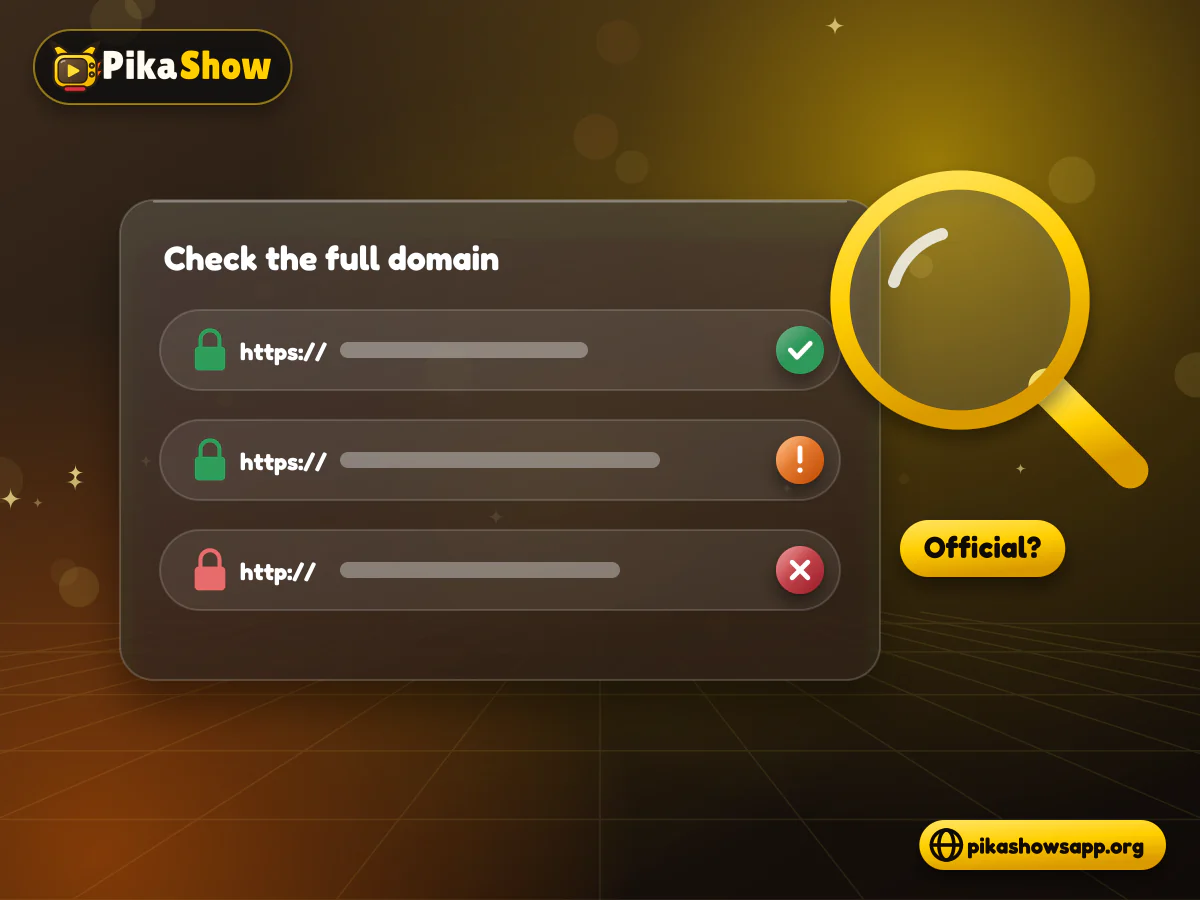
Check the full domain before downloading anything. Be cautious if the website:
HTTPS protects information while it travels between your browser and the site. It does not prove that the website or APK is trustworthy.
Domains built around names such as apkpikashow or apkpik, and spellings like “pika show”, are search variations, not proof that a site belongs to PikaShow’s developer. Anyone can register a web address containing a brand name, and it takes a few minutes.
We could not verify that any of these domains is run by the people who built the app. That is not an accusation against a particular site; it means the ownership has not been shown. The APK we examined does not name a developer either, and it is signed with a generic Android debug certificate, so the file offers no publisher identity to match against a website.
You can still check a site yourself. Look the domain up in a WHOIS service to see when it was registered. Confirm it uses HTTPS, remembering that HTTPS only protects the connection, not the file. Look for a named operator, a working contact address and a privacy policy, then compare the downloaded file’s SHA-256 checksum and signing certificate with the values the site publishes.
A site that publishes none of those details is, at best, a third-party mirror. Treat its downloads that way.
Red flags on a look-alike PikaShow site:
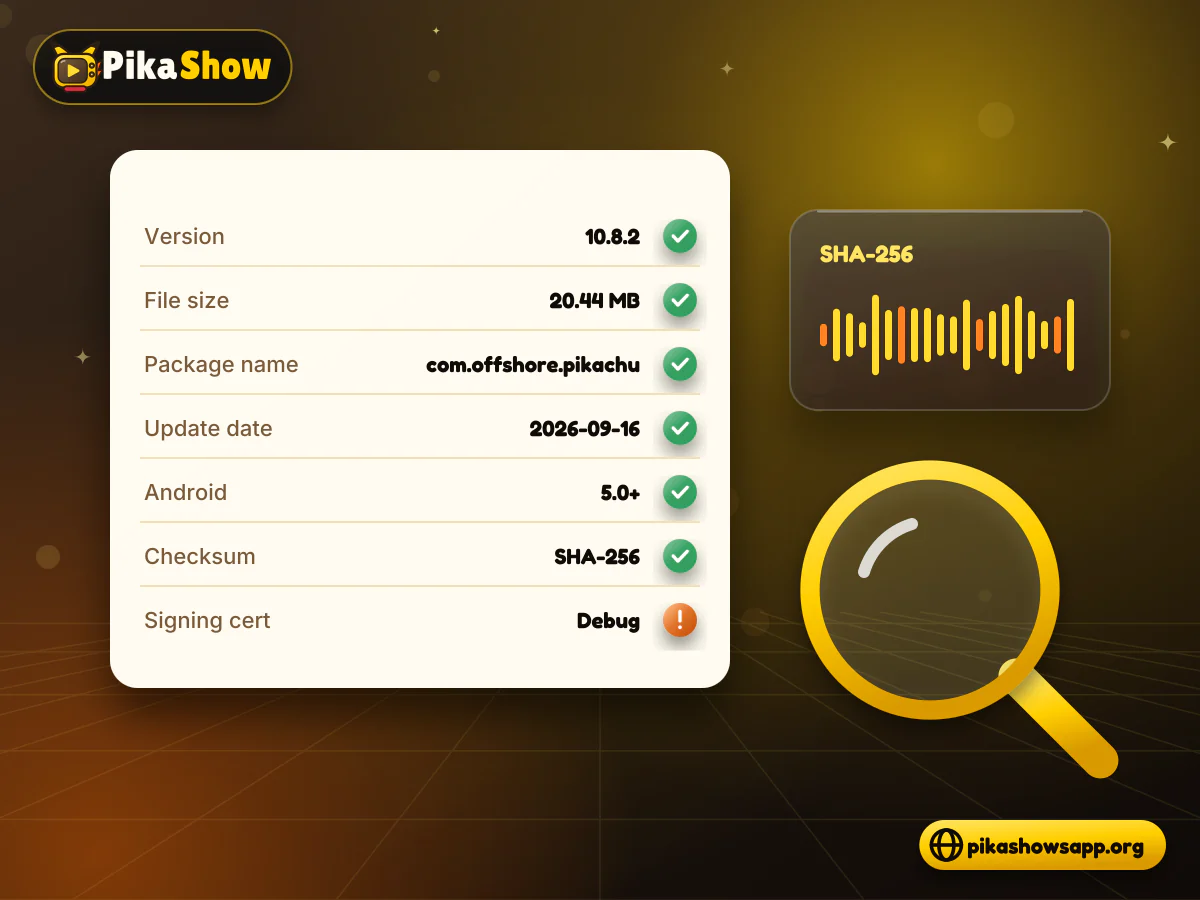
A responsible PikaShow website should display more than a version number. Look for technical information that can be compared with the downloaded file.
Useful details include:
| APK detail | What to check |
|---|---|
| Version | It should match the downloaded application |
| File size | It should be close to the size shown on the page |
| Package name | It should remain consistent across updates |
| Update date | It should refer to a real release, not an automatic date |
| Android requirement | It should identify supported Android versions |
| Checksum | A SHA-256 value helps identify the exact file |
| Signing certificate | Updates should normally use a consistent signature |
Do not assume that the highest version number is genuine. A website can rename an old or modified file and present it as a new PikaShow app.
Search phrases such as PikaShow APK download official site are popular because users want a direct and reliable source. Unfortunately, some publishers use this wording even when they have no verified connection with the application’s developer.
Watch for unsupported statements such as:
These claims need evidence. A security badge made by the website itself is not independent verification.
A trustworthy page should explain both the possible benefits and the risks of installing an APK from outside an official app store.
Even if a website looks professional, check the downloaded file before opening it. APK files can be modified after the original release and may contain unwanted code.
Use a reputable security scanner and compare the result with the information shown on the download page. If several security engines flag the file, do not install it.
A clean scan is helpful, but it is not an absolute safety guarantee. Newly modified or harmful files are not always detected immediately.
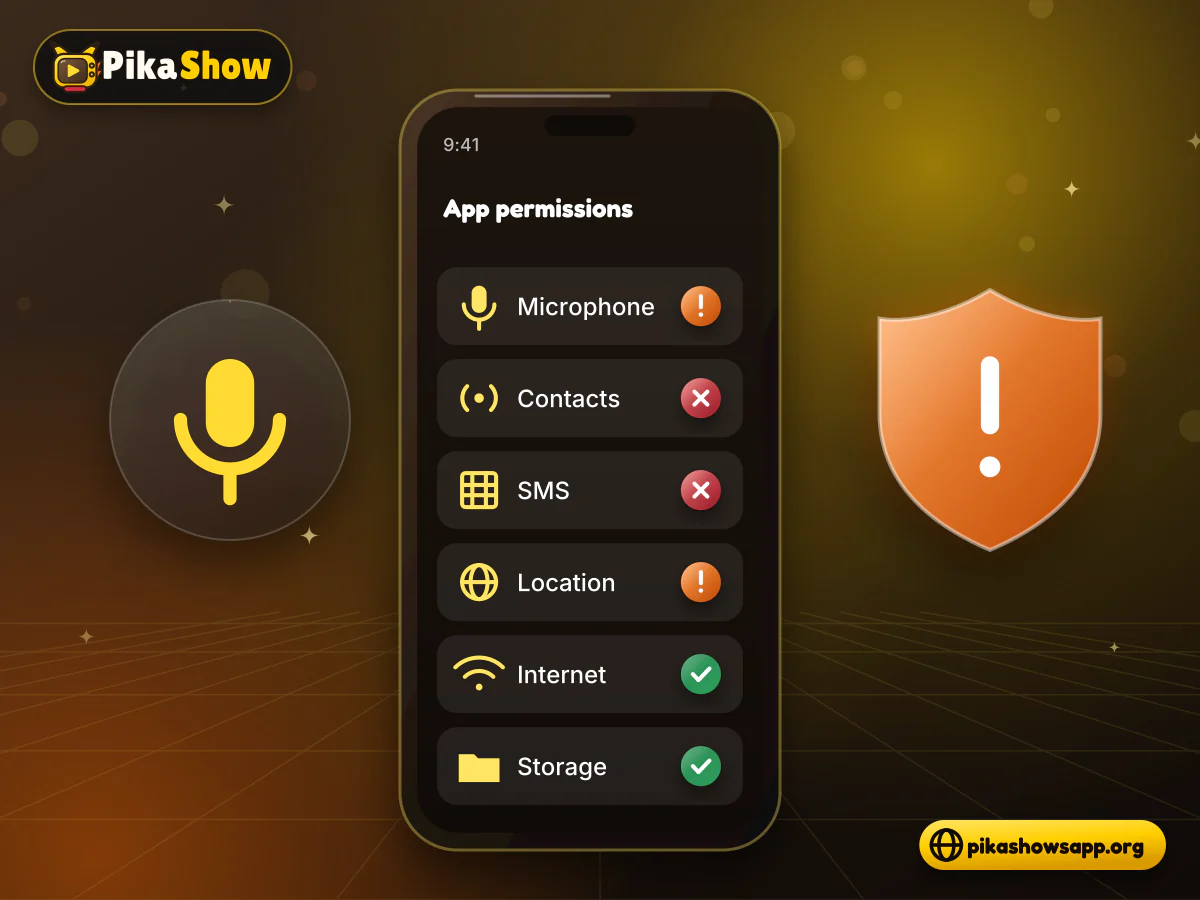
Android shows the access requested by an application during or after installation. Read this list instead of approving every request automatically.
A streaming application may need internet access and limited storage access. Be more cautious if it requests:
If a permission does not match the application’s purpose, deny it or remove the app.
Applications with similar names may appear in Google Play search results. A familiar name or logo does not prove that the listing is the same PikaShow application found on APK websites.
Before installing a store listing, check:
Some similarly named applications may only provide movie information, trailers or watchlists rather than actual streaming.
Source verification is not only a security issue. You should also consider whether the content provided through the application is licensed.
PikaShow has faced copyright-related legal action in India. In 2022, the Delhi High Court ordered measures to block the application after allegations that copyrighted programming was being streamed without authorisation.
For this reason, a website should not describe PikaShow as unquestionably legal. Content laws differ between countries, and the availability of a movie or channel inside an app does not prove that the distributor has permission to provide it.
Use licensed streaming services when content ownership is uncertain.
A transparent PikaShow app official site or independent information website should clearly state its role. If it is not connected to the developer, it should say so.
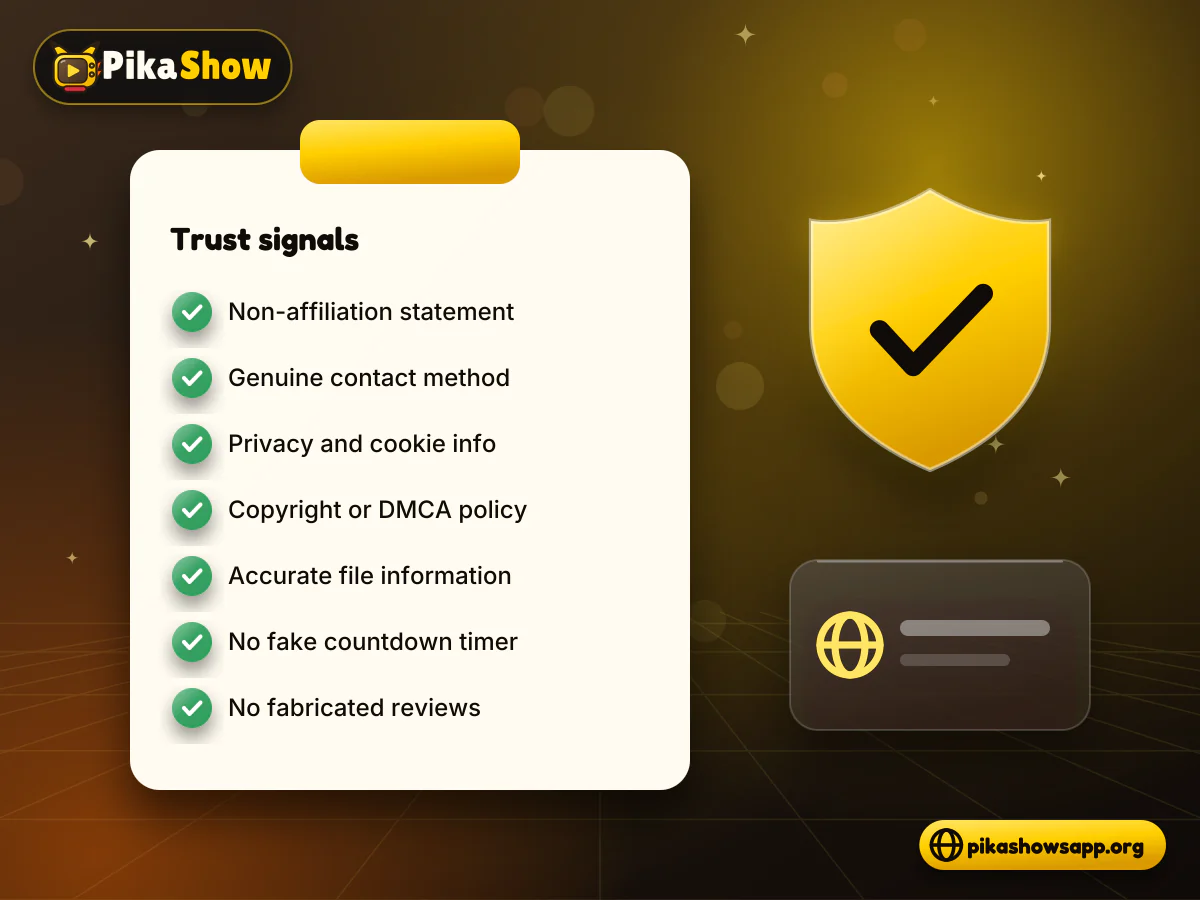
Look for these trust signals:
Trust should come from verifiable information rather than promotional language.
If you cannot confirm who owns the domain or who created the APK, do not rush to install it. Search for independent information, compare technical file details and consider a licensed alternative available through a recognised app store.
Delete the APK if:
Avoid installing several versions from different websites. Files carrying the same PikaShow name may contain different code.
Several domains claim to be official, but a single publisher-owned source is difficult to verify from the publicly available information. Check ownership, developer details and APK signatures before trusting any claim.
No. Websites using the same name can provide different APK files. Each domain and file should be checked separately.
Yes. HTTPS protects the connection, but it does not confirm that the downloaded file is safe or genuine.
Compare its version, size, package name, checksum and signing certificate. Scan the file and inspect its requested Android permissions before installation.
Apps with similar names may appear in search results, but they may not be the same application. Verify the developer and functions of each listing.
We could not verify that. A domain containing the app’s name does not prove it is operated by PikaShow’s developer, and the APK itself names no developer. Check the domain’s registration details, operator information and published checksum before trusting it.
We did not find one. No sign-up, login or account screen belonging to the app appears in its readable code, although parts of the app are encoded and could not be inspected. Treat any PikaShow login page that asks for your email, phone number or password as a possible phishing attempt.
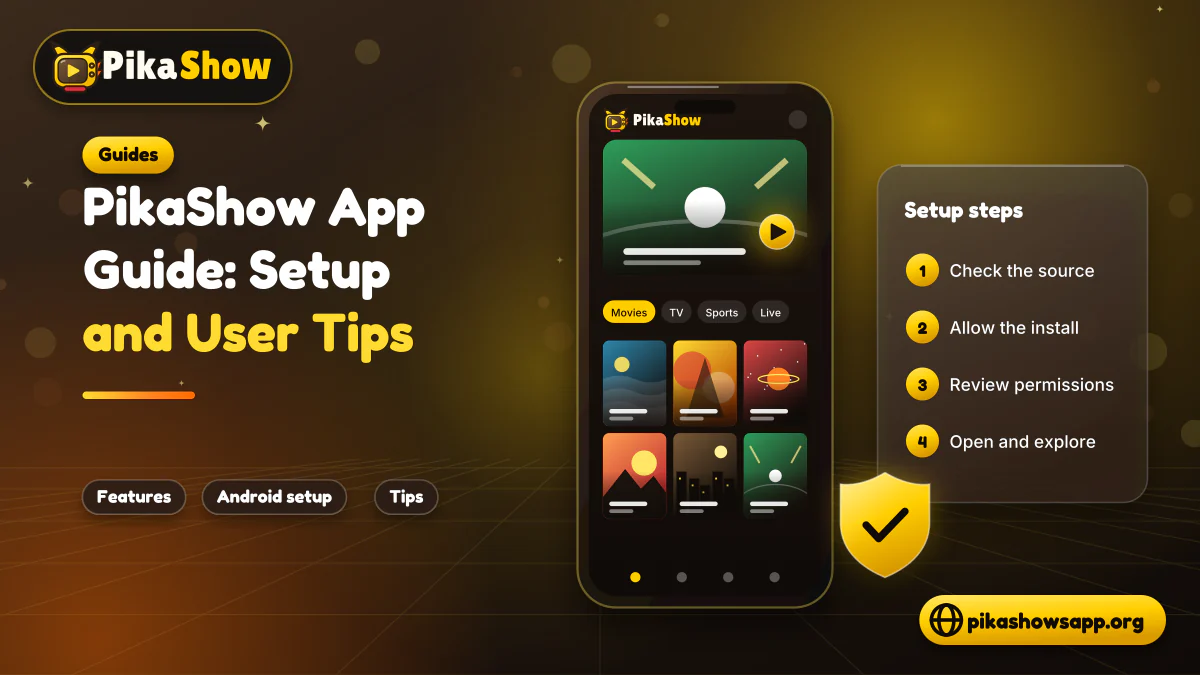
10 min read
Reported PikaShow features, a step-by-step Android setup, how to use the interface, practical tips and the safety, privacy and copyright limits to understand first.
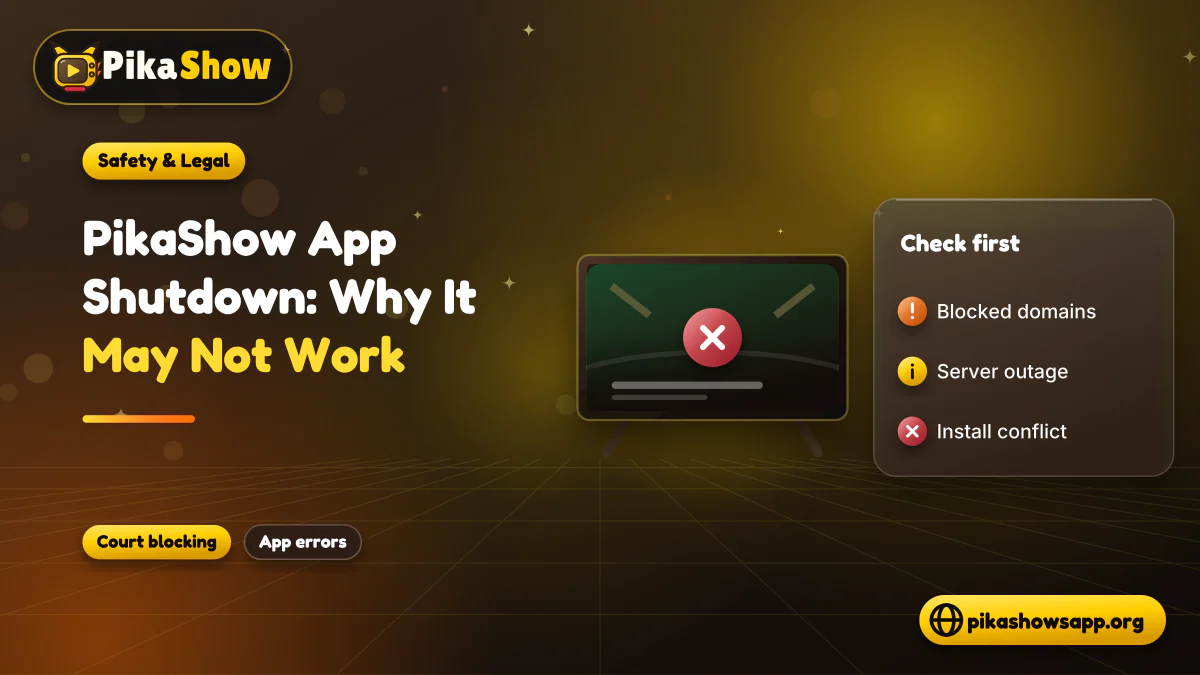
5 min read
Has PikaShow shut down? What the Delhi High Court blocking directions mean, why the app may stop working, and what to check before you download a “new” version.
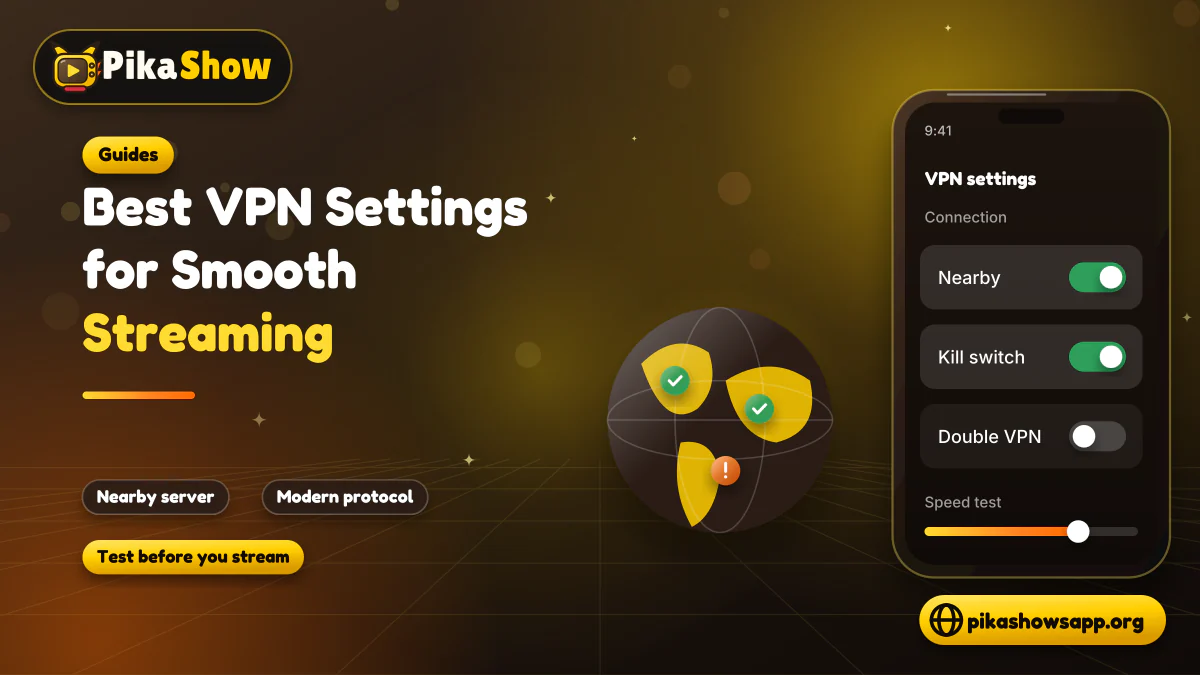
11 min read
A VPN can slow streaming as easily as it helps. Choose a nearby server and modern protocol, avoid extra routing layers and test before assuming it improves playback.
8 min read
A checksum tells you whether the APK on your device is the exact file that was published. Here is how to calculate and compare it on every platform, and what it cannot tell you.
8 min read
apkpikashow is a search term, not a verified brand. Learn why a domain containing the PikaShow name proves nothing, and how to check a site and its APK before installing.
11 min read
Compare legitimate streaming services people consider instead of PikaShow, from subscription platforms to free ad-supported apps, with devices and regional limits.
10 min read
Blank screen, endless loading or crashes? Work through safe checks for your connection, cache, storage, server status and APK version before reinstalling.
8 min read
What a PikaShow MOD APK really is, why premium and ad-free claims can't be verified, how re-signing changes the certificate, and what to do if you have already installed one.
9 min read
Updated PikaShow and now it will not open, crashes on launch or refuses to install? Match your symptom to the cause, then work through 12 fixes in a safe order.
Searching for the PikaShow official website often leads to several competing domains. Do not decide which one is genuine based only on its logo, design or use of the word “official.”
Check the domain, publisher information, APK details, digital signature, permissions and security results. If the source or content licensing remains unclear, the safer choice is not to install the file.
Non-affiliation notice: This website is an independent informational resource and is not affiliated with, endorsed by or sponsored by PikaShow or any third-party streaming platform.