Android Emulator
An Android emulator can run compatible APK files within Windows or macOS. This is not browser streaming because the application operates inside a virtual Android environment.

People searching for PikaShow Online usually want to watch content through a web browser without downloading an APK. A browser-based version would be useful for visitors on Windows, macOS, iPhone and other devices that cannot open an Android package directly.
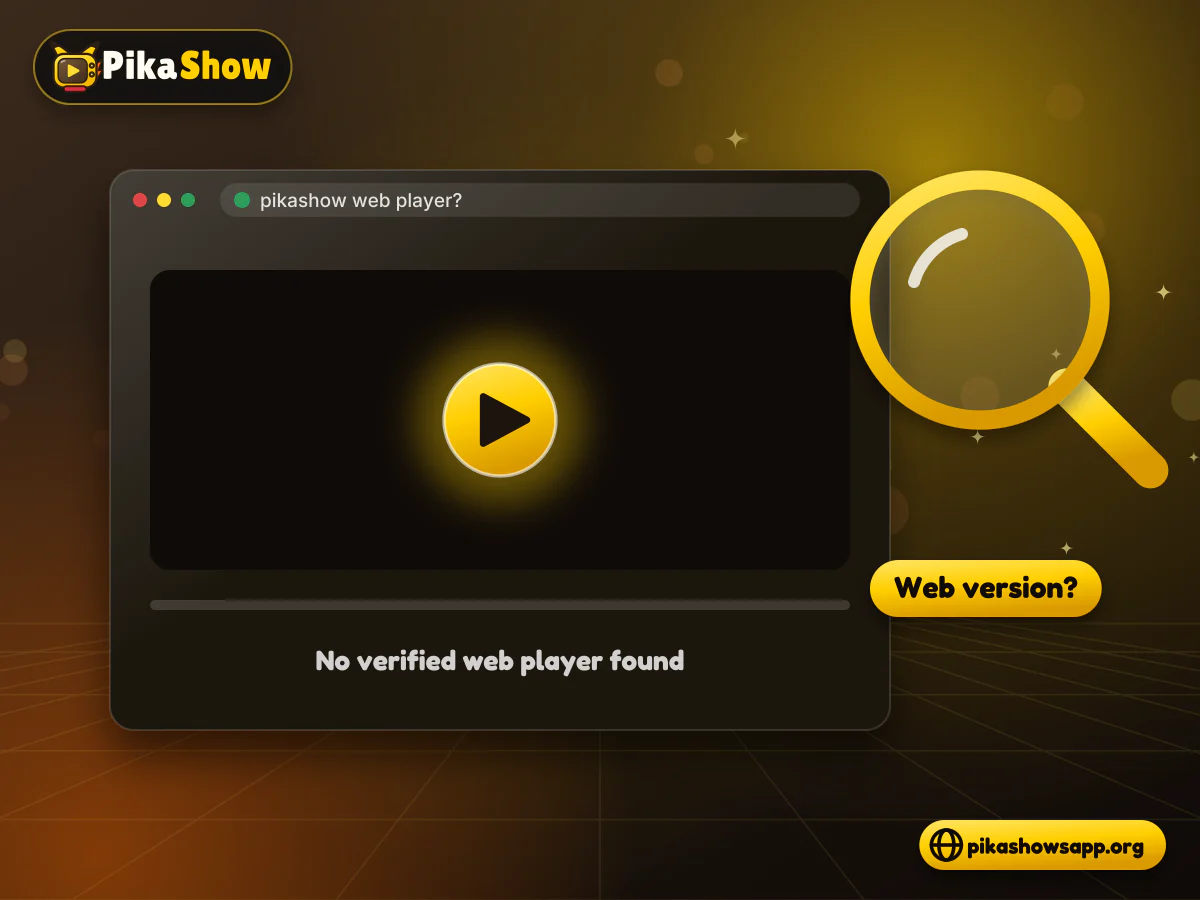
However, a website containing information about PikaShow is not automatically a working web version. Many websites use the PikaShow name but only provide APK files, installation guides or promotional information.
As of August 2026, we could not verify a publisher-owned PikaShow web player that clearly allows users to stream through a browser. Some third-party websites claim that a web version exists, but a claim alone does not establish that the service is genuine, licensed or connected with the application’s developer.
The phrase PikaShow Online can have several meanings depending on what a website provides.
It may refer to:
Only the first option would qualify as a complete PikaShow web version. A download page or information website should not be described as a browser player.
We did not find enough reliable evidence to confirm a genuine, developer-operated PikaShow web version. Several download websites describe PikaShow as an online service, but most of their visible instructions still direct users to an Android APK.
One competing website claims users can “open the APK in the browser.” That explanation is technically misleading. A normal browser cannot directly run an Android APK as a web application.
A listing called PikaShow for PC has also appeared in the Chrome Web Store. Its description says the extension provides application news and version alerts; it does not establish that the extension is an official PikaShow streaming player. Chrome Web Store listing.
Until a publisher-owned domain, verifiable developer and functioning browser player can be confirmed, users should treat PikaShow web claims cautiously.
This distinction is often missed. A PikaShow website may contain a download button, feature list and screenshots without providing any browser-based playback.
Use the following checks:
| Website function | Is it a web version? |
|---|---|
| Provides an Android APK | No |
| Explains how to install PikaShow | No |
| Displays screenshots and features | No |
| Links to another streaming website | No |
| Shows trailers from another platform | No |
| Installs a browser extension | Not necessarily |
| Plays authorised content directly in a browser | Possibly, after verification |
A real web version should work through standard browser technology. It should not ask visitors to open an APK inside Chrome, Safari, Firefox or Edge.
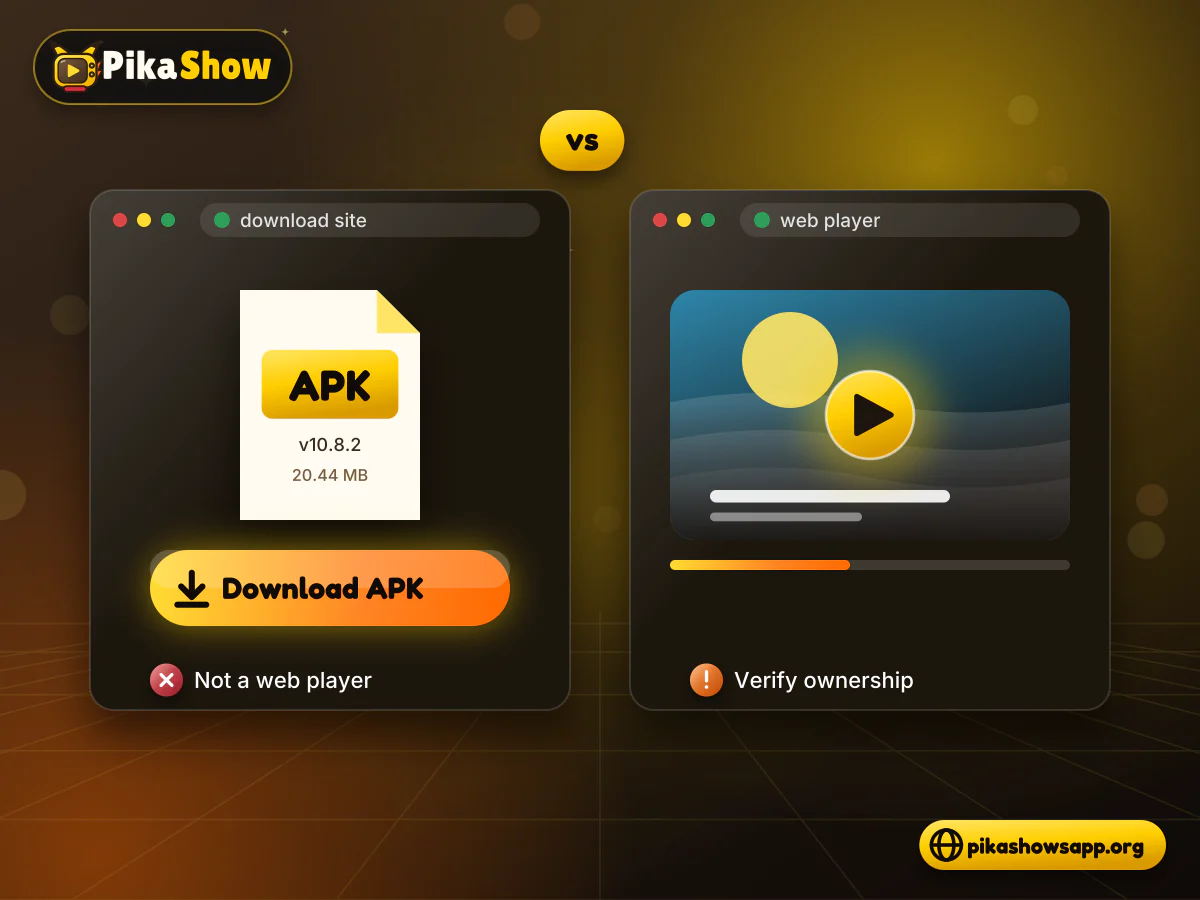
An APK is an Android application package. Chrome, Safari, Edge and Firefox do not normally install or execute APK files as web pages.
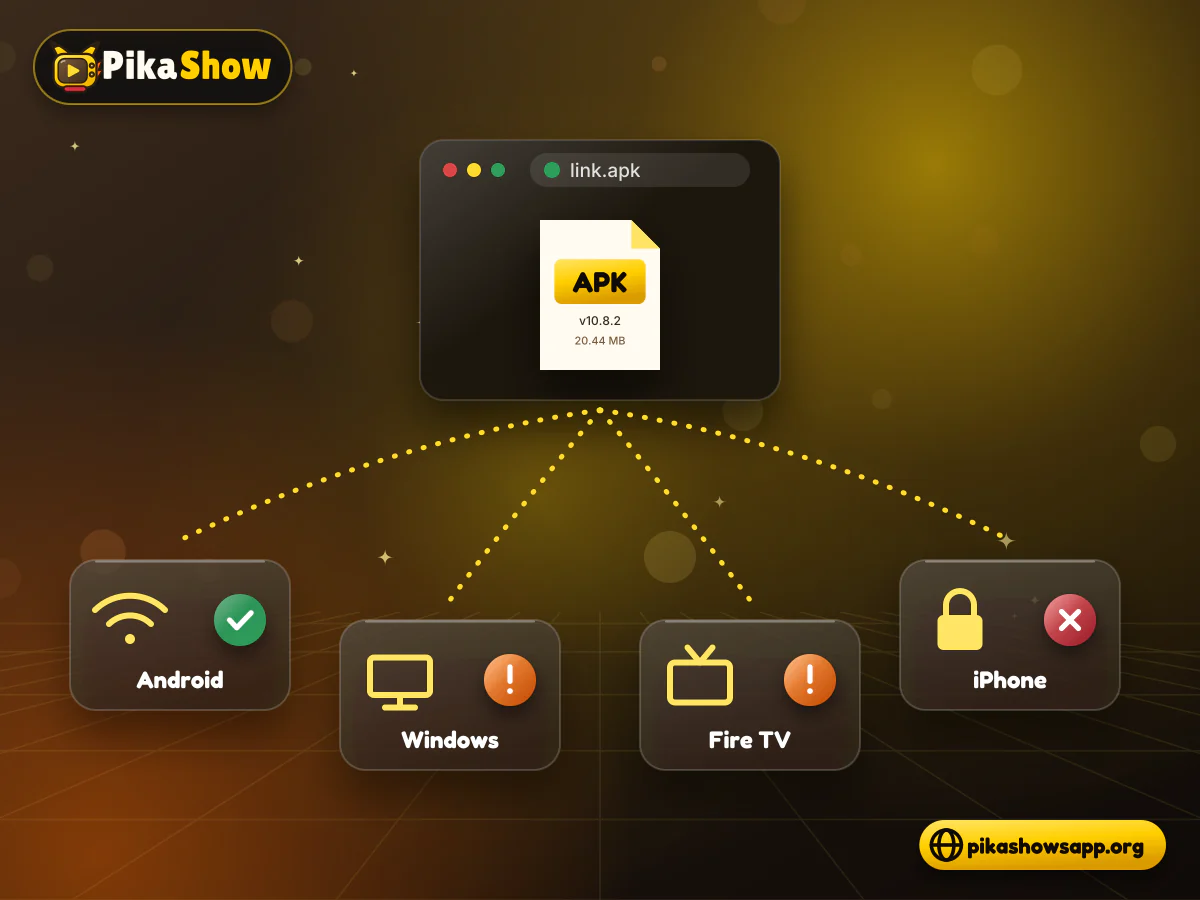
When you select an APK link in a browser, the usual result is that the file downloads to your device. What happens next depends on the operating system:
A website saying “no installation required” should provide an actual browser player. If it downloads an APK instead, it is not offering a true web version.
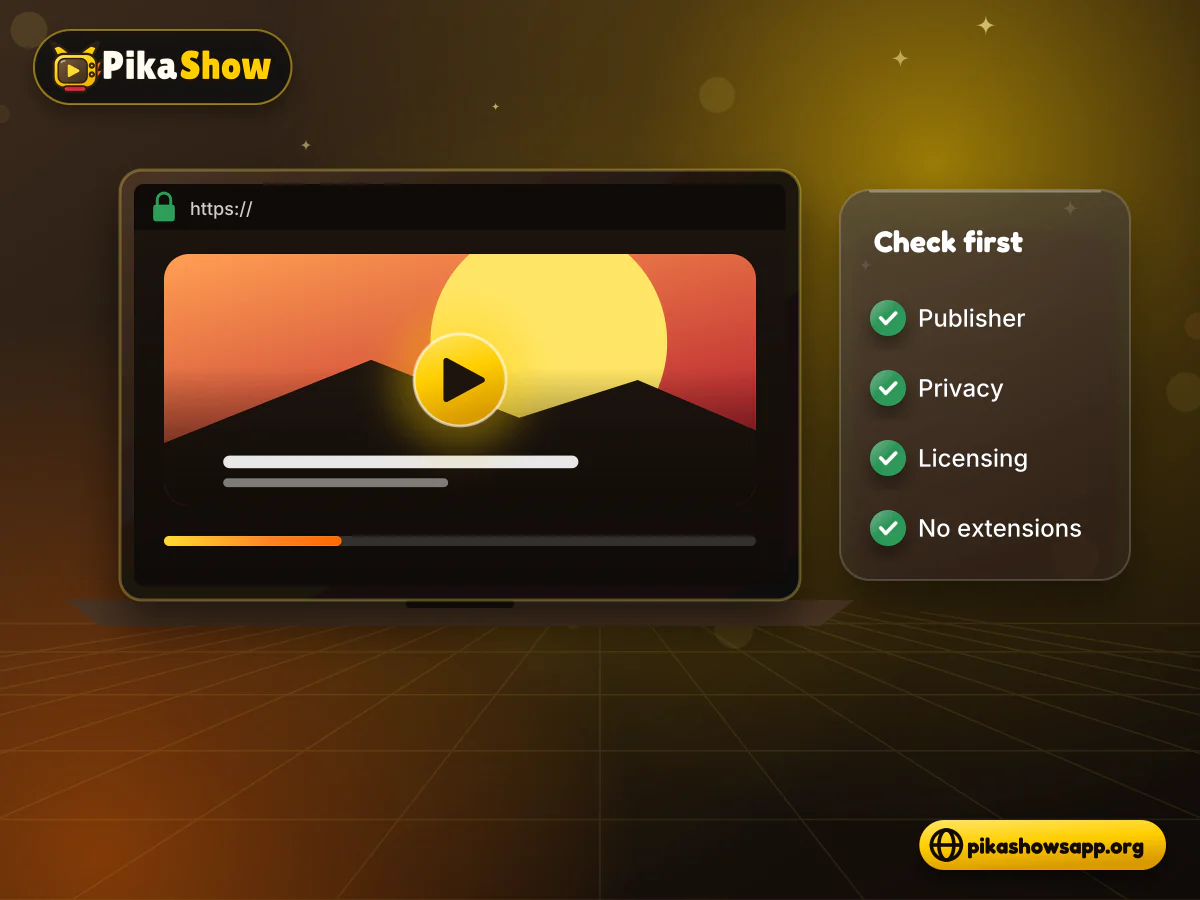
A page may look convincing while still being unrelated to the application’s developer. Check more than its logo and design.
Look at the complete domain name. Be cautious when a website uses unusual spelling, extra hyphens or words such as “official,” “real” and “original” without evidence.
Multiple domains can use the same trademark. This does not mean they have the same owner.
A more transparent website should identify who operates it and how users can contact them. Check its About, Contact, Privacy Policy and Terms pages.
Generic claims such as “managed by the PikaShow team” are not enough without verifiable company or publisher information.
If the page claims to be a streaming service, examine what happens after selecting a title.
Stop if it:
A browser does not normally need a random extension or APK to play standard web video.
A web player should explain where its content comes from and whether it has permission to distribute it. A large catalogue of premium movies or live channels offered without ownership information is a warning sign.
The presence of a working play button does not establish that the stream is authorised.
We could not find a verified PikaShow web login, browser player or account system. Our review of the APK’s readable code found no sign-up, login or account screen belonging to the app; the only sign-in strings came from the standard Google Play Services library that many apps bundle.
That makes login forms on PikaShow-named websites worth treating with suspicion. If a page wants your email address, phone number, OTP or password before it will “unlock” streaming, it may be collecting credentials rather than offering a real PikaShow login. Reusing a password there also puts your other accounts at risk.
Parts of the app ship as encoded files we could not read, so we cannot rule out features hidden there. Even so, a genuine account requirement would normally appear inside the app, not on an unrelated website.
iPhone users are often targeted by these pages because they cannot install the Android APK. There is no verified PikaShow for iOS, and a website offering an iPhone login or a configuration profile does not change that.
Never enter a password, OTP or payment details on a site claiming to be a PikaShow browser player. Close the page instead.
There is no clearly verified method for watching the Android PikaShow application directly in a standard browser. Websites may use the phrase “watch PikaShow online,” but their actual service can be different.
Some pages may:
Check what the website actually does before creating an account, downloading a file or sharing personal information.
No. A browser extension is an add-on installed in Chrome, Edge or another supported browser. It can access certain browser functions, but it is not automatically an official streaming service.
Before installing a PikaShow-related extension, review:
Be cautious if an extension requests permission to read and change data across every website. That level of access should have a clear and necessary purpose.
A similarly named extension may only provide update notifications rather than video playback.
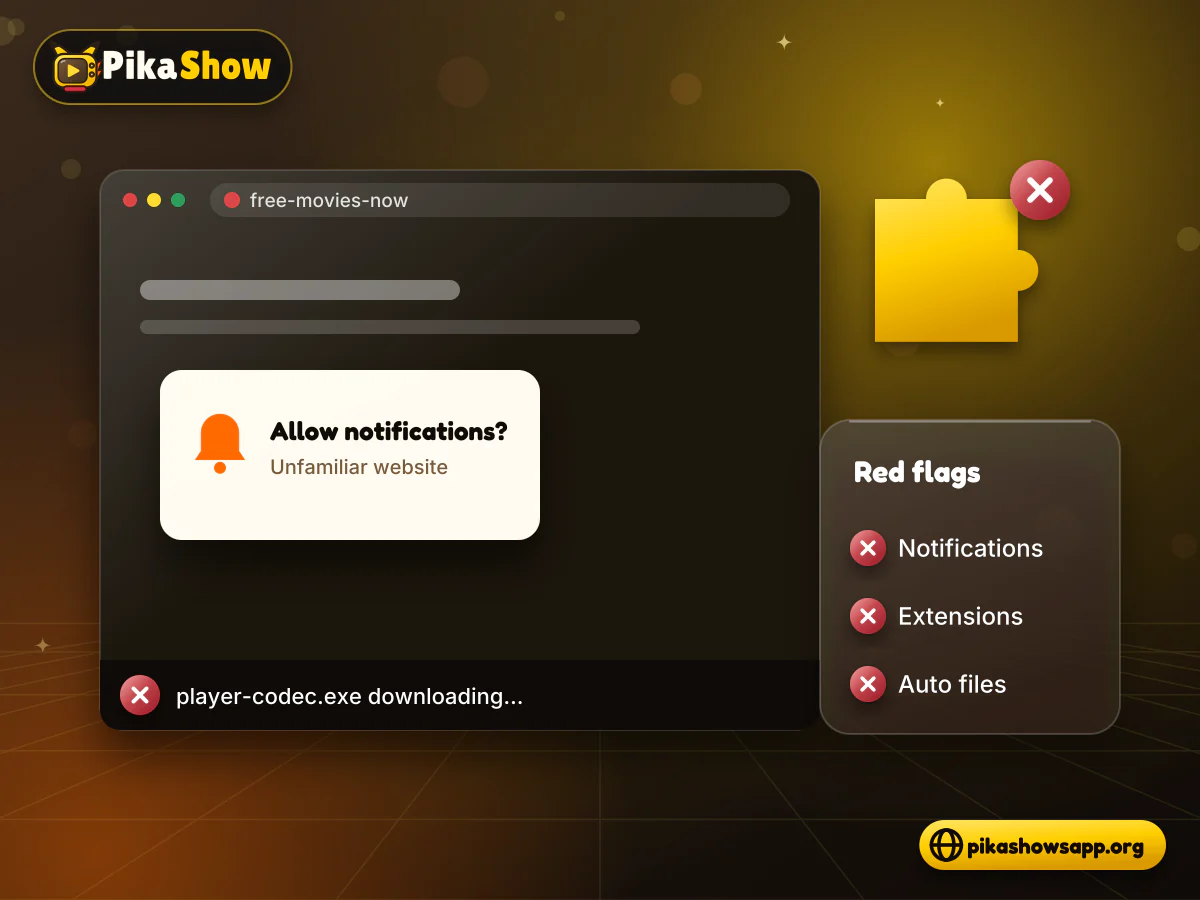
A PC can open a PikaShow information or APK-download website, but that does not mean the application itself runs in the browser.
Users generally encounter three options:
An Android emulator can run compatible APK files within Windows or macOS. This is not browser streaming because the application operates inside a virtual Android environment.
If PikaShow is installed on a compatible Android phone, some releases may provide casting. Support depends on the application, video source, television and network.
The clearest alternative is a licensed streaming platform with an official web player. Such services normally publish supported browsers, regional availability, subscription terms and content ownership information.
An iPhone can open ordinary websites, but it cannot install an Android APK. Therefore, a PikaShow download website does not provide iPhone compatibility simply because it opens in Safari.
A genuine browser-based player could technically work on iOS if it supported Safari. However, a functioning and publisher-verified PikaShow player for Safari could not be confirmed.
Avoid websites that ask you to install unknown configuration profiles or jailbreak your iPhone. These methods can weaken device security and expose personal information.
If a verifiable web version became available, it could offer practical benefits:
These are general advantages of web applications. They should not be presented as current PikaShow features unless a functioning web service is verified.
Current search results reveal several areas of uncertainty:
These limitations are more useful to visitors than an unsupported promise that PikaShow works on every browser.
A browser-based service can still collect information even when it does not require an APK. Check the website’s privacy policy to learn whether it uses:
Do not accept notification requests from an unfamiliar streaming website. They can later be used to display misleading alerts or advertisements outside the page.
HTTPS protects the connection between your browser and the website, but it does not verify content ownership or make every page safe.
Watching through a browser does not remove copyright restrictions. A stream can be unauthorised whether it appears in an APK, desktop program or web player.
PikaShow has faced legal action in India concerning alleged unauthorised streaming. In November 2022, the Delhi High Court ordered blocking measures against the application following a copyright-infringement case brought by Star India. Bar and Bench.
Users should not assume that every movie, sports event or television channel found through a PikaShow-branded page is legally distributed. Choose authorised services and follow the copyright rules in your country.
If you want to watch through a browser, consider established services that publish their ownership, pricing and regional availability.
Depending on your location, options may include:
Some require a subscription, while others provide free, advertising-supported programmes. Their catalogues vary between countries.
A verified publisher-owned PikaShow streaming player for Chrome could not be confirmed. Many pages using the name only offer the Android APK.
No. A web version would run through a browser, while an APK is installed on an Android-based device.
A normal browser cannot directly run an Android APK. Selecting the file usually downloads it rather than opening the application.
Several websites use the name, but a single developer-owned web player is difficult to verify. Do not trust an “official” label without supporting ownership information.
Safari can open websites but cannot install an Android APK. A verified PikaShow browser player for iPhone could not be confirmed.
Not necessarily. At least one similarly named extension describes itself as an update and feature-alert tool rather than an official streaming player.
There is no universal answer. Legality depends on content licensing, user activity and local law. PikaShow has faced copyright-related court action in India.
We found no verified web login, and no account screen appeared in the app’s readable code. Be cautious with any PikaShow-named site that asks for your email, phone number or password, as it may be a phishing page.
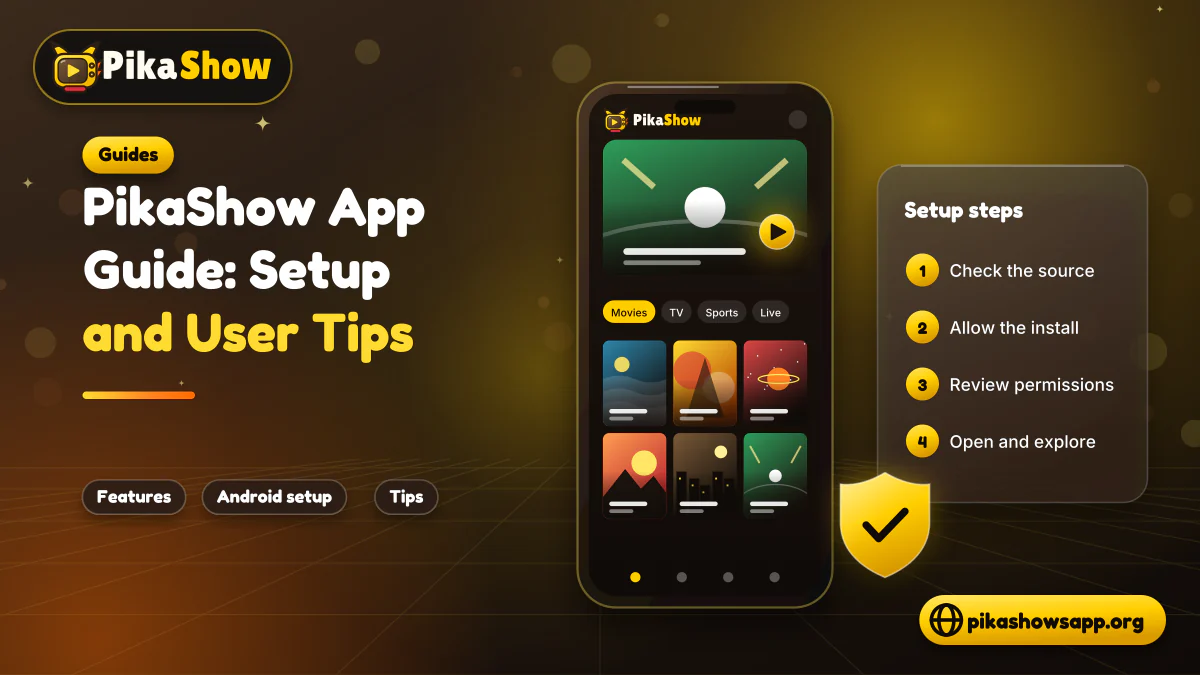
10 min read
Reported PikaShow features, a step-by-step Android setup, how to use the interface, practical tips and the safety, privacy and copyright limits to understand first.
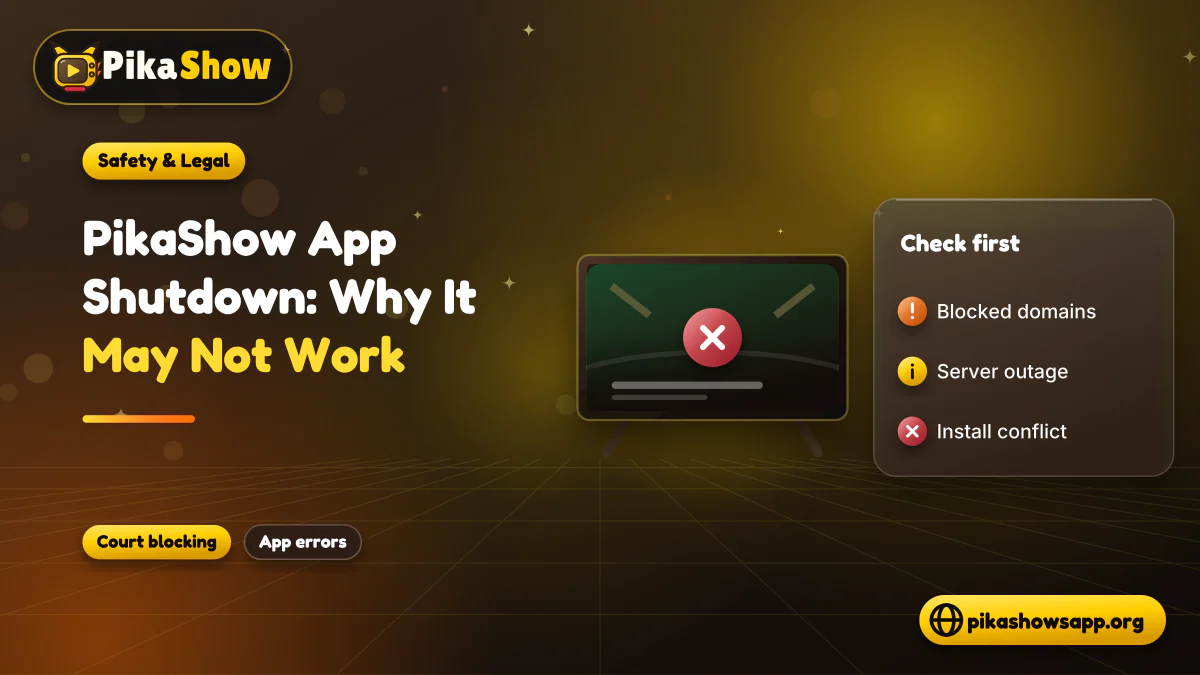
5 min read
Has PikaShow shut down? What the Delhi High Court blocking directions mean, why the app may stop working, and what to check before you download a “new” version.
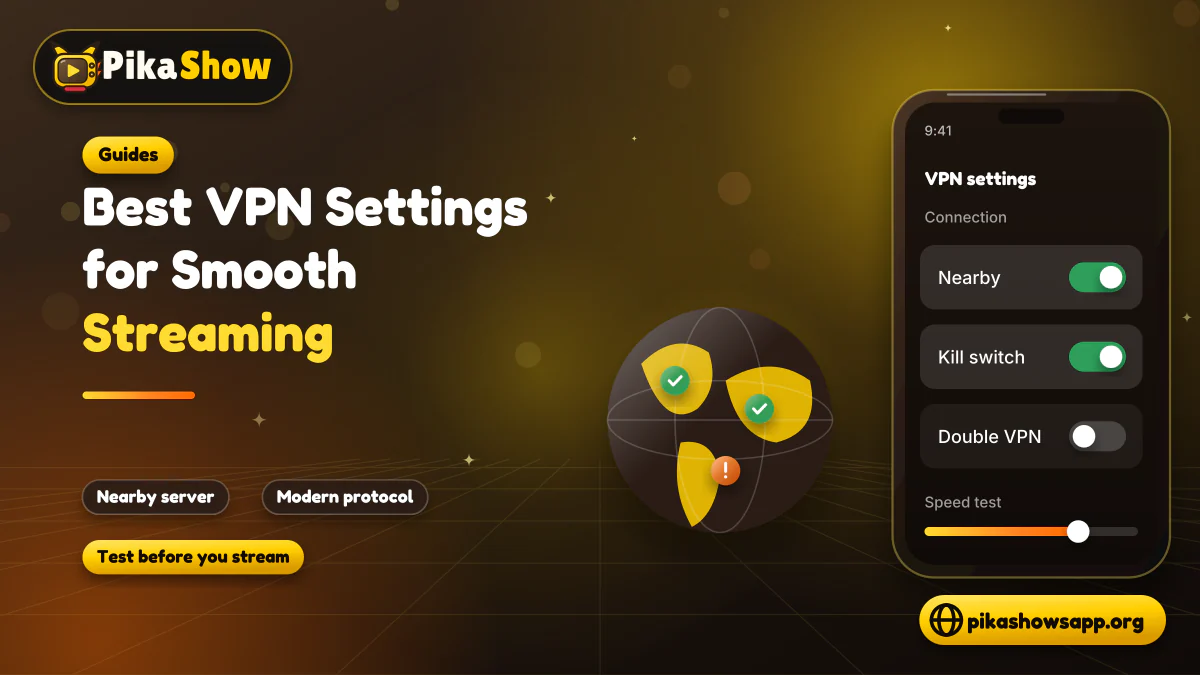
11 min read
A VPN can slow streaming as easily as it helps. Choose a nearby server and modern protocol, avoid extra routing layers and test before assuming it improves playback.
8 min read
A checksum tells you whether the APK on your device is the exact file that was published. Here is how to calculate and compare it on every platform, and what it cannot tell you.
8 min read
apkpikashow is a search term, not a verified brand. Learn why a domain containing the PikaShow name proves nothing, and how to check a site and its APK before installing.
11 min read
Compare legitimate streaming services people consider instead of PikaShow, from subscription platforms to free ad-supported apps, with devices and regional limits.
10 min read
Blank screen, endless loading or crashes? Work through safe checks for your connection, cache, storage, server status and APK version before reinstalling.
8 min read
What a PikaShow MOD APK really is, why premium and ad-free claims can't be verified, how re-signing changes the certificate, and what to do if you have already installed one.
9 min read
Updated PikaShow and now it will not open, crashes on launch or refuses to install? Match your symptom to the cause, then work through 12 fixes in a safe order.
Searches for PikaShow Online often lead to APK-download pages, guides and similarly named browser extensions. These should not be confused with a genuine web player.
A clearly verified PikaShow web version was not established during our review. Before using any website that makes this claim, check its publisher, privacy policy, player behaviour and content-licensing information. Avoid unexpected downloads, unknown extensions and requests for sensitive information.
For browser-based viewing, a licensed service with transparent ownership and an official web player remains the more reliable option.
Non-affiliation notice: This website is an independent informational resource and is not affiliated with, endorsed by or sponsored by PikaShow, Google, Microsoft, Apple or any streaming provider.